
ButterflyMX's Salto KS Integration
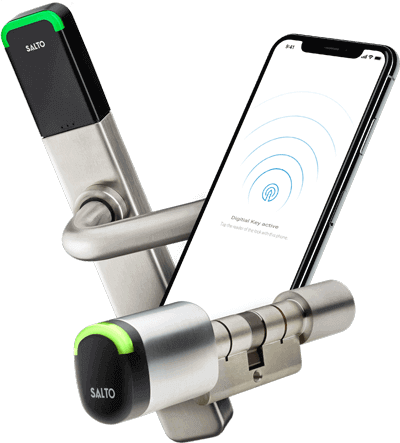
The Salto KS and ButterflyMX integration allows residents to unlock Salto KS smart locks from the home screen of their ButterflyMX mobile app.
Overview
Once this integration is enabled at a building with both ButterflyMX and Salto KS, residents simply log into their Salto KS account within the ButterflyMX mobile app to unlock a Salto KS smart lock.
4 easy steps for building and unit access
- Open the ButterflyMX app and "swipe-to-open" to enter the building
- At the door unit, tap "Salto KS Mobile Key" on the ButterflyMX app home screen
- Hold the mobile key next to the Salto KS lock
- Wait for the green light and open the door
Benefits
Open doors using a smartphone
Residents can open both the front door of their building and their apartment unit door right from the ButterflyMX mobile app.
Convenient
The Salto KS Mobile Key within the ButterflyMX app will open the door for any additional Salto KS locks that the resident has access to, such as a common area.
Easy to set up
Residents simply have to log into their Salto KS account within the ButterflyMX app using their account credentials.