
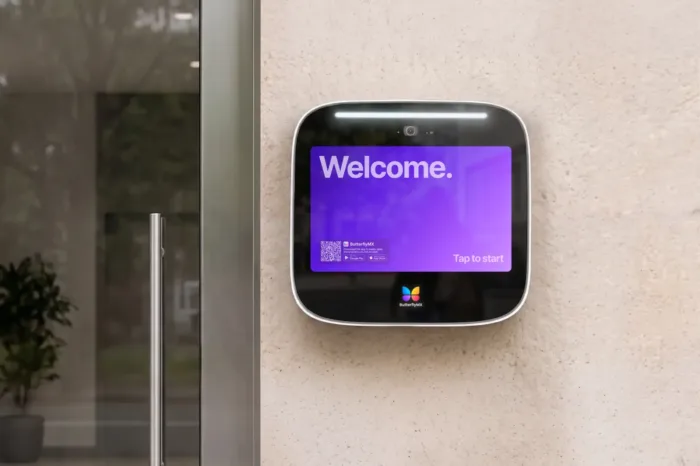





Key takeaways:
- An easy-to-use video intercom makes the whole entry path clear: visitor search, resident call, identity review, door release, and staff updates.
- Video gives residents visual context before granting access, while an audio-only buzzer relies on voice alone.
- The strongest buying checks are practical: test calls and notifications, review accessibility planning, verify IP and IK documentation, and compare total ownership costs.
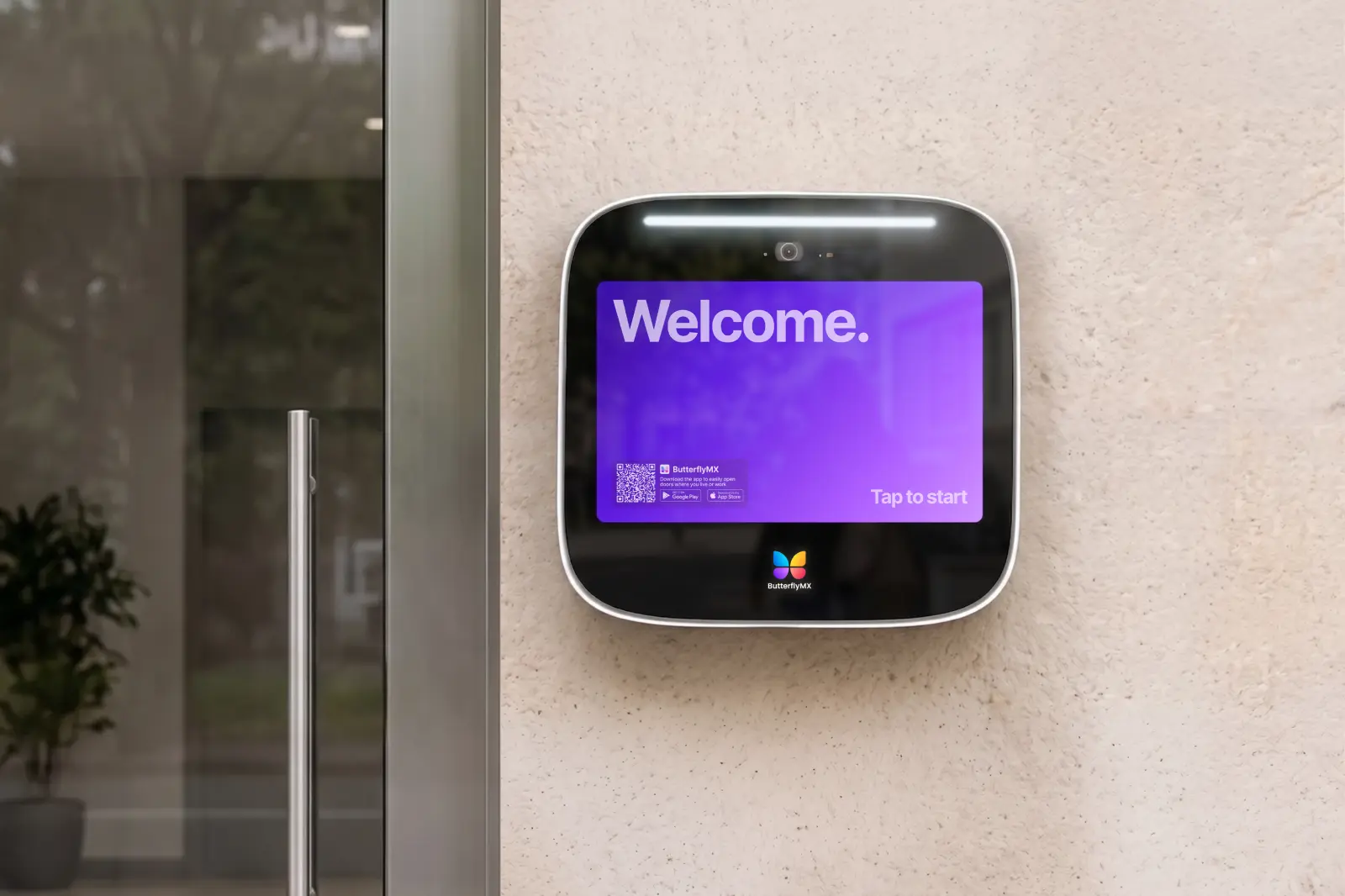
A video intercom system feels easy to tenants only when the whole entry process works. A visitor needs to find the right resident. The resident needs a clear call, enough identity context to make a decision, and a simple way to release the door. Property staff need to keep directories, credentials, and access settings current without turning routine changes into support issues.
So, an easy-to-use video intercom for tenants is not just a camera, a touchscreen, or a mobile app. It is a system that reduces avoidable steps from visitor lookup to verified entry, works for different resident needs, fits the building’s infrastructure, and gives staff a manageable way to administer access. Use the criteria below to separate a genuinely tenant-friendly system from one that only sounds convenient in a sales demo.
This guide will answer:
- What is a video intercom system?
- What makes a video intercom easy for tenants?
- How tenants and visitors move from call to entry
- Accessibility and ADA considerations
- Installation, connectivity, and management tradeoffs
- Durability and reliable everyday operation
- How much does a video intercom cost?
- Property manager checklist for choosing a system
- How ButterflyMX fits the evaluation criteria
- FAQs
Watch how ButterflyMX works:
What is a video intercom system?
A video intercom system connects an entrance panel with a camera to a tenant endpoint, a communication path, and connected door-release hardware. A visitor uses a directory or calling interface at the entrance. The system then routes the call to a resident through an in-unit station, a phone connection, or a supported mobile app. If the resident grants access, the system sends an unlock command through the connected door hardware or release relay.
The main difference from an audio-only buzzer is identity context. Video lets a resident see a visitor before deciding whether to release the door. An audio-only system depends on voice. This apartment intercom guide and this 2025 multi-tenant buying guide describe the category distinction between audio and video entry systems.
That does not mean every video intercom works the same way. Some systems use dedicated indoor stations. Others route calls to smartphones. Some support one-way video, where the resident can see the visitor, while others support two-way video. The right approach depends on the property, the residents, and the staff who will manage the system after installation.
Use these categories as a starting point, not as fixed rankings. In-unit hardware can give residents a familiar, fixed endpoint. Smartphone-based systems can let residents respond when they are away from the unit, if the system and their connection support it. A property should also ask what happens when a resident does not have a compatible smartphone, loses a device, or needs a different access path.
What makes a video intercom easy for tenants?
A video intercom is easy to use when it removes avoidable friction between a visitor’s arrival and a resident’s entry decision. To judge that fairly, test the full path: the visitor interface, tenant notification, audio and video quality, door release, exception handling, and staff administration.
- Visitors can find the intended resident through a legible, logically organized directory or calling method.
- Calls and notifications arrive reliably and make the next action clear.
- Audio and video give residents usable context instead of a delayed or confusing call.
- Residents can grant or deny access with a simple, understandable control.
- Onboarding covers permissions, notification settings, everyday call handling, and directory privacy.
- The property has a plan for residents without compatible smartphones, residents with unreliable mobile access, and people who need help using the default process.
- Staff can update resident records, visitors, credentials, and access settings before outdated information creates tenant problems.
Small failures can make a capable system feel hard to use. A poorly organized directory can delay every visitor. Misconfigured notifications can make a mobile app seem unreliable. An unclear device-replacement process can leave a resident unable to receive calls. During a demo, ask the vendor to show ordinary tasks, including a wrong directory selection, a missed call, and a resident turnover update.
Staff-side administration belongs in this conversation because tenants depend on the information staff maintains. Ask who can update the directory, how quickly changes take effect, what credential alternatives are supported, and whether any access control or property management software integrations matter for your property. If updates still require manual work, make sure the vendor explains that process clearly.
How tenants and visitors move from call to entry
The everyday entry sequence should be simple enough for a first-time visitor and clear enough for a resident who receives the call in the middle of something else. The exact routing, event records, and release behavior vary by system and property policy, but the basic flow usually follows this pattern.
- A visitor finds the resident through the tenant directory or calling interface at the entrance.
- The system routes the call to the resident endpoint supported by that property, such as an indoor station or mobile app.
- The resident receives audio or video context and decides whether the visitor should be admitted.
- The resident grants or denies access using the available control.
- The property manages any event record, follow-up, or access policy according to the system configuration.
Each handoff is worth testing. Can the visitor find the resident without staff help? Does the incoming-call screen make sense at a glance? Is the door-release control clearly different from ending the call? Video verification is useful only when the camera view, lighting, call delivery, and resident response all work together.
Also check how the system handles people who should not follow the standard resident-call path. Some properties route calls through a front desk or security desk. Others use direct multi-tenant routing so visitors call residents without staff involvement. Some properties also use managed visitor or delivery workflows. If those paths matter, ask how access is authorized, monitored, revoked, and explained to residents.
Accessibility and ADA considerations
Physical accessibility is part of tenant ease of use. The U.S. Access Board explains that ADA Standards for operable parts address reach range and operability. For an unobstructed forward reach, the commonly cited range is 15 inches minimum to 48 inches maximum. Obstructions and approach conditions can change what applies, so that range should not be treated as a universal mounting formula. Review the U.S. Access Board guidance on operable parts with the actual entrance conditions in mind.
Height is only one part of the question. Buyers should also consider clear floor space, the accessible route to the panel, display readability, button or touchscreen operation, and audio and visual cues. A panel marketed as accessible does not, by itself, prove that the completed installation complies with applicable requirements. When compliance matters, get a project-specific review from a qualified accessibility professional.
Installation, connectivity, and management tradeoffs
Many tenant complaints start with choices made before the system is ever used. Before selecting a video intercom, document the property’s existing wiring, available power, door hardware, entrance count, network conditions, cellular conditions where relevant, and integration needs. A system that works well at one entrance may need a different plan at another entrance on the same property.
Power over Ethernet, or PoE, is one installation approach that carries power and data over compatible Ethernet cabling. Where PoE is used, the network and power design becomes part of the access plan. Wired connections can offer a predictable physical path when the right infrastructure exists. Wireless or cellular approaches may offer installation flexibility, but performance depends on building materials, entrance location, coverage, and other site conditions.
Administration matters, too. Cloud-managed systems can support remote administration, while on-premise systems may place more responsibility on the property or local service team. Neither model is automatically the better fit. Ask vendors to document outage behavior, call-routing fallback, credential continuity, monitoring, support escalation, update responsibilities, recurring fees, and any integration limits. Those details affect whether tenants experience the system as reliable after the sales demo is over.
Durability and reliable everyday operation
Outdoor intercom equipment has to match the conditions at the entrance where it will be installed. Two ratings often appear in product specifications, and they answer different questions.
- IP rating: An ingress protection rating under IEC 60529 classifies enclosure protection against solid-object and liquid ingress. The International Electrotechnical Commission overview of IP ratings explains the standard framework.
- IK rating: An IK rating under IEC 62262 classifies an enclosure for resistance to mechanical impact. IEC 62262 testing guidance describes this impact-resistance code.
IP and IK ratings are not interchangeable. A rating such as IP65 addresses specified ingress hazards. An IK value addresses mechanical impact. Neither rating proves that the camera image, mobile notification, network connection, or support process will be reliable in every circumstance.
For each entrance, compare model-specific documentation with expected weather exposure, temperature, lighting, vandalism risk, mounting location, and maintenance access. Ask for the rating and documentation for the exact model being proposed, not a brand-level durability statement.
How much does a video intercom cost?
Video intercom cost should be reviewed as total ownership cost, not as a single hardware price. A useful proposal separates upfront installation needs from recurring expenses so properties can compare systems on similar terms.
Published vendor guidance, including a 2025 multi-tenant buying guide and ButterflyMX’s existing apartment video intercom guide, places apartment video intercom hardware in a broad illustrative range of approximately $1,000 to $7,000 before installation. Treat that range as vendor-published guidance, not an independently audited market benchmark or a quote for your property. If a vendor presents per-user subscription pricing, treat it the same way: useful for that vendor’s proposal, but not a standard market rate.
Compare recurring software or hosting fees with maintenance responsibilities and any legacy telephone-entry expense being replaced. A system that does not use traditional POTS phone lines may avoid that specific legacy-line expense when a qualifying line is removed, but it does not eliminate every connectivity, hardware, software, or operational cost. Request a property-specific quote based on entrances, unit count, infrastructure, integrations, and support scope.
Property manager checklist for choosing a system
A good demo should look like a normal day at the property, not a tour of feature names. Use the checklist below to see whether the system is tenant-friendly in practice.
- Ask a visitor to search the directory, place a call, and recover from a wrong selection without staff help.
- Have a resident receive a call, review identity context, grant or deny access, and handle a missed call.
- Ask the vendor to demonstrate onboarding, notification setup, permissions, directory updates, and device-loss recovery.
- Confirm an alternative path for residents who do not have compatible smartphones or cannot use the default process.
- Review app ratings and recent issue themes as prompts for questions, then ask the vendor to show how common problems are handled.
- Verify the planned accessible approach and placement, along with model-specific IP and IK documentation.
- Review wiring, power, network or cellular design, outage behavior, monitoring, and support escalation in writing.
- Compare installer experience, service responsibilities, contract terms, recurring charges, and replacement procedures.
- Confirm supported integrations, credential options, entrance coverage, staff permissions, and the resident-turnover process.
Do not rely on broad labels such as easy, intuitive, or modern. Ask the vendor to show the exact tasks your tenants, visitors, and staff will repeat most often. Written documentation matters because installation, connectivity, support, and contract details shape the daily experience long after the first demo.
Once those criteria are clear, a product review becomes much more useful. You can compare each vendor against the same questions instead of trying to judge every system by its marketing language.
How ButterflyMX fits the evaluation criteria
After you define the call flow and support needs for your property, ButterflyMX is one option to evaluate. Residents can receive visitor calls and grant access through their smartphones. Property teams can remotely manage residents, visitors, credentials, and access, which connects the resident-facing experience with the administrative work behind it.
ButterflyMX video intercoms do not rely on traditional plain old telephone service, or POTS, phone lines and can support access needs beyond the main entrance. Those capabilities may be relevant for properties replacing legacy telephone-entry hardware or looking for remote access management. Fit still depends on entrance layout, resident needs, connectivity, accessibility review, integrations, and operating requirements. Review current ButterflyMX Video Intercom features and specifications, then use a property-specific evaluation to decide whether it matches your access goals.
Frequently asked questions
Do tenants need a smartphone to use a video intercom?
Not always. Requirements vary by system, so buyers should verify whether in-unit stations, alternate credentials, shared access processes, or other accommodations are available. For smartphone-first systems, also review onboarding, notification setup, and support for residents who are less comfortable with mobile apps.
What happens if the internet or mobile connection goes down?
The answer depends on the vendor and system architecture. Ask for written details about failover, local credential behavior, call-routing procedures, monitoring, and support so the property knows what will and will not work during an interruption.
How can delivery workers receive access without calling a resident?
Some properties use managed visitor or delivery workflows, but the available methods differ by system and policy. Ask how delivery access is authorized, monitored, revoked, and handled when a visitor cannot complete the standard resident-call flow.
Does an accessible intercom panel make the full installation ADA compliant?
No, not by itself. Compliance can depend on panel placement, approach conditions, operable parts, clear floor space, and the complete path of use. A qualified professional should review the installed condition when accessibility compliance is a project requirement.
An easy-to-use video intercom is the one that makes a normal visit clear from start to finish. Visitors should know how to call the right resident, tenants should get enough context to make a safe access decision, and staff should be able to keep the system accurate without creating new friction.
ButterflyMX can be part of that evaluation for properties seeking smartphone visitor calls and remote access management without reliance on traditional POTS lines. Get a free quote for your property.

Get your free quote!
Fill in the form below, and we'll email you right back.
Want a free quote?
Fill in the form below, and we'll email you right back.
You’ll be redirected shortly...