





Key takeaways
- Integrating apartment intercom systems with security cameras improves building security by providing better visibility and verification of visitors.
- A video intercom system allows residents to see and speak with visitors while security cameras monitor surrounding areas and building activity.
- Modern cloud-based systems make it easier for property managers to connect intercoms and cameras into a single, centralized security platform.
- Solutions like ButterflyMX combine video intercom technology with security camera integrations to create a more efficient and secure access control system for apartment buildings.
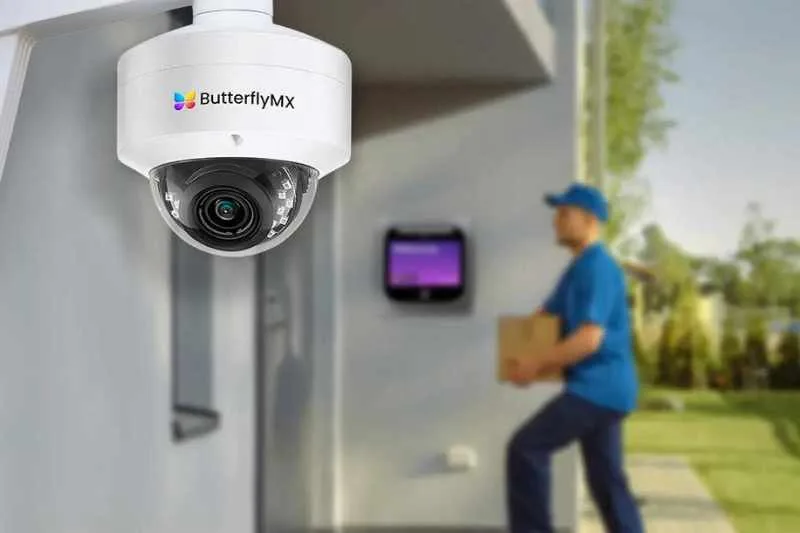
Managing access and maintaining security are top priorities for apartment buildings, especially as properties grow larger and visitor traffic increases. While traditional intercom systems help residents communicate with visitors at the entrance, combining them with security cameras creates a far more powerful building security solution.
By integrating your apartment intercom system with security cameras, you can improve visitor verification, monitor building activity more effectively, and give both residents and property managers greater visibility into who is entering the property. In this guide, we’ll explain how apartment intercom systems work, why integrating them with security cameras is beneficial, and the steps property managers can take to create a smarter, more secure building access system.
Navigate this post:
- What is an apartment intercom system?
- Why integrate apartment intercom systems with security cameras?
- How to integrate apartment intercom systems with security cameras
- The most robust video intercom system with security camera integration
- Integrating apartment intercom systems with security cameras FAQs
What is an apartment intercom system?
An apartment intercom system is a communication and access control solution that allows residents to speak with visitors at a building entrance and grant them access remotely. Often referred to as an apartment intercom buzzer, these systems are commonly installed at the main entry point of a multi-family building.
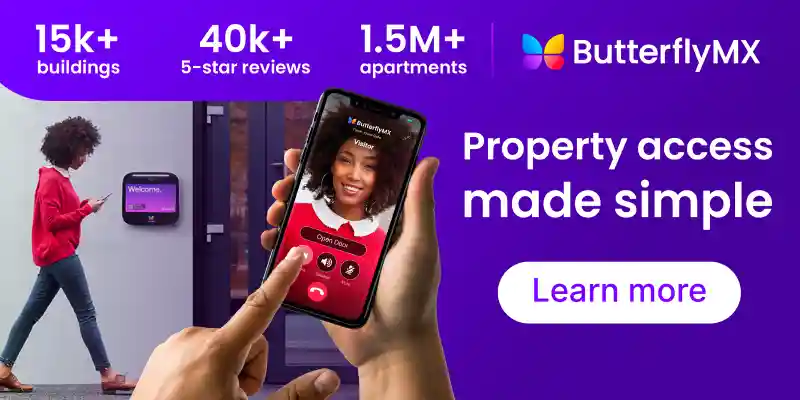
When a visitor arrives, they use the intercom directory to select a resident. The system then places a call to that resident through an in-unit device, a smartphone app, or a phone number. After verifying the visitor, the resident can unlock the building door remotely using the intercom’s door release feature.
Apartment intercoms play a critical role in visitor management and building security, especially in properties with multiple residents and shared entrances.
Types of apartment intercom systems
- Audio intercom systems. Traditional systems that allow voice communication only. These are often the classic apartment buzzer systems found in older buildings.
- Video intercom systems. A video intercom system for apartments includes a built-in camera so residents can see visitors before granting access. In addition to two-way audio communication, these systems provide live video feeds, making it easier to verify guests and deliveries.
- Wireless apartment intercom systems. Cloud-based systems that use internet connectivity rather than extensive wiring, making them easier to install and maintain.
Common features of apartment intercom systems
Today’s intercom systems offer much more than basic communication.
Modern solutions often include:
- Two-way audio and video communication
- Digital resident directories for multi-tenant buildings
- Remote door release capabilities
- Mobile access for residents
- Cloud-based management tools for property managers
In particular, many buildings now use an apartment intercom system with door release, which allows residents to unlock the entrance remotely after verifying the visitor.
Discover how ButterflyMX works:
Why integrate apartment intercom systems with security cameras?
Video-enabled intercoms have become increasingly popular because they improve both security and convenience. Residents can visually confirm who is requesting access, while property managers gain better control over building entry points.
These systems also serve as the foundation for integrated building security, making it possible to connect the intercom with other technologies like security cameras, access control systems, and smart property management platforms.
Apartment intercom systems already play an important role in controlling building access. But when they’re integrated with security cameras, they become a much more powerful tool for managing building security and visitor access.
By connecting a video intercom system for apartments with surveillance cameras, property managers and residents gain better visibility into who is entering the building and what’s happening around key areas of the property.
Here are some of the main reasons many modern buildings choose to integrate these systems:
- Enhanced building security
- Improved visitor verification
- Better incident documentation
- Centralized building management
Enhanced building security
Security cameras provide additional visibility around entry points, lobbies, hallways, and parking areas. When integrated with an intercom system, these cameras allow residents and property managers to verify visitors from multiple angles before granting access.
For example, while the intercom camera shows the person requesting entry, nearby security cameras can capture activity around the entrance or identify anyone waiting nearby.
Improved visitor verification
An apartment intercom system with door release allows residents to unlock the door remotely. Adding security cameras helps ensure that residents can confidently confirm who they’re letting into the building.
This extra layer of verification is especially useful for:
- Package deliveries
- Service workers
- Guests visiting residents
- After-hours entry requests
Better incident documentation
Integrated security cameras also help property managers maintain a record of activity at the building. Recorded video can be useful for investigating incidents such as unauthorized access, package theft, or property damage.
When an intercom system and camera network work together, managers can easily review footage associated with specific entry events.
Centralized building management
Another advantage of integration is the ability to manage security systems from a single platform. Many modern wireless apartment intercom systems allow property managers to monitor building access, manage directories, and view camera footage from one dashboard.
This centralized approach makes it easier to maintain security while reducing the operational burden on property staff.
How to integrate apartment intercom systems with security cameras
Integrating an apartment intercom system with security cameras doesn’t have to be complicated—especially with modern, cloud-based technology. Many newer systems are designed to work together, allowing property managers to create a unified building security setup.
Here are the key steps to successfully integrate these systems:
- Choose a compatible video intercom system
- Install security cameras in key areas
- Connect the intercom and camera systems
- Configure access control and door release
- Test the system across devices
1. Choose a compatible video intercom system
The first step is selecting a video intercom system for apartments that supports camera integration. Not all intercom systems offer this capability, so it’s important to choose a platform designed for modern building security.
Look for features such as:
- Cloud-based management
- Open integrations or API compatibility
- Mobile access for residents
- Support for multi-tenant buildings
2. Install security cameras in key areas
Next, install security cameras in strategic locations throughout the property to create a complete picture of building activity. While the intercom unit typically includes a camera at the entrance, additional cameras provide broader visibility.
Common camera locations include:
- Main building entrances
- Lobbies and reception areas
- Package rooms
- Parking garages
- Hallways and elevators
3. Connect the intercom and camera systems
Once both systems are installed, they can be connected through several integration methods. Many modern systems use cloud-based integrations that allow intercom events to link directly with camera feeds or recorded footage.
Depending on the setup, integration may occur through:
- A shared property management platform
- A video management system (VMS)
- API-based integrations between devices
4. Configure access control and door release
After connecting the systems, configure access permissions and door release functionality. Residents should be able to verify visitors through the intercom interface and unlock the building entrance when appropriate.
Property managers can also set access rules, update resident directories, and manage building entry settings through the system dashboard.
5. Test the system across devices
Finally, test the system to ensure it works smoothly for both residents and staff.
This includes confirming that:
- Intercom calls reach residents successfully
- Video feeds appear clearly on mobile devices
- Door release functions properly
- Camera footage is recorded and accessible
The most robust video intercom system with security camera integration
When choosing an intercom solution for a multi-family building, it’s important to select a system designed to work seamlessly with modern security infrastructure. The best video intercom system for apartments should not only manage visitor access but also integrate easily with security cameras and other building technologies.
This is where a cloud-based video intercom system, like ButterflyMX, stands out.
ButterflyMX offers a smart Video Intercom System with built-in camera capabilities and Security Camera integrations, giving property managers and residents a simple, centralized way to manage building access and monitor entry points.
Mobile-based access for residents
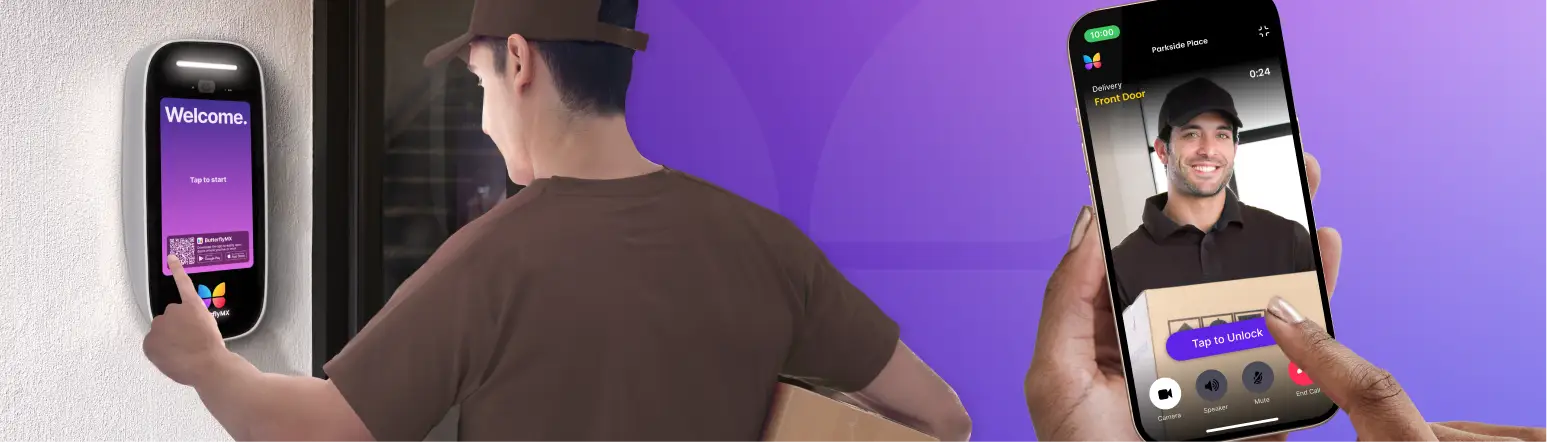
With ButterflyMX, residents receive Video Intercom calls directly on their smartphones through the mobile app. When a visitor arrives, the resident can see and speak with them in real time and then unlock the door remotely using the system’s door release feature.
This mobile-first approach eliminates the need for in-unit hardware while making access more convenient for residents.
Built-in video verification
Every ButterflyMX Video Intercom includes a high-definition camera, allowing residents to visually confirm visitors before granting access. This feature helps improve building security while creating a smoother experience for guests, deliveries, and service providers.
Combined with additional Security Cameras installed throughout the property, property managers gain greater visibility into building activity.
Seamless security camera integration
ButterflyMX is designed to integrate with modern building security systems, including Security Cameras and access management platforms. These integrations allow property managers to monitor entry activity alongside camera footage, helping them maintain a more comprehensive security strategy.
By combining intercom access control with security camera monitoring, buildings can create a layered security approach that improves both visibility and incident response.
Designed for multi-tenant apartment buildings
ButterflyMX is built specifically for multi-tenant residential properties, making it ideal for apartment buildings, gated communities, and mixed-use developments.
Key features include:
- Cloud-based system management
- Smartphone-based access for residents
- Remote door release capabilities
- Delivery and visitor management tools
- Integrations with security cameras and other building technologies
Because the system is cloud-based, property managers can easily update directories, manage access permissions, and monitor building activity from anywhere.
For property owners looking to upgrade from an older apartment intercom buzzer or implement a wireless apartment intercom system, ButterflyMX provides a modern solution that combines Video Intercom functionality with powerful Security Camera integration.
Integrating apartment intercom systems with security cameras FAQs
- How do you use an intercom in an apartment building?
- Do people still use apartment intercom systems?
- What is the apartment intercom called?
- How do you make an intercom connection?
How do you use an intercom in an apartment building?
Using an apartment intercom system is straightforward. When a visitor arrives at the building entrance, they select the resident’s name from the intercom directory. The system then places a call to the resident through an in-unit device, phone number, or mobile app.
The resident can speak with the visitor through the intercom and verify their identity. If the visitor should be allowed inside, the resident can use the door release feature to unlock the entrance remotely.
With a video intercom system for apartments, residents can also see the visitor through a live video feed before granting access.
Do people still use apartment intercom systems?
Yes, intercom systems are still widely used, but the technology has evolved significantly. Traditional audio-only intercoms or apartment buzzer systems are gradually being replaced by modern video intercom systems.
Today’s systems often include features such as:
- Video verification of visitors
- Smartphone-based access for residents
- Remote door unlocking
- Cloud-based property management tools
Because of these improvements, many apartment buildings are upgrading to wireless apartment intercom systems that provide greater convenience, security, and flexibility.
What is the apartment intercom called?
Apartment intercom systems go by several different names, including:
- Apartment intercom system
- Apartment buzzer system
- Multi tenant intercom system
- Video intercom system for apartments
- Apartment intercom system with door release
While older systems were typically called “buzzers,” modern solutions often include video capabilities, mobile access, and integrations with other building technologies like security cameras.
How do you make an intercom connection?
Setting up an apartment intercom system usually involves installing the intercom hardware at the building entrance and connecting it to the building’s network or wiring infrastructure.
The basic setup process typically includes:
- Installing the intercom device at the entry point
- Connecting the system to the building’s internet or internal wiring
- Creating a directory of residents and units
- Configuring call routing to resident devices or mobile apps
- Linking the system with door release hardware and other security tools
Modern cloud-based intercom systems simplify this process by allowing property managers to configure users, manage access permissions, and integrate security cameras through an online dashboard.
Get your free quote!
Fill in the form below, and we'll email you right back.
Want a free quote?
Fill in the form below, and we'll email you right back.
You’ll be redirected shortly...