





Key takeaways:
- A complete commercial access control system includes credentials, readers, controllers, locks, door and exit devices, software, data, power, and communications.
- Select an architecture by comparing management needs, cybersecurity, growth, and documented behavior during power, network, internet, and hosted-service outages.
- Evaluate each opening separately for egress, hardware, credentials, integrations, installation scope, and lifecycle cost.
Commercial building access control is a physical security system that verifies a credential, applies permissions, controls an opening, and records the event. It can help a property team manage entrances, common areas, tenant spaces, visitor access, and elevator permissions, but it is not a single device or a one-size-fits-all purchase.
The right system begins with the door. Before comparing software dashboards or mobile credentials, owners and managers need to understand how each opening must operate, who uses it, what happens during an outage, and which life-safety rules apply. This guide explains the components, choices, costs, and questions that make commercial access control decisions clearer.
This guide will answer:
- What commercial building access control includes
- How access control works from credential to audit log
- How to scope access control one opening at a time
- How access control architectures compare
- How to choose credentials and reader communication
- How to plan electrified locks and code-governed egress
- How multi-tenant access and visitor workflows should operate
- What to verify during power and network failures
- How much commercial access control costs over its lifecycle
- How to install commission and evaluate a system
- Where ButterflyMX can fit in a commercial access plan
- FAQs
Watch how ButterflyMX works:
What commercial building access control includes
Commercial building access control, also called a physical access control system or PACS, manages entry to physical spaces. A baseline system includes a credential, reader, controller or panel, locking device, door position switch, request-to-exit device, application, database, administrative interface, power, and communications. The Security Industry Association overview of physical access control describes these components as parts of a connected system, rather than a reader-and-lock pair.
Products may combine some functions, and not every door needs every component in the same form. Still, the full system matters because a door that unlocks is not necessarily a door that reports its status, supports safe egress, records an event, or remains manageable as the property changes.
Physical access control governs doors, gates, elevators, and other real-world openings. Logical access control governs digital resources such as networks and applications. Authentication identifies the person or credential presented. Authorization decides whether that identity may enter a specific location at a specific time.
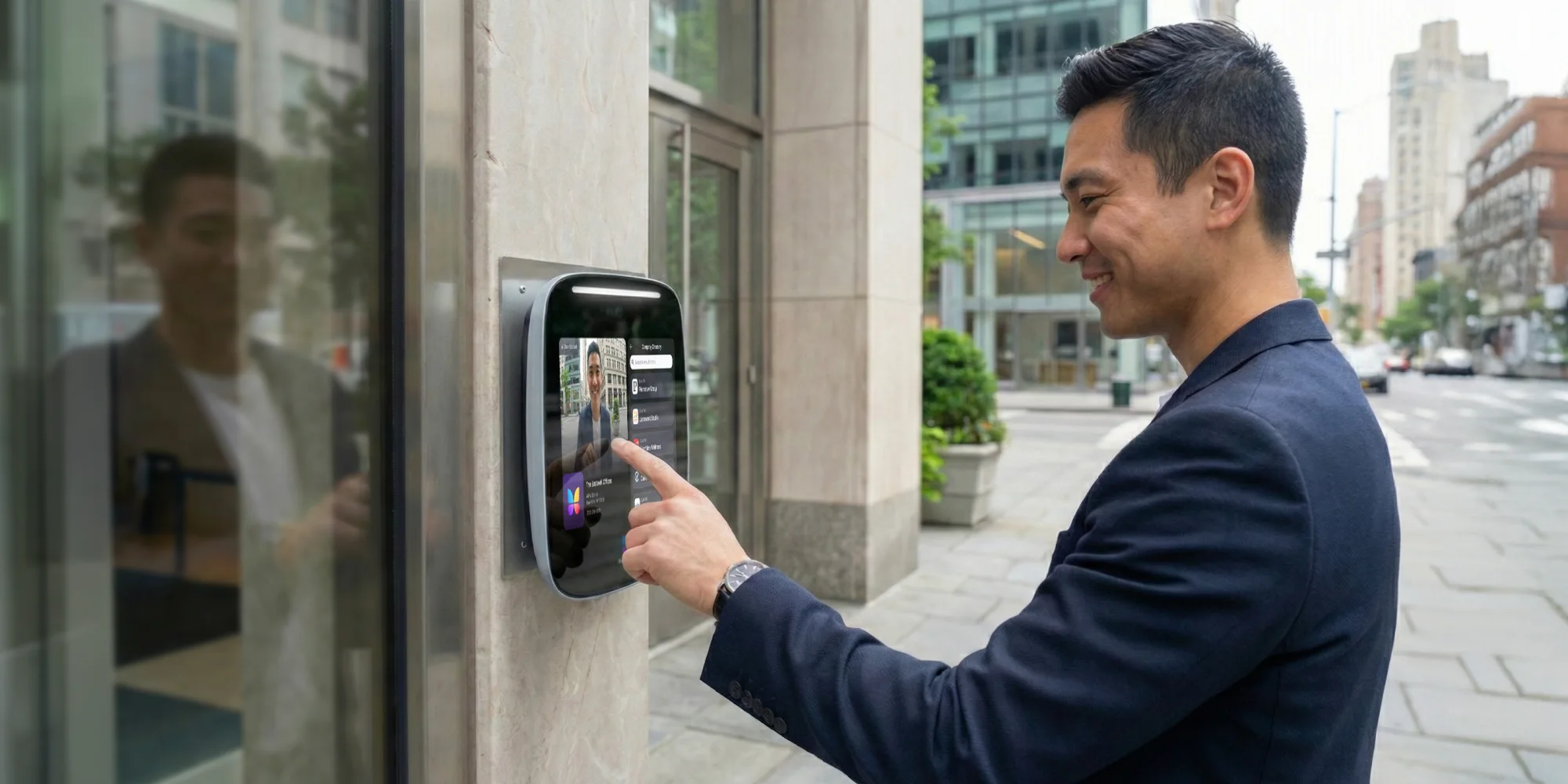
A video intercom can be valuable at a shared entrance because it helps visitors contact a resident or staff member for entry. It does not automatically replace full access control at every controlled opening, especially tenant suites, restricted areas, or code-governed egress doors.
How access control works from credential to audit log
At a typical controlled opening, the access decision follows a clear sequence, even though the hardware and communications path vary by product.
- A person presents a card, fob, PIN, mobile credential, or other identifier to the reader.
- The reader sends credential information to the controller or other authorized decision point.
- The system checks identity, door permissions, schedules, and other configured rules.
- If access is authorized, the controller changes the locking device state so the person can enter.
- A door position switch can report whether the door opened or remained open, while a request-to-exit device signals an intended exit.
- The system records events such as access granted, access denied, door held open, or door forced open for review and reporting.
Systems can also apply schedules, such as unlocking a public entrance during stated business hours and relocking it afterward. The exact event names, automation options, decision location, and report features differ among products. Ask vendors to show the workflow for a representative door instead of assuming every system handles it the same way.
How to scope access control one opening at a time
The most reliable way to compare proposals is to start with a door inventory. Treat architecture, credentials, reader protocol, locking hardware, and egress behavior as separate decisions. A bundled proposal can obscure missing parts of the scope.
Build a door inventory
- Identify users, access schedules, public-access periods, restricted zones, visitors, and the party that owns permission changes.
- Document the door, frame, hinges, existing lock, reader, wiring, available power, network path, and physical condition.
- Record occupancy, direction of egress, accessibility needs, release method, fire-alarm interaction, and the authority having jurisdiction.
- Note integrations with video, visitor systems, elevators, alarms, and tenant platforms.
- List what must be tested and documented at handover.
This inventory is a planning tool, not a substitute for a site survey, approved design, or code review. Existing locks, wiring, readers, and credentials may reduce retrofit work, but only after their condition and compatibility are verified. Use the inventory to compare every vendor proposal opening by opening, including labor and integration assumptions.
How access control architectures compare
Standalone, on-premise, cloud-managed, and hybrid systems describe how access control is managed and deployed. They do not describe the credential type, reader protocol, or lock behavior. The best fit depends on administrative ownership, IT capacity, growth plans, cybersecurity practices, and verified failure behavior.
Swipe to compare →
Avigilon guidance on commercial access control and vendor cost guidance both illustrate how cloud and on-premise choices shift infrastructure, maintenance, scalability, subscriptions, and cybersecurity responsibility. Neither label proves outage behavior. For each option, require written answers about where authorization occurs and what happens during utility power, controller power, LAN, internet, and hosted-service failures.
How to choose credentials and reader communication
Credentials identify the person seeking entry. Reader communication describes how the reader communicates with the panel. These are related decisions, but they are not the same decision.
Apple states that employee badges in Apple Wallet require a participating employer, compatible devices, the employer app and credentials, and supported access locations. Review the Apple employee badge requirements, which were inspected as updated December 16, 2025, before treating Wallet badges as a universal replacement for physical credentials.
Wiegand and Open Supervised Device Protocol, or OSDP, are reader-to-panel communication choices, not credentials. The Security Industry Association description of OSDP notes support for supervised wiring, multidrop communication, and Secure Channel using AES-128. OSDP alone does not prove encryption is active. Secure Channel must be supported by the devices, configured, and verified during commissioning.
For a Wiegand-to-OSDP migration, ask about panel and reader compatibility, wire reuse, legacy credential continuity, phased replacement, Secure Channel validation, and the process for a lost or revoked credential.
How to plan electrified locks and code-governed egress
Electrified door decisions begin with the adopted code edition, local amendments, occupancy, opening function, hardware, and release method. They should be reviewed with the appropriate door-hardware, code, and installation professionals and the authority having jurisdiction.
The 2024 International Building Code provides a model-code example for sensor-released electrically locked egress doors in Section 1010.2.11. The 2024 IBC sensor-release provisions address topics including approach sensing, release on power loss, a manual means of directly interrupting power, alarm release, emergency lighting, and listed locking equipment. The locally adopted edition controls. The 2021 IBC uses different section numbering, and other provisions may apply to delayed egress and other door conditions.
Fail-safe and fail-secure describe a lock behavior, not whether the complete opening is safe or code compliant. Likewise, a listed component does not make an installed opening compliant. UL 294 testing and certification information explains that UL evaluates access control system units at defined performance levels. The approved design, installed components, release sequence, fire-alarm interface, and local interpretation still matter.
How multi-tenant access and visitor workflows should operate
In a multi-tenant commercial building, access administration needs clear boundaries. The property team may control exterior entrances, common areas, and building systems. Tenants may control users and permissions within their own spaces. Those roles should be documented before credentials are issued.
A visitor workflow should be mapped from start to finish: invitation or credential issuance, arrival at the lobby, entry through the shared door, any permitted elevator or floor access, expiration, and the resulting audit record. In-cab elevator readers and destination dispatch are different approaches. Both can require coordination with the elevator vendor, existing controller, and approved design.
Define who owns temporary access, credential revocation, privacy requests, support, and incident review. Tailgating also deserves a layered response that can include lobby design, visitor procedures, staffing, zoning, credential practices, anti-passback where appropriate, and physical controls. No one feature prevents every unauthorized entry.
For teams managing multiple users and spaces, multi-tenant access control guidance for property managers can help frame the operational side of permissions and administration.
What to verify during power and network failures
Outage planning should be scenario-based. Do not assume a system will behave a certain way because it is called cloud, hybrid, or on-premise. Ask vendors to document the answer for every critical opening, then test it during commissioning.
Separate ordinary equipment or connectivity failures from fire-alarm activation. An alarm condition may trigger a code-governed release sequence at affected openings. Commissioning should include representative granted, denied, revoked, held-open, forced-open, alarm, and outage events, with responsibilities assigned for backup power, network equipment, hosted services, and post-outage review.
How much commercial access control costs over its lifecycle
There is no dependable universal cost per door. Scope changes with the door condition, lock type, wiring, labor market, integration work, software model, credentials, and ongoing support. Compare total cost of ownership instead of relying on a single average.
Kisi publishes illustrative access control cost ranges for items such as locks, readers, controllers, software, installation, and first-year per-door costs. Treat those figures as vendor-published illustrations, not independent market benchmarks. The inspected page does not provide a clear publication date or methodology, so record the date you review pricing and compare bids using the same opening-level assumptions.
A useful proposal worksheet lists each opening, included hardware, labor, power work, network work, integrations, recurring charges, exclusions, warranty, and support owner. Existing equipment may reduce cost only if it is compatible and serviceable.
How to install commission and evaluate a system
A commercial access control project usually moves through survey, approved design, procurement, installation, configuration, integration, commissioning, training, and handover. Door hardware, power, networking, fire alarm, video, visitor systems, and elevators may have different owners. Name those owners early rather than assuming one contractor controls every dependency.
During commissioning, test normal and exception conditions. Confirm access granted, access denied, revoked access, scheduled unlocks, door held open, door forced open, alarm behavior, and documented outage behavior. Confirm that the expected record appears in the audit log. For OSDP deployments, verify device support, configuration, Secure Channel status, wiring supervision, and migration completion instead of accepting an OSDP label alone.
At handover, request as-built drawings, a device inventory, a permission model, test results, backup and recovery instructions, escalation contacts, warranty terms, and a clear support owner. Full commercial access control is not automatically a self-install project. Complexity depends on the opening, code requirements, integrations, and local licensing rules.
Where ButterflyMX can fit in a commercial access plan
ButterflyMX can be evaluated as part of a broader commercial access strategy for shared entrances, mobile entry, visitor access, front desk workflows, and property-level administration. Its commercial materials describe mobile, card, fob, and PIN entry options, visitor passes, door-release records, elevator controls, and front desk tools. Explore ButterflyMX commercial property access solutions after defining the building requirements.
A video intercom can support lobby and visitor workflows without relying on traditional POTS telephone lines. Residents can receive visitor calls and grant access through their smartphones, while property teams can remotely manage residents, visitors, credentials, and access. Product fit still depends on the opening inventory, existing hardware, credential plan, integrations, and support model.
Before selecting any product for a critical workflow, confirm current wiring requirements, credential support, elevator scope, data retention, deployment boundaries, and behavior during outages. A shared-entry intercom should be evaluated alongside, not casually substituted for, the full access control needs of every door.
Frequently asked questions
Can access control be added to one existing door without replacing the lock?
Sometimes, but reuse cannot be promised until the opening is surveyed. The door, frame, lock, egress method, power, wiring, reader, controller, and applicable code requirements all affect retrofit scope.
Should a building replace Wiegand readers with OSDP readers?
OSDP can be a useful migration path because it supports supervised wiring, multidrop communication, and Secure Channel capability. Confirm panel compatibility, wiring condition, credential continuity, phased replacement needs, and whether Secure Channel is actually supported, configured, and verified.
Can employees use an iPhone or Apple Watch as a building badge?
They can at supported locations when the employer, platform, app, credential, reader, and device requirements are met. A building should also define what happens when a device is lost, replaced, or no longer authorized.
What happens to electric locks during a power outage or fire alarm?
The answer depends on the approved opening design, lock behavior, backup power, release method, adopted code, occupancy, and authority having jurisdiction. Verify ordinary outage behavior separately from fire-alarm activation, and test both during commissioning.
How can a commercial lobby reduce tailgating?
A layered approach is more realistic than relying on one feature. Review lobby layout, visitor procedures, staffing, credential practices, zoning, anti-passback where appropriate, and physical controls.
Can a commercial access control system be self-installed?
Some limited products may be easier to deploy, but a full commercial project can involve electrified hardware, egress, power, fire alarm, networking, elevators, commissioning, and local licensing requirements. The required professionals and approvals depend on the scope and jurisdiction.
The strongest commercial building access control plan is built door by door. Start with users, egress, hardware, power, permissions, integrations, and outage behavior. Then compare systems on the same documented scope, including lifetime costs and support responsibilities.
If your building needs a better shared-entry, visitor, or property-management workflow, discuss your commercial property access needs with ButterflyMX after completing that requirements inventory.

Get your free quote!
Fill in the form below, and we'll email you right back.
Want a free quote?
Fill in the form below, and we'll email you right back.
You’ll be redirected shortly...