





Key takeaways
- Modern commercial building security solutions focus on managing daily access, visibility, and activity across doors, gates, and shared spaces.
- The best commercial security systems combine access control, video, and entry management into a unified platform, eliminating blind spots and simplifying operations.
- Security needs vary widely by business type, making scalable, role-based systems essential for offices, small businesses, multi-tenant properties, and mixed-use buildings.
- A modern, access-first approach like ButterflyMX helps commercial teams maintain control, accountability, and efficiency as portfolios grow.
Commercial building security solutions look very different than they did even a few years ago. Most commercial properties now manage steady daily traffic from employees, visitors, vendors, and deliveries, often across multiple entrances and shared spaces. That reality demands systems built for ongoing access management, not just after-hours protection.
Hybrid work, increased package volume, and flexible schedules have raised expectations for the visibility and control of a business security system. Property teams want to see what’s happening across their buildings, manage access with confidence, and keep clear records of entry activity as operations scale. Understanding this shift helps clarify what modern commercial building security solutions need to deliver.
This guide covers:
- What are commercial building security solutions?
- Types of security systems for commercial buildings
- Commercial building security systems by business type
- Best commercial security systems: what actually separates the leaders
- Why modern commercial buildings are moving to unified security platforms
- How to choose the best security system for your commercial building
- A modern approach to commercial building security
More than 100K, 5-star reviews!
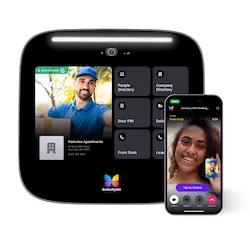
Video Intercoms
Open doors, gates & garages from anywhere.

QR Code Intercom
Smartphone-based visitor access.
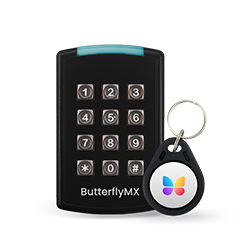
Access Control
Fob, key cards, PINs, and mobile apps.
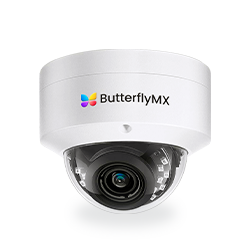
Security Cameras
Visibility throughout your property.
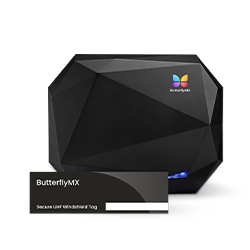
Vehicle Access
Hands-free access for gates & garages.
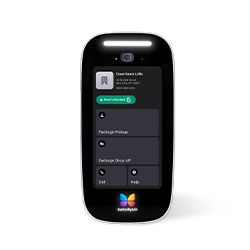
Package Room
Receive, store, and manage deliveries.
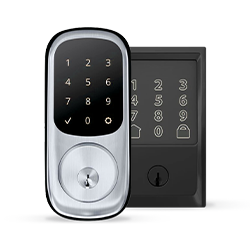
Smart Locks
Connect to all major brands and models.
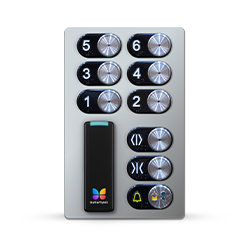
Elevator Controls
Unlock key-fobbed elevators for anyone.
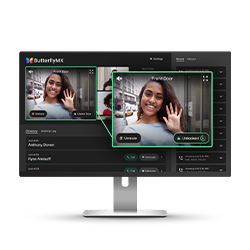
Front Desk Station
See all your doors and cameras in one place.
What are commercial building security solutions?
Commercial building security solutions are the systems used to manage access, monitor activity, and protect people and property in commercial spaces. These solutions typically cover doors, gates, shared entrances, and key areas where visibility and control matter most.
They’re very different from residential or small business security. Residential systems are designed for a small number of users and simple entry points. Small business systems add basic monitoring and alarms, but often lack flexibility. Commercial buildings require security that can handle higher traffic, multiple user types, shared spaces, and changing access needs across the day.
Using separate, disconnected systems often creates blind spots. Cameras don’t match access logs. Entry events live in different dashboards. Important context gets lost. Over time, this makes security harder to manage and easier to overlook. Modern commercial building security solutions aim to eliminate those gaps by bringing access and visibility together in one place.
Types of security systems for commercial buildings
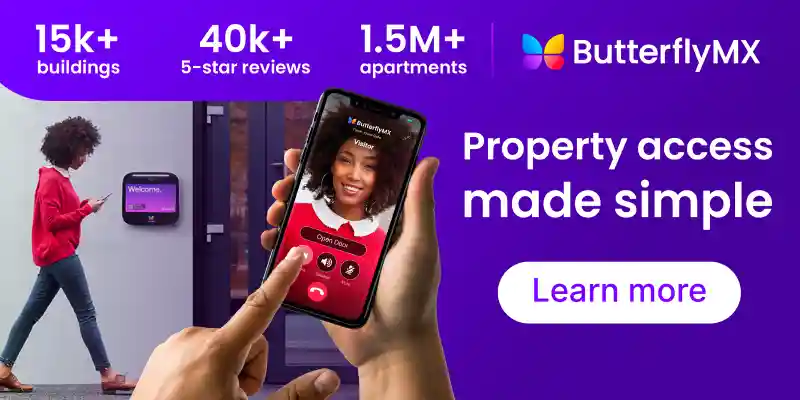
- Access control systems. Manage entry at doors, gates, and elevators using mobile credentials, cards, fobs, or PINs. They allow role-based access for employees, vendors, and visitors while keeping permissions easy to update.
- Commercial security camera systems. Provide visibility across indoor and outdoor areas using cloud-managed or on-prem setups. Cameras are most effective when paired with access control, so entry events have context.
- Video intercom systems. Handle visitors, deliveries, and vendors by enabling two-way video communication at entry points. Many commercial buildings use them to reduce or replace staffed front desks.
- Business alarm systems. Detect intrusion and unauthorized activity, especially after hours. Alarms still matter, but they offer limited insight without access logs or video.
- Smart locks and keypads. Secure individual offices, suites, and shared spaces with flexible digital access. They help reduce rekeying costs and ongoing administrative work.
Commercial building security systems by business type
Different commercial properties face different security challenges. The most effective security systems are designed around how a space is actually used, not just the size of the building.
Let’s review a few commercial building security systems by business type:
- Office buildings and commercial offices
- Small businesses
- Multi-tenant commercial properties
- Retail and mixed-use properties
Office buildings and commercial offices
Office buildings manage a mix of employees, guests, and service providers, often with changing schedules due to hybrid work. Security systems need to support flexible access without creating friction at the front door.
Common priorities include:
- Controlled access for employees without relying on physical keys
- Simple guest entry without a staffed lobby
- Clear visibility into who entered and when
Small businesses
Small businesses need reliable security without added complexity. Many teams don’t have dedicated IT resources, so systems must be easy to manage and cost-effective over time.
Key considerations include:
- Simple setup and day-to-day management
- Affordable options that scale as the business grows
- Choosing between DIY systems and professionally managed solutions
Multi-tenant commercial properties
Multi-tenant buildings introduce shared entrances, private suites, and frequent vendor access. Security systems must balance centralized control with flexibility for individual tenants.
Typical needs include:
- Secure shared entry points
- Separate access for tenant spaces
- Centralized management without constant manual oversight
Retail and mixed-use properties
Retail and mixed-use environments require a balance between open access and controlled security. Public-facing areas need to remain welcoming, while back-of-house spaces require tighter restrictions.
Security priorities often include:
- Controlled access to staff-only areas
- Visibility into entry activity during business hours
- Tools that support theft prevention and operational oversight
Discover how ButterflyMX works:
Best commercial security systems: what actually separates the leaders
When businesses evaluate commercial security, they aren’t just comparing features — they’re looking for systems that deliver clarity, control, and long-term value. The best solutions go beyond basic hardware to help teams manage risk, operations, and daily access with confidence.
- Unified platforms over isolated tools. Leaders tie access control, video, intercom, and entry management into one system. This reduces blind spots and makes it easier to see who did what and when without switching between dashboards.
- Cloud-based management. Cloud systems let teams update access rules, review activity, and manage credentials from anywhere. They also simplify firmware updates and support secure remote troubleshooting.
- Mobile access and flexible credentials. The top systems support mobile keys alongside cards, fobs, and PINs, making it easier to issue, revoke, and change access instantly, with no hardware swap required.
- Scalable for changing needs. Best-in-class solutions adapt as buildings grow or use cases evolve. Whether you add doors, locations, or user types, the system should expand without major redesign.
- Strong visibility and audit trails. Leaders capture clear logs and video tied to access events. This helps with security oversight, incident review, and compliance reporting.
- User experience and simplicity. A system can be powerful, but if it’s hard to configure or manage, adoption suffers. Great commercial security solutions balance capability with ease of use for administrators and daily users alike.
Why modern commercial buildings are moving to unified security platforms
Commercial buildings are becoming more complex to manage, and security systems have had to evolve with them. As properties add more entrances, user types, and technology, managing separate systems for access control, cameras, intercoms, and alarms quickly becomes inefficient.
Unified security platforms bring these functions together in one place. Instead of switching between tools, teams can manage access, review activity, and respond to issues from a single system. This makes it easier to understand what’s happening across the property and reduces the chance that important details get missed.
Another major driver is operational efficiency. Centralized platforms simplify day-to-day tasks like granting access to vendors, reviewing entry logs, or handling deliveries. They also make it easier to maintain consistent security policies across multiple buildings or locations.
Finally, unified systems scale more cleanly. As buildings grow or portfolios expand, teams can add doors, users, and locations without rebuilding their security stack. For modern commercial buildings, unifying security isn’t about adding more tools — it’s about reducing complexity while improving visibility and control.
How to choose the best security system for your commercial building
When evaluating commercial building security solutions, focus on how the system supports day-to-day operations, not just worst-case scenarios.
- Understand your building layout. Consider the number of entrances, shared spaces, and access points you manage. A system should match the complexity of your property, whether it’s a single office or a multi-tenant building with lobbies and garages.
- Define who needs access. Employees, tenants, vendors, and visitors all require different permissions. Look for systems that make it easy to assign, update, and revoke access without physical keys.
- Prioritize visibility and oversight. Access logs, video footage, and activity history help teams stay informed and respond quickly when questions arise. Centralized reporting reduces guesswork.
- Evaluate ease of management. Remote management and simple admin tools save time and reduce day-to-day friction, especially for lean teams.
- Plan for growth. Choose a solution that can scale as your building or portfolio expands, without forcing a full system replacement later.
A modern approach to commercial building security
Instead of treating security as a collection of alarms and cameras, ButterflyMX is designed to manage how people actually access a building every day.
At the core is centralized access control. Property teams can manage doors, gates, garages, and elevators from one system, using mobile credentials, PINs, or Keypads. Access can be granted or revoked instantly for employees, tenants, vendors, and visitors, without rekeying locks or issuing physical credentials. This is especially valuable in commercial environments with frequent turnover or rotating vendors.
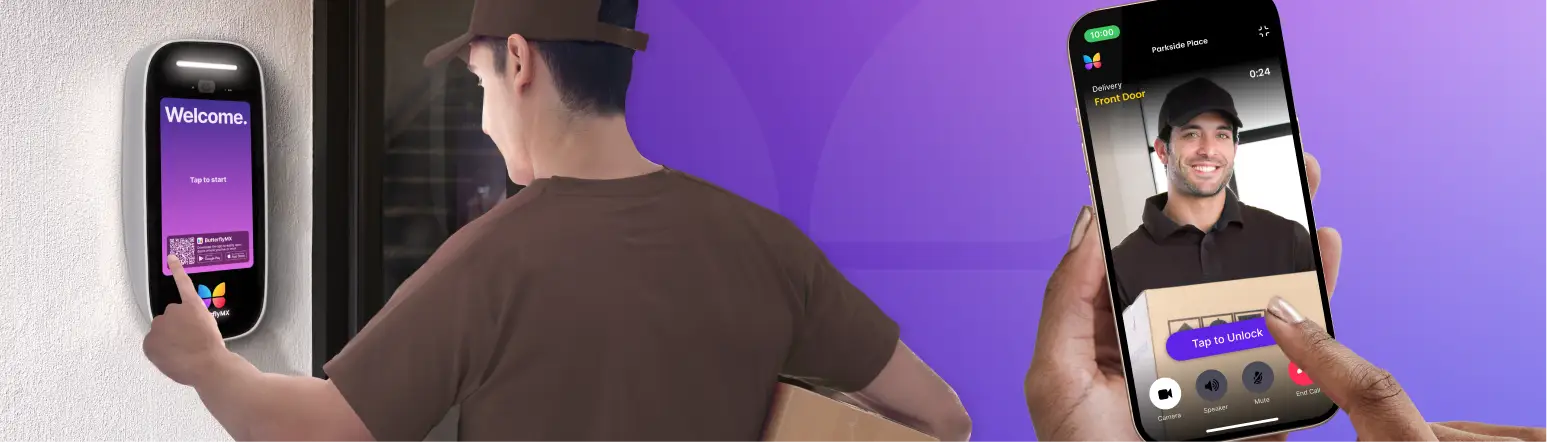
ButterflyMX also connects access events to real visibility. Video Intercoms and Security Cameras capture what happens at entry points and tie footage directly to access activity. When questions come up, teams can see who requested entry, how access was granted, and what happened next from a single interface.
Operationally, the system is built for scale. Multi-tenant properties can centralize control at shared entrances while maintaining flexibility for tenant spaces. Portfolio operators can manage multiple buildings consistently, without juggling different vendors or dashboards. The result is a security model that’s easier to manage, easier to audit, and better aligned with how modern commercial buildings operate day to day.
Get your free quote!
Fill in the form below, and we'll email you right back.
Want a free quote?
Fill in the form below, and we'll email you right back.
You’ll be redirected shortly...