





Key takeaways:
- Confirm the approval route and define whether the proposed camera service includes recording, active monitoring, or response before buying equipment.
- Set footage access, routine overwrite, and incident preservation rules separately, with legal input and a named person responsible for each task.
- Compare bids against the same views and footage requirements, then ask the installer to demonstrate the agreed result.
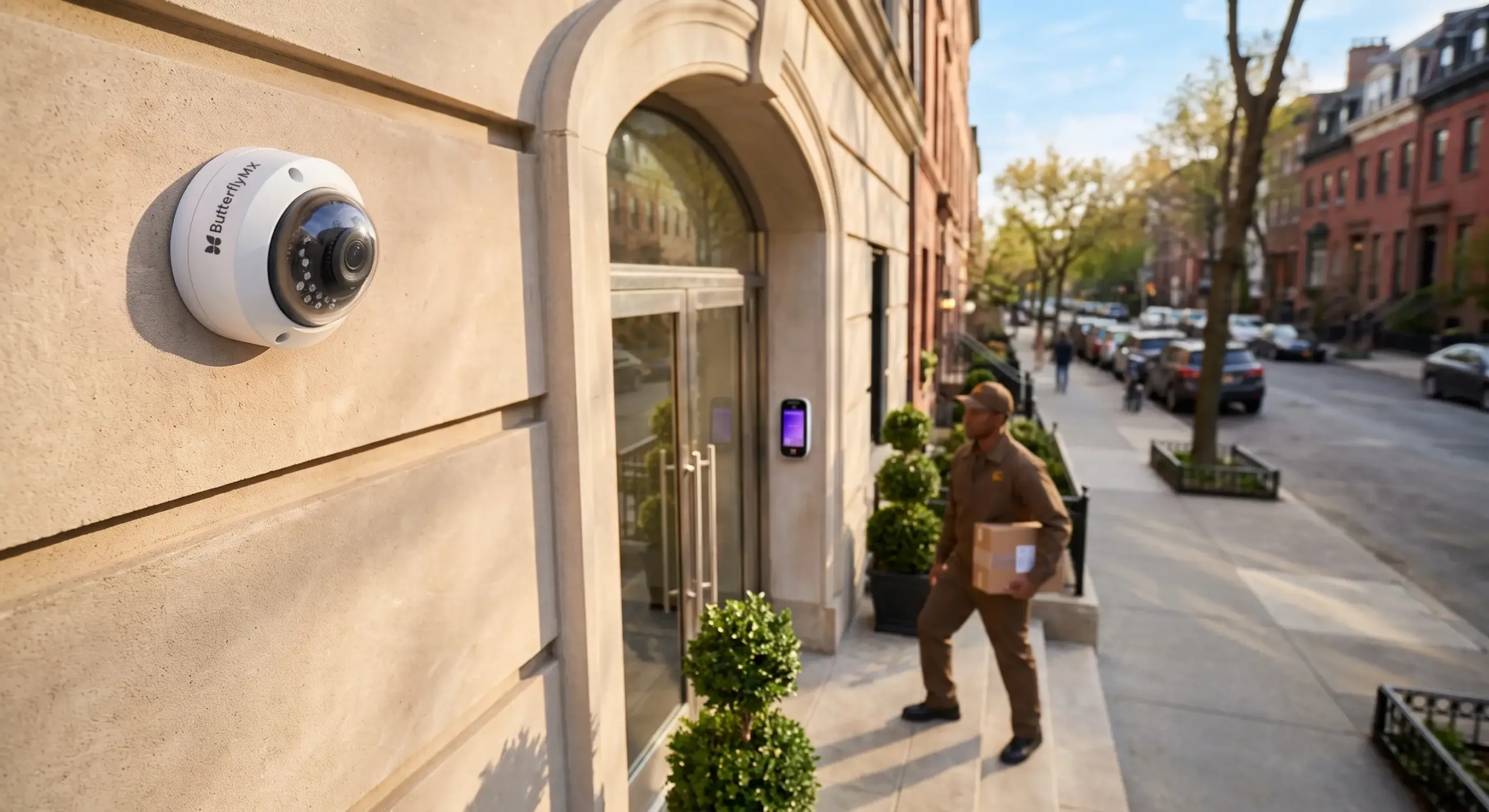
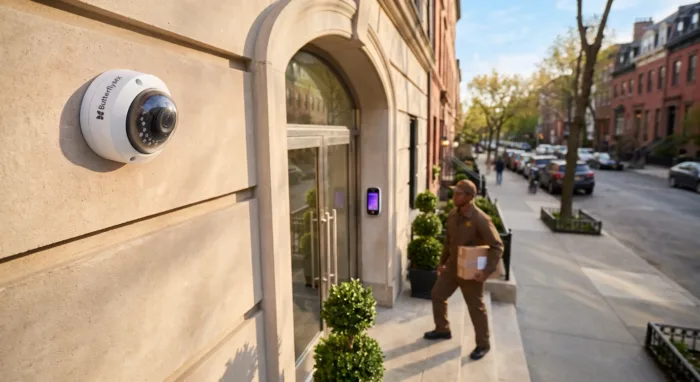
Your HOA may be able to install common-area security cameras, but state law and its governing documents determine who must approve the work. Don’t assume a board vote alone is enough. Before seeking quotes, your board should also decide what the cameras should accomplish, where they may point, and who will handle recordings.
Those operating decisions matter as much as the equipment. Recording an incident doesn’t mean someone is watching or will respond. A clear plan gives you requirements an installer can price and demonstrate, instead of a camera purchase with unresolved responsibilities.
This guide will answer:
- What should HOA security cameras accomplish?
- Can the board approve cameras without a member vote?
- Where may cameras point, and should they record audio?
- Who can access footage, and how long should it be kept?
- Can the HOA restrict owner cameras and video doorbells?
- Which system choices affect the board requirements?
- What should an HOA security camera quote include?
Watch how ButterflyMX works:
What should HOA security cameras accomplish?
Start with the shared-area problem you want recordings to help investigate. That might be damage in a parking area or repeated vandalism near an entrance. A specific purpose helps your board explain the proposal, identify useful views, and avoid promising a service it hasn’t arranged.
Recording, active monitoring, and response are different commitments. Recording saves footage for later review. Active monitoring means someone watches the camera views. Response means someone takes action under an agreed procedure. Buying a recording system doesn’t provide the other two services.
Law Firm Carolinas advises associations to be careful about monitoring promises, including whether anyone watches the cameras and whether they will capture every event. Some practitioners prefer the term HOA surveillance cameras to reduce mistaken expectations. That wording isn’t a legal shield: what the association actually provides and promises still matters.
Non-working cameras aren’t an equivalent recording service. Davis-Stirling, a California legal reference, warns that dummy cameras may create expectations of monitoring and potential liability concerns. This is practitioner risk advice, not a finding that every dummy camera creates liability.
If residents request cameras after a break-in, discuss the incident history with counsel and your insurance agent. Attorney commentary published by Kaman & Cusimano describes no general duty to install cameras but says known or likely crime or harassment could affect that assessment. The commentary doesn’t establish the legal duty of your association.
What does research show about cameras and crime?
Cameras may help reduce some crime, but the research doesn’t predict what an HOA installation will achieve. The College of Policing summary of a 2019 meta-analysis reports that crime was 13% lower overall in areas with CCTV than in comparison areas. The review covered 76 public-area studies. In car parks, crime was 37% lower across eight studies; no significant effect was found for violent crime or disorder.
Those figures aren’t HOA crime-reduction rates. The studies mainly involved UK and US public-area settings, with larger effects in the UK. They don’t forecast results for your community.
The review also found different results for systems with active monitoring and those paired with other measures. Those associations don’t prove that monitoring or the added measures caused the differences. They do support considering lighting and other measures alongside cameras, rather than assuming an unmonitored installation will prevent crime.
Suppose your board wants recordings to help investigate damage to parked cars. That’s an investigation objective, not a promise that someone will interrupt the next incident. With that purpose clear, your next task is to establish who can authorize the work.
Can the board approve cameras without a member vote?
A member vote is neither always required nor always unnecessary. Your association type, applicable law, and governing documents determine the answer for the proposed installation. Have association counsel review the declaration, bylaws, and covenants, conditions, and restrictions, often called CC&Rs.
Law Firm Carolinas says many boards have authority to install cameras without membership involvement. That’s general practitioner guidance, not a national approval rule. Give counsel the proposed scope, including where equipment and cabling would go, so the review addresses your actual project.
A Florida condominium example
The 2025 text of Florida Statute 718.113(2)(a) shows why association type matters. For condominium material alterations or substantial additions to common elements, approval must follow the declaration. If the declaration is silent, the statutory fallback is approval by 75% of the total voting interests, not just 75% of those attending a meeting.
The provision doesn’t expressly mention cameras or decide whether a particular installation qualifies as a material alteration. It also doesn’t establish the rule for Chapter 720 HOAs. This example describes the cited 2025 edition; have counsel confirm the applicable text and apply it to your proposed work.
Legal authority and community acceptance are separate questions. The Carolinas guidance recommends considering resident views even where the board can act. Residents may raise useful concerns about purpose, viewing angles, and footage access. Consultation can help your board address those concerns, but it can’t replace a legally required vote.
Record the approval route and any unresolved legal questions before seeking bids. Permission to undertake the project doesn’t, by itself, settle where each camera may point or whether it may record sound.
Where may cameras point, and should they record audio?
Assess camera placement by what the camera captures, not just where it’s mounted. A camera attached to common property can still look into a home or another private space.
For example, Davis-Stirling advises against views into places with a reasonable expectation of privacy, including restrooms, locker rooms, and dwelling interiors. This is California legal guidance from a secondary source, not a nationwide placement rule.
Ask the installer to demonstrate each proposed view and identify any intrusion into homes or neighboring private spaces. FirstService Residential recommends documenting placement and considering privacy controls. Privacy masking obscures selected parts of an image. Assess it alongside the viewing angle, rather than treating it as automatic legal clearance.
Treat audio as a separate decision
Permission to record video doesn’t settle whether you may record audio. A 2021 Florida attorney article recommends video-only cameras, while Davis-Stirling discusses separate California consent issues. These state-specific sources don’t establish one national audio-consent rule.
Plan for video-only cameras until counsel reviews any proposed audio use. Include that limit in the installer scope and check the settings before handover. An available microphone isn’t permission to use it.
Signs need a separate local assessment. FirstService recommends addressing signage in the camera policy, while Davis-Stirling says California doesn’t require signs for video of areas without a reasonable expectation of privacy. Neither position establishes a national requirement. A warning sign also doesn’t authorize otherwise impermissible recording or resolve audio-consent questions.
Even a properly limited shared-area view can capture sensitive moments. Once the viewing boundaries are clear, your board needs rules for reviewing recordings, releasing them, and stopping deletion when necessary.
Who can access footage, and how long should it be kept?
HOA camera footage access and retention are separate decisions. Start with the legal rights and duties that apply to your association. Then assign people to handle requests and configure the system to support those decisions. A restricted login list and a storage period alone won’t answer every request or preservation question.
Separate review privileges from disclosure rights
Reviewing footage to investigate an incident isn’t the same as releasing a copy. Your board must distinguish an authorized operational reviewer, a director exercising review rights, and a resident requesting footage. Voluntary disclosure and disclosure required through legal process also need separate consideration.
Davis-Stirling distinguishes California director review rights from owner access. Its guidance says owners lack the same right to review footage, although a board may choose to make recordings available. Maryland/DC-area attorney commentary published by Kaman & Cusimano describes footage as not a member-inspectable record and discusses disclosure to law enforcement or through subpoena or discovery.
These positions don’t establish a nationwide owner right or a universal subpoena-only rule. Counsel should identify which resident, director, and law-enforcement requests your association may or must fulfill before your board sets administrative restrictions.
For day-to-day handling, FirstService recommends designated roles, access logs, written requests, and secure evidence exports. Name one person to receive requests, document them, arrange preservation review, and route disclosure questions to the right decision-maker. Being responsible for that process doesn’t necessarily authorize the person to release footage.
Once the legal rights are clear, decide how access will be provided and logged. Limiting operational accounts can’t eliminate a director or resident right that otherwise applies.
Separate routine overwrite from preservation
The cited sources establish no universal security camera footage retention period. FirstService recommends approximately 30–60 days, extended for incidents or legal holds. Davis-Stirling describes storage around 30 days and shorter windows depending on memory. The Maryland attorney commentary recommends keeping footage at least as long as the personal-injury limitations period, while saying no specific retention period is required.
Those statements answer different questions. One recommends an operating period, another describes equipment capacity, and another gives a much longer, jurisdiction-specific risk recommendation. None supplies a legal minimum for every community.
Routine overwrite is the scheduled replacement of older recordings. Incident preservation means keeping relevant footage beyond that schedule. A legal hold requires relevant material to be kept rather than deleted under the normal process; counsel should advise on the obligations that apply.
If a resident reports damage to a parked car, the person handling the request should arrange preservation review before relevant footage disappears. That review shouldn’t wait for a final decision about giving the resident a copy. Whether footage must be kept and whether it may be disclosed are different questions. FirstService specifically recommends extending retention for incidents and legal holds.
What the different guidance leaves for the board
This comparison brings together attributed positions from different jurisdictions and sources. It isn’t a menu of interchangeable policies or a national legal survey.
Swipe to compare →
The access rows address different kinds of rights and administration. The retention rows mix policy advice with descriptions of storage capacity. Averaging the periods, or automatically choosing the longest one, won’t resolve your local legal and operating questions.
A longer retention window also requires enough storage and budget. Keeping more footage increases the material that needs access and privacy controls. Set the requirement with counsel and management, then ask bidders to price the capacity needed to meet it. Don’t let available memory silently choose the policy.
Record the operating decision
Turn those answers into a short board decision record. Use the following as a planning aid, not ready-to-adopt policy language. Counsel provides legal determinations; your board or management assigns and oversees the work.
- Legal inputs: Record applicable review, inspection, disclosure, retention, and preservation requirements identified by counsel.
- Authorized reviewers: Name the operational roles and explain how applicable director review rights will be supported.
- Request handling: Name the person who receives requests and routes disclosure questions for review.
- Routine overwrite: Record the chosen period and the storage capacity needed to support it.
- Preservation: Define triggers, name the responsible person, and record the process for counsel to direct any legal hold.
- Exports and disclosure: Assign responsibility for retrieving footage, making secure copies, logging access, and controlling release.
This record gives bidders concrete requirements. Once your board settles the retention period and authorized roles, each bidder can price storage, show how permissions work, and demonstrate footage retrieval and export. The technical proposal should carry out those decisions, not make them by default.
Can the HOA restrict owner cameras and video doorbells?
An HOA may be able to review or restrict owner-installed cameras, but that authority depends on applicable law and governing documents. Owner devices raise different questions from the association system, including exterior changes, nuisance provisions, and ownership of the mounting surface. The association camera policy doesn’t settle all owner-device rights.
Davis-Stirling gives a California condominium door-jamb example: mounting beside a private entrance can still require association permission because the jamb is common area in that setting. What a camera attaches to and what it sees are separate questions.
Where review is legally permitted, FirstService describes submissions showing placement, specifications, cable routing, appearance, and privacy masking. A viewing-angle illustration can help your board assess neighboring private spaces separately from the physical change. This isn’t a universal requirement for architectural committee approval.
Texas illustrates how a statute can limit blanket bans. The Texas Property Code 202.023 text reviewed for this article, including the amendment effective September 1, 2025, limits enforcement of covenants that prevent specified owner security measures, including cameras. It excludes condominiums and master mixed-use associations and permits prohibiting installation outside the private property of the owner.
That Texas provision doesn’t create a national owner right or permission to mount equipment on common property. Have counsel confirm the applicable text and limits before enforcing a restriction. Keep owner-device review separate as you move the association project from its approved purpose and footage rules into system planning.
Which system choices affect the board requirements?
Your board defines the result it needs; the installer assesses views, cabling, power, and the network. The distinctions below draw on ButterflyMX camera-planning guidance. They explain design choices, not independent proof of performance or a design for your site.
Specify a useful view, not just a camera count
An observation view shows activity across an area. An identification view aims to capture usable detail at a selected point. Infrared range isn’t identification distance, and higher resolution can’t make up for poor placement, lighting, lens choice, or motion blur.
For the hypothetical parking-area investigation, a wide view may help reconstruct movement. Capturing detail at an agreed entrance requires its own demonstrated view. Neither means every person or vehicle will be identifiable. Ask the installer to determine coverage and camera count through a day-and-night site survey, while keeping the privacy boundaries already established.
Separate connectivity from recording location
Power over Ethernet, or PoE, carries power and data over Ethernet cabling. Wi-Fi is a wireless data connection, but the camera still needs power and upkeep. Wired PoE can suit permanent coverage; Wi-Fi or battery-powered retrofits need assessment of signal, power, and maintenance.
Where footage is stored is a separate choice. An NVR, or network video recorder, stores recordings locally. Cloud recording stores them remotely, while hybrid recording combines local and cloud storage. PoE versus Wi-Fi doesn’t decide where footage is kept. Ask the installer to explain both choices and how the proposed setup supports your retention, access, and export requirements.
Ask what continues during an outage
Local recording during an internet outage depends on the cameras, network equipment, recorder, and power remaining operational. Remote viewing generally needs connectivity. Neither a local nor a cloud label alone guarantees that recording will continue.
Require the installer to state what happens during internet and power interruptions, then demonstrate that behavior against the written scope. For more on these design choices, site surveys, and infrastructure, use the building security camera planning guide. Bring those answers into one common scope for all bidders.
What should an HOA security camera quote include?
Each bidder should price the same views, retention requirement, access and export duties, monitoring scope, operating responsibilities, and exclusions. A cheaper total isn’t meaningfully comparable if it leaves out storage, infrastructure, or duties included in another proposal.
Give bidders a shared scope that includes:
- The investigation purpose, required views, and approved privacy and audio boundaries.
- The recording period, preservation needs, authorized roles, and retrieval and export requirements.
- Any monitoring service, its hours and responsibilities, and the limits of any response commitment.
- Infrastructure, outage behavior, maintenance responsibilities, acceptance checks, and exclusions.
Separate upfront and recurring obligations
HOA security camera system cost depends on the site and service scope. Following the cost-planning categories in the building-camera guide, ask bidders to itemize equipment, mounts, cabling, switches, recorders or gateways, installation labor, and any civil work. Keep recurring storage, licensing, network services, maintenance, and contracted monitoring separate from the upfront total.
A generic installed price can’t tell your board what this project will cost. Itemized quotes help you see whether a price difference comes from omitted work, a different recording setup, or an ongoing service commitment.
Active monitoring is one such commitment. Siegfried Rivera noted in 2021 that monitoring may be cost-prohibitive for some associations. That’s attorney commentary, not a current price benchmark. A recording quote must not become an unstated promise of monitoring or emergency response.
Verify the agreed result before acceptance
Use acceptance testing to check delivery against the written scope. This checklist brings together the planning requirements above; it isn’t a report of a completed field test or a guarantee of crime prevention. Ask the installer to demonstrate:
- The agreed views by day and night, including privacy boundaries and selected identification points.
- Retrieval and secure export of a recording.
- Configured access roles and the settings and capacity supporting routine retention.
- Actual behavior during internet and power interruptions against the stated scope.
Before handover, name the people responsible for maintenance and footage handling. FirstService recommends addressing maintenance and audits in the operating policy. Periodic review helps keep the equipment and its use aligned with the purpose your board approved.
Your board is ready to compare proposals when the approval route, privacy limits, footage duties, and testable scope are clear. If an essential responsibility remains unresolved, defer the purchase while you settle it.
Frequently asked questions
Can a resident get footage after a parked car is hit?
Possibly, but making a request, having a right to inspect, and receiving a copy are different matters. Use the association request process. The association should assess preservation promptly and decide disclosure under applicable legal rights. Neither access nor a subpoena requirement should be assumed.
Is a camera warning sign always required?
The cited guidance doesn’t establish a nationwide requirement. Davis-Stirling says California doesn’t require signs for video in areas without a reasonable expectation of privacy, while FirstService recommends addressing signage in policy. Your board should get advice for the proposed recording use. A sign doesn’t resolve separate privacy or audio issues.
Are dummy cameras a safe low-cost alternative?
Don’t assume so. Davis-Stirling warns that non-working cameras may create expectations of monitoring and potential liability concerns. That California practitioner advice doesn’t mean dummy cameras always create liability, but a deterrent appearance isn’t an equivalent substitute for a recording service.
Must an HOA install cameras after a break-in?
Not automatically. The cited attorney commentary describes no general duty to install cameras but says known or likely crime or harassment could affect the assessment. Your board should discuss the specific history with counsel and its insurance agent. The commentary doesn’t determine the legal duty of a particular association.
Does every board member need a separate camera login?
Operational accounts and legal review rights are separate questions. Establish applicable rights first, then decide how access will be provided and logged. FirstService recommends role-based access and logs; the California guidance separately addresses director review rights. Restricting accounts can’t eliminate rights that otherwise apply.
A useful camera proposal starts with a board decision, not a camera count. Confirm who can approve the work, define the service, set privacy limits, and assign responsibility for footage before comparing bids.
Then ask each bidder to price the same requirements and demonstrate the agreed result. If your board can’t yet name who handles footage or when deletion must stop, resolve those responsibilities before committing association funds.
Get your free quote!
Fill in the form below, and we'll email you right back.
Want a free quote?
Fill in the form below, and we'll email you right back.
Redirecting you in 5 seconds.