
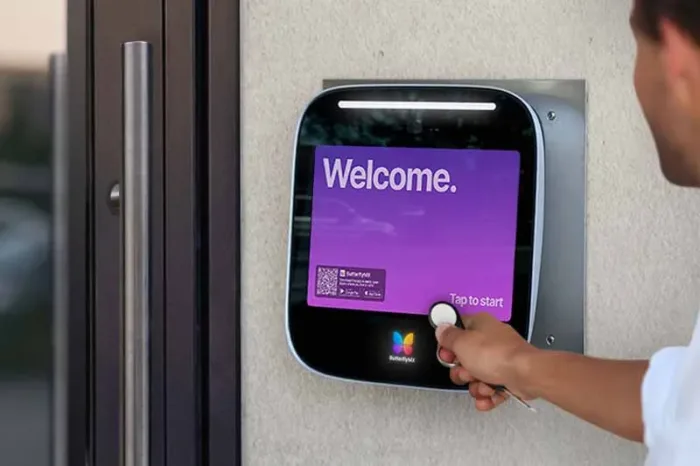





Key takeaways:
- A business key fob system includes the credential, reader, controller, lock, permissions, and management method, not just the fob.
- Credential security and management architecture are separate decisions. A fob can work in standalone, networked, or cloud-managed access control.
- Budget for installation, wiring, software, credentials, replacements, backup power, and compliance work, not only a hardware kit.
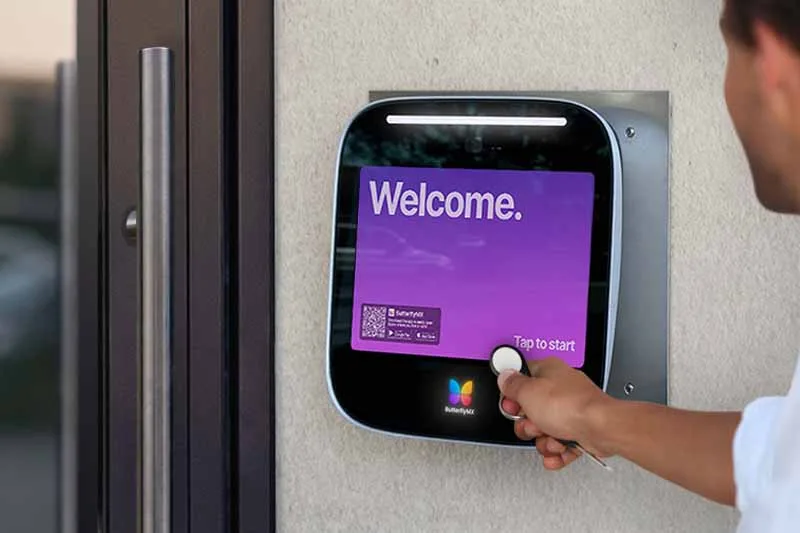
A key fob entry system for business use can make it easier to control who enters a workplace, tenant suite, amenity area, or restricted room. But the best choice is not one universal product. It is the setup that pairs suitable credentials, manageable permissions, compatible door hardware, dependable outage behavior, and a realistic lifecycle budget.
Start by separating two decisions that are often blended together: how people prove their identity at the door and how your organization manages access. This guide explains both, along with the security, installation, and operating questions that should shape a key fob system purchase.
This guide will answer:
- What a business key fob system is and how it works
- Choose between standalone, networked, cloud, and hybrid access
- Evaluate fob security without confusing range and encryption
- Budget for installed cost and total ownership
- Plan daily access operations and records
- Match locks, doors, outages, and code requirements
- Compare fobs with cards, PINs, and mobile credentials
- Use a practical selection and migration checklist
- When ButterflyMX fits a business access plan
- FAQs
Watch how ButterflyMX works:
What a business key fob system is and how it works
A business key fob entry system is an access-control system that uses a fob as one credential within a larger chain: credential, reader, controller, permissions database, electrified lock, and a local or software-based management method. When a person presents a fob, the reader captures its data, the controller checks whether that person has permission at that time and door, and the lock releases if access is approved.
The physical layout can vary. Some systems combine functions, while others use separate panels, readers, and wired locks. Wireless locks can change the installation design, but the access decision still follows the same basic path.
That is why buying a fob is not the same as buying an access-control system. The first decision is credential technology. The second is management architecture: where permissions live, who can change them, and what records the system keeps.
Choose between standalone, networked, cloud, and hybrid access
The same fob can be used in systems with very different programming, revocation, reporting, and remote-management capabilities. Compare management architecture before comparing fob shapes or brands.
Swipe to compare →
Standalone and networked product examples show why capacity, schedules, reports, and programming methods are product-specific rather than industry-wide guarantees. A small, stable single-site business may accept local administration. An organization with frequent turnover, several administrators, or multiple sites should place more weight on centralized revocation, schedules, delegated roles, and access records.
Cloud management does not automatically mean access stops when the internet drops, and a local controller does not automatically mean access continues in every outage. Ask vendors to describe internet loss, local-network loss, controller failure, building-power loss, backup power, and recovery separately. Businesses exploring a managed approach can compare commercial keyless access architectures before requesting proposals.
For organizations that need centralized management and several ways to enter, cloud-managed access can support fobs, cards, PINs, and mobile credentials. The fit still depends on the doors, operating model, and installation plan.
Evaluate fob security without confusing range and encryption
Yes, some business fobs can be copied. Legacy 125 kHz proximity credentials deserve particular scrutiny because 2024 reporting identified meaningful cloning concerns. By contrast, supported and properly configured encrypted smart credentials can offer stronger resistance to cloning. Neither statement is absolute: security also depends on key management, reader configuration, enabled legacy modes, and system integration.
For technical context, NXP documentation for MIFARE DESFire EV3 describes AES-128, mutual authentication, encrypted RF data, and proximity-check capabilities for that 13.56 MHz ISO/IEC 14443 chip. Those features are an example of what a credential technology can support, not proof that every smart credential deployment uses those protections.
Also separate the Wiegand effect from the Wiegand interface. A Wiegand-effect credential and a reader output such as Wiegand 26 are different concepts. Treat neither term as a shortcut for overall security. Review current reader modes, keys, credential formats, and legacy compatibility with an access-control specialist. Reporting on 125 kHz proximity credentials is a useful reason to begin that review, not a reason to assume every installed fob has the same risk.
Budget for installed cost and total ownership
There is no reliable universal cost per door. Hardware-only kits and installed systems are different purchases, and vendor estimates use different scopes. No independent cost study was supplied for this comparison, so treat published ranges as vendor estimates that must be refreshed before publication or purchase.
One reseller listed hardware-oriented kits at roughly $199 to $728 on October 29, 2026. Broader vendor estimates can be much higher once a project includes readers, controllers, locks, wiring, labor, configuration, and other work. Kisi cost guidance, for example, separates readers, controllers, software, credentials, and installation. It lists examples ranging from $80 to $1,200 for readers, $180 to $3,500 for controllers, $0 to $50 per door per month for software, and $5 to $50 per credential. These are examples, not a market average.
Build a comparable budget with this formula: number of doors multiplied by equipment, wiring, labor, and compliance work, plus software, initial credentials, replacement credentials, maintenance, permits where applicable, and backup-power costs. Request each installer proposal in those same categories. That makes it easier to see whether a lower quote omits wiring, door preparation, subscriptions, credentials, or life-safety work.
Turnover matters, too. A lost fob is a small hardware expense only if the organization can quickly deactivate it and issue a replacement. Include the ongoing work of inventory, offboarding, and permission review in total cost of ownership. Avoid relying on conflicting published figures for any one vendor until the price, scope, and replacement policy have been confirmed.
Plan daily access operations and records
Access control works best when technology supports a written process. During onboarding, verify identity, assign a credential, apply role- and schedule-based permissions, record issuance, and confirm the person can enter only the places they need. For sensitive doors, review whether a second authentication method or a separate policy is appropriate.
When a fob is lost or an employee leaves, the right response depends on architecture. A standalone system may require an administrator to delete the credential at a local keypad or controller. A networked or cloud-managed system may allow software-based or remote revocation. The speed and detail of the process should be a buying criterion, not an assumption. For a practical operational example, see guidance on remotely deactivating lost or unreturned office fobs.
Cleaners, contractors, delivery teams, and visitors do not always need permanent fobs. Where supported, time-limited PINs or Visitor Passes can limit access to a defined period. Audit records can also help with access reviews and investigations, but the detail and retention period vary by product. Confirm both before treating logs as a compliance or security control.
Match locks, doors, outages, and code requirements
A successful project begins with a door survey. Document door swing, frame type, existing hardware and wiring, lock and reader location, outdoor exposure, the required egress path, and any elevator or tenant-suite restrictions. A reader may be easy to select, while the door, lock, power supply, and release method determine whether the installation is workable.
An electromagnetic lock, often called a maglock, and an electric strike solve different hardware problems. A fail-safe lock releases when power is removed. A fail-secure lock remains mechanically secured when power is removed. Neither is inherently the right answer for every door. The door use, egress path, adopted code, hardware listing, and approved installation determine the appropriate design.
The 2024 International Building Code provisions for sensor-release electrically locked egress doors include conditions related to egress-side release, power loss, fire-alarm or sprinkler activation, emergency lighting, manual release, and listed locks. This is model-code planning context, not project-specific code advice. Adopted editions, occupancy, local amendments, section numbering, and the authority having jurisdiction control the final requirements.
Reader placement also needs an accessibility review. The U.S. Access Board guidance on operable parts generally addresses reach ranges, one-hand operation without tight grasping, pinching, or wrist twisting, and operating force. Apply it with the project conditions and confirm the final approach with the installer and appropriate authority.
Finally, distinguish an internet outage from a power outage. Ask whether local permissions are cached, how the controller behaves, what state the lock takes, whether backup batteries are installed, how long they are intended to support the system, how failures are monitored, and how staff restore normal operation. Outage behavior depends on the selected controller, lock, configuration, and installed backup power.
Compare fobs with cards, PINs, and mobile credentials
Fobs are familiar and durable physical credentials, but they create issuance, return, inventory, and replacement work. Cards are another physical format. Their security depends on their underlying technology and configuration, not on their shape. Businesses considering cards can review key card security systems for businesses for a card-focused discussion.
Mobile credentials may reduce physical credential handling for some users, while fobs can remain useful for people who prefer a dedicated credential or cannot rely on a smartphone. PINs and temporary passes can suit visitors and vendors when the selected platform and policy support them. See mobile access compared with key fobs for a deeper credential comparison.
Many businesses need a mixed deployment rather than a single winner. Employees may use fobs or mobile access, vendors may receive time-limited PINs, and restricted areas may use additional authentication. Evaluate usability, security, compatibility, administration, and recurring costs together.
Use a practical selection and migration checklist
- Inventory every door, user group, site, tenant group, schedule, visitor pattern, and the speed required for revocation.
- Choose the management architecture first. Decide whether local administration is sufficient or whether remote changes, centralized records, delegated roles, and multi-site oversight are necessary.
- Document each door. Include hardware, wiring, environmental conditions, egress, accessibility, lock behavior during outages, and fire or life-safety interfaces.
- Specify credential requirements separately. Review cloning risk, desired compatibility, physical credential handling, mobile access, PINs, and temporary visitor workflows.
- Compare proposals using the same cost categories: equipment, labor, wiring, software, credentials, backups, maintenance, replacements, and compliance work.
- For an upgrade, identify reader and fob model numbers, frequencies, interfaces, wiring, controllers, and enabled reader modes. Multi-technology readers or staged migration may be options, but compatibility must be verified before purchase.
This process turns a generic request for a fob system into a clear installation brief. It also prevents a common mistake: assuming that existing fobs, readers, wiring, or controllers can be reused without a documented compatibility review.
When ButterflyMX fits a business access plan
ButterflyMX can be a relevant option for businesses and managed properties that prioritize cloud-based administration, remote credential changes, access records, and more than one entry method. It may be especially useful where employees, visitors, vendors, tenants, and property staff have different access needs.
Visitor Passes and temporary PIN workflows can support short-term access when permanent credentials are unnecessary. Elevator controls, smart-lock connections, and video-intercom integrations should be evaluated as property-specific design requirements, not assumed features of every installation. Reliability should likewise be assessed through the local access design and installed backup power rather than a blanket outage claim.
A simpler standalone system may still be appropriate for a business that does not need centralized administration, broader integrations, or multi-site control. Use the same checklist for every option, then request a ButterflyMX demo to discuss your doors, credentials, visitors, and access workflows.
Frequently asked questions
Can a business keep its existing readers or fobs during an upgrade?
Possibly, but reuse must be confirmed before purchase. Identify credential frequencies, formats, reader interfaces, wiring, controllers, and enabled reader modes; multi-technology readers or a staged migration may be options, not guarantees.
How can a business tell whether current fobs use 125 kHz proximity technology?
Check fob and reader model numbers, system records, and manufacturer or installer documentation. Appearance alone is not a dependable way to identify credential technology.
Do commercial key fobs have batteries?
It depends on the credential design. Verify the documentation for the specific fob and reader instead of relying on a general claim about all commercial fobs.
How many doors and users can a key fob system support?
Capacity depends on the controller, software, licensing, architecture, and product line. Treat any product-specific capacity figure as a specification for that product, not an industry limit.
Can a fob system limit access to elevator floors or tenant suites?
It may be possible when the platform, elevator controls, door hardware, and installation support those restrictions. Include elevator and suite requirements in the first site survey and have the installer confirm the design.
The right business key fob system is the one that matches credential security, permission management, door hardware, outage behavior, and total ownership cost to the way your organization operates. Begin with the access workflows and door conditions, then compare systems against the same practical requirements. If cloud-managed, multi-credential access is part of that plan, request a ButterflyMX demo to discuss the fit for your property.
Get your free quote!
Fill in the form below, and we'll email you right back.
Want a free quote?
Fill in the form below, and we'll email you right back.
Redirecting you in 5 seconds.