
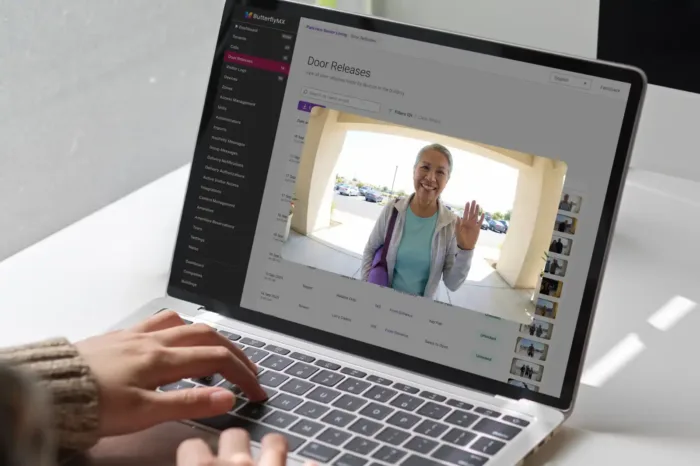





Key takeaways:
- A visitor management system can automate routine check-in, host notifications, screening steps, temporary credentials, and visitor records.
- A VMS can replace a receptionist only when visitor traffic is predictable, access rules are clear, and people can still get help when something goes wrong.
- The real cost comparison is not software versus salary; it is fully loaded staffing versus software, hardware, setup, support, connectivity, and backup coverage.
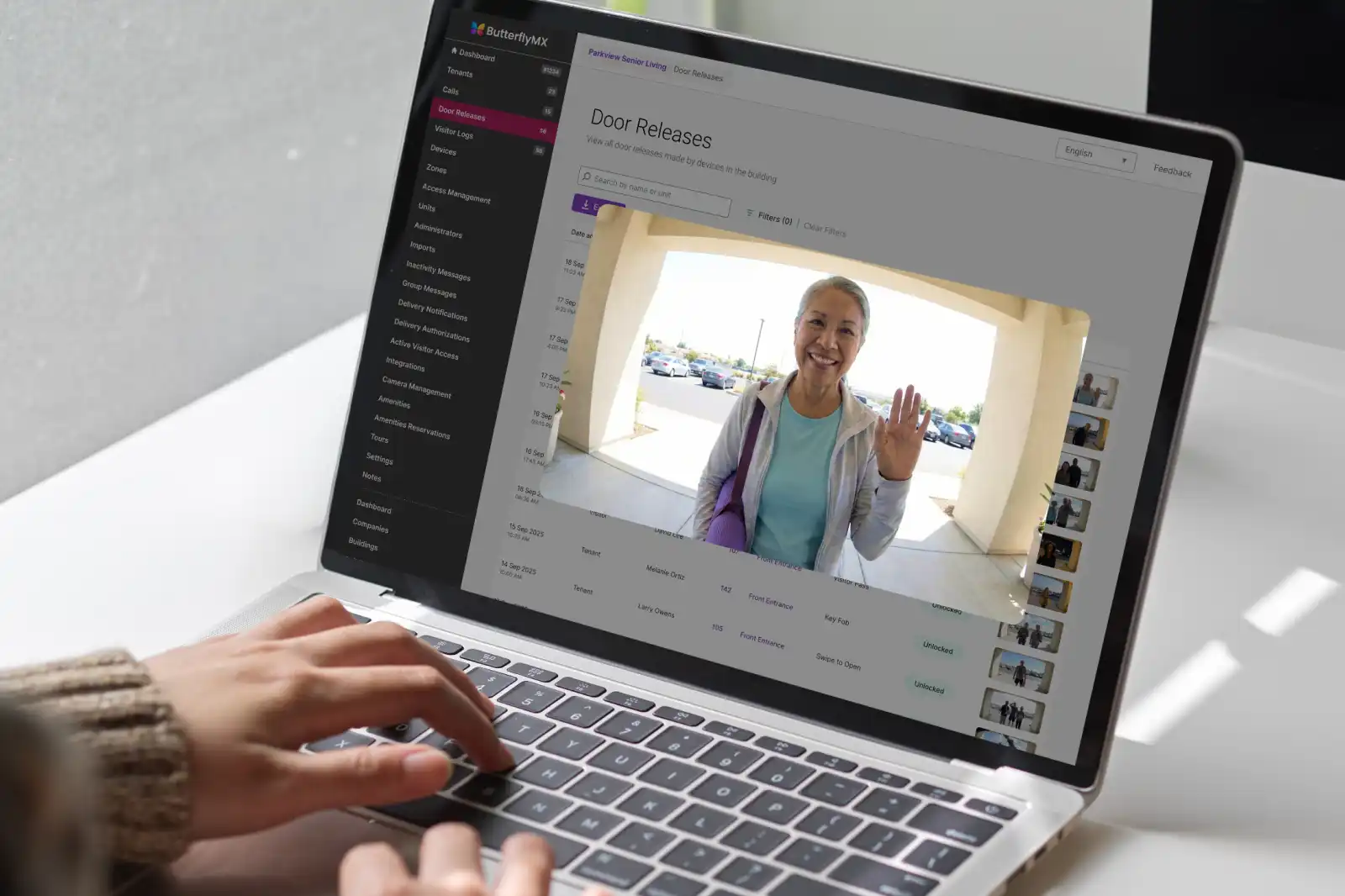
If you are considering a visitor management system to replace a receptionist, the honest answer is: maybe. A VMS can take over many of the repetitive jobs at a front desk, such as registering visitors, notifying hosts, issuing temporary credentials, and keeping a digital visitor record. But a receptionist does more than process arrivals. A person also handles confusion, exceptions, accessibility needs, upset visitors, and judgment calls.
That is why the better question is not simply whether software can replace the front desk in the apartment reception area. It is which duties can be automated, which duties still need a human fallback, and what level of risk your building can accept when the lobby is unstaffed. Some low-complexity offices and managed properties can run with a VMS-first model. Others are safer and easier to manage with hybrid support or an on-site receptionist.
This guide walks through that decision task by task, then compares the cost, security, accessibility, and property-access requirements that matter before you remove or reduce front desk coverage.
This guide will answer:
- Can a visitor management system replace a receptionist?
- What is a visitor management system?
- Receptionist tasks a VMS can automate
- When full automation works and when human support is better
- Cost comparison between staffed reception and a VMS
- Security, reliability, and accessibility for an unstaffed front desk
- Office and managed-property front desks need different workflows
- How to decide whether your front desk is ready
- FAQs
Watch how ButterflyMX works:
Can a visitor management system replace a receptionist?
Yes, a visitor management system can replace a receptionist in some settings, but only for the duties the system is designed to handle. A VMS is strongest when arrivals are predictable, rules are simple, hosts respond quickly, and visitors have a clear way to get help when self-service does not work.
Full replacement becomes harder when the front desk regularly handles judgment calls. Think of denied entry, VIP visitors, emergencies, accessibility requests, unclear appointments, or people who are not comfortable using a kiosk or smartphone. In those moments, the question is not whether the software can collect information. The question is who makes the decision and who helps the visitor.
Most organizations are choosing among three operating models: a live receptionist, a VMS-only front desk, or a hybrid model that combines a VMS with on-site or remote human support. Framing the choice this way prevents a common mistake: assuming that automating check-in means every front desk responsibility has disappeared.
What is a visitor management system?
A visitor management system is software, often paired with hardware such as a kiosk, tablet, badge printer, camera, or access-control integration, that manages visitor registration, verification or screening, host notification, temporary credentials, and visitor records. A simple sign-in app records that someone arrived. A full VMS coordinates the process before, during, and after the visit.
That distinction matters when you are replacing reception work. A sign-in form may capture a name and time stamp, but it may not notify a host, confirm a policy, issue a badge, create an audit trail, or connect to a door access process. A VMS is closer to an operating procedure for visitor arrivals than a digital clipboard.
A software VMS is also different from a remote receptionist. A VMS follows rules that your team configures. A remote receptionist brings a person into the interaction by video, phone, or another channel. AI routing can help direct visitors, but it does not remove the need for human escalation when a visitor disputes a decision, needs assistance, or presents a request the system was not built to handle.
Many VMS products are cloud-based, which can make multi-site administration easier and reduce some local IT work. Mordor Intelligence characterizes cloud deployment as the dominant and fastest-growing VMS model, though each organization still needs to choose a deployment approach that fits its security, IT, and access-control environment. For broader background, read ButterflyMX’s visitor management systems overview and ROI guide.
Receptionist tasks a VMS can automate
The most useful way to evaluate a visitor management system to replace a receptionist is to break the job into pieces. Some front desk duties are repeatable and easy to configure. Others depend on context, judgment, or personal assistance. The table below shows where a VMS usually helps and where a human backup still matters.
Feature availability differs by vendor, plan, hardware, and integration. Do not assume every VMS supports every item in the table. Before replacing front desk coverage, confirm which visitor types the system can handle, which steps are automated, and which steps require a person to approve, override, or assist.
It is also important to separate check-in from physical access. A system can record that a visitor arrived without authorizing that person to unlock a door. If entry is part of the process, test how the VMS works with access control, visitor credential rules, host approval, and exception handling. Otherwise, you may have a digital visitor log without a safe way to manage entry.
When full automation works and when human support is better
Automation works best when the lobby is designed for it. A VMS-only model can make sense when visitor types are known, arrival instructions are clear, hosts are responsive, integrations are reliable, and assistance is easy to reach. It is less convincing when the front desk often resolves ambiguity or provides high-touch service.
A hybrid model is often the most practical middle ground. The VMS handles routine check-in, while a person steps in for peak arrivals, VIP visits, denied entries, visitors who need help, and after-hours issues. That support may be on site, remote, or scheduled only during the times when exceptions are most likely.
On-site staff may still be the better choice for regulated, high-security, emergency-prone, or service-intensive settings. In those environments, the cost of a bad decision can outweigh the savings from removing the receptionist. The more often the front desk makes judgment calls, the more carefully you should preserve a human role.
Accessibility belongs in this decision from the start. Visitors without smartphones, people who cannot use a touchscreen, and people who need communication or wayfinding help need an equivalent path. Decide who responds to denied entry, device failures, network outages, disputes, accessibility requests, and emergencies before you ask visitors to rely on an unattended system.
If you are comparing broader front desk models, ButterflyMX’s guide to doorman and receptionist alternatives can help. Keep the task-by-task analysis here at the center of your decision, because the right operating model depends on what your front desk actually does every day.
Cost comparison between staffed reception and a VMS
Cost comparisons should start with equal coverage. The U.S. Bureau of Labor Statistics reported median receptionist pay of $38,010 per year, or $18.27 per hour, in May 2025. That figure is a wage baseline, not the total cost of staffing a desk.
To estimate staffed reception, include benefits, payroll burden, scheduling, turnover, training, and the coverage needed for breaks, absences, evenings, weekends, or multiple shifts. A single annual wage number does not tell you what it costs to keep a lobby covered at the hours and service level you need.
Then build the VMS side of the comparison. Include recurring software, kiosk or tablet hardware, mounts, badge printers and credentials if needed, installation, access-control and directory integrations, training, support, connectivity, replacement devices, and any retained human backup. Published vendor prices change often. Research reviewed for this article showed base-to-mid software tiers around $40 to $400 or more per location per month, with advanced features often custom quoted, but exact plans and prices should be revalidated before publication or purchase.
A simple way to think about the calculation is: fully loaded annual reception coverage, minus annual technology costs, minus any retained human support. The result may show savings. It may also show a higher cost in exchange for longer coverage, better records, or a more consistent process. What matters is comparing the same hours, visitor types, service expectations, and risk level. A daytime receptionist and a system expected to support around-the-clock access are not the same operating model.
Security, reliability, and accessibility for an unstaffed front desk
An unattended front desk needs more than a tablet in the lobby. It needs rules, tested integrations, backup procedures, and a clear owner for the moments when technology does not solve the problem.
- Match identity verification, visitor screening, approval rules, and credential scope to the risk of the site.
- Confirm that visitor records and audit trails support your operational, privacy, and retention needs.
- Test access control, host directories, calendars, notifications, and identity tools together before launch.
- Provide clear assistance instructions and a usable alternative for visitors who cannot use a smartphone or self-service hardware.
- Assign ownership for device failures, network outages, failed integrations, manual overrides, denied entries, and emergency escalation.
- Review privacy, data retention, and applicable compliance obligations with qualified internal or legal stakeholders.
Screening tools can support a safer process where they are appropriate, but they do not replace a response plan. If a watchlist or blocklist check produces a potential match, someone needs to know what happens next. The same is true for temporary credentials. The system should limit visitor access to the correct doors and time periods, and the team should know how to respond if the credential or access integration fails.
Reliability is a visitor-experience issue as much as a security issue. If a host notification does not send, a network connection drops, or a kiosk stops working, the visitor still needs a safe, clear path. The more unstaffed the lobby becomes, the more important support quality, monitoring, and fallback procedures become.
Office and managed-property front desks need different workflows
Office visitor management usually centers on employee hosts, scheduled meetings, directories, badges, and workplace records. Managed properties need a wider access model because visitors may be authorized by residents, arrive for deliveries, approach several entrances, or need access at gates and controlled doors.
This is where a basic office VMS may not be enough. A multifamily, commercial, gated-community, or mixed-use property may need visitor communication, resident authorization, remote access management, vehicle access, package-related access, and control across more than one entrance. The right architecture depends on the property type, staffing model, existing access-control environment, and the way people actually arrive.
An integrated property-access system connects visitor communication and entry decisions to controlled access points. For example, ButterflyMX video intercoms let residents receive visitor calls and grant access through their smartphones, while property teams can remotely manage residents, visitors, credentials, and access. That makes ButterflyMX relevant to managed-property front desk planning, but it is not a promise that every property can eliminate staffing or that every deployment has the same requirements.
ButterflyMX can also support access needs beyond a main entrance and does not rely on traditional POTS telephone lines, which may matter for properties replacing legacy telephone-entry hardware. The important point is to evaluate the whole access path, not just the check-in screen. A property manager needs to know who authorizes the visitor, which entrance they use, which access point opens, and what happens when the standard process fails.
See how ButterflyMX supports visitor communication and remote access management across managed properties when evaluating a property-specific front desk configuration.
How to decide whether your front desk is ready
Before you choose a VMS-only, hybrid, or staffed model, document the front desk work as it really happens. The best pilot starts with the messy details: who arrives, when they arrive, who approves them, what credentials they need, and what exceptions come up most often.
- List visitor types, arrival volume, peak times, pre-registration needs, approval rules, credentials, and exception paths.
- Classify each duty as automatable, escalation-dependent, or best handled by a person on site.
- Choose a VMS-only, hybrid, or staffed model based on site risk, service expectations, visitor needs, and available human escalation.
- Evaluate hardware options, accessibility, pricing basis, security depth, support responsiveness, multi-site administration, and compatibility with access-control and directory systems.
- Pilot one lobby or location before a wider rollout. Test normal arrivals, outages, failed notifications, denied entry, assisted check-in, and emergency procedures.
- Set success measures such as check-in completion, wait time, escalation volume, support incidents, and visitor feedback, then revise the process before expanding.
A pilot does not replace security, accessibility, privacy, or compliance review. It shows whether the actual lobby can run at the intended service level, including the moments when the standard process breaks. If you are evaluating a managed property, include resident-authorized visitors, deliveries, vehicles, packages, gates, and multiple entrances in that readiness check.
Frequently asked questions
Can visitors check in without a smartphone?
Yes, visitors can check in without a smartphone if the deployment includes another path, such as a kiosk, tablet, intercom, or staffed assistance. Confirm that the hardware and instructions are accessible and that someone can help when self-service is not workable.
Can a visitor management system operate after hours with no staff?
Yes, a VMS can support after-hours operation when access rules, remote escalation, monitoring, and outage procedures are in place. After-hours use should be evaluated separately because fewer people may be available to help when something goes wrong.
Is a VMS secure enough for a regulated or high-security site?
Not automatically. A regulated or high-security site should review screening, visitor records, access-control integration, data handling, credential scope, and human exception handling before relying on an unattended front desk.
Is a visitor management system worth it for a small office?
It can be worth it if the office needs consistent visitor records, better host notifications, or coverage that is hard to staff. Compare visitor volume, service expectations, staffing cost, deployment cost, and the need for human backup rather than deciding by company size alone.
A visitor management system can replace routine reception work, but it should not be treated as a one-for-one replacement for every human responsibility at the front desk. The strongest candidates for VMS-only operation have predictable visitor traffic, clear rules, tested integrations, accessible assistance, and a defined escalation path.
If your building depends on judgment, high-touch service, complex access decisions, or frequent exceptions, hybrid support may be the safer model. Managed properties should also look beyond check-in and plan for resident-authorized visitors, deliveries, vehicles, packages, gates, and multiple entrances.
To see whether a property-access configuration fits your building, discuss your entrances, visitor flows, and staffing model with a ButterflyMX access expert.

Get your free quote!
Fill in the form below, and we'll email you right back.
Want a free quote?
Fill in the form below, and we'll email you right back.
You’ll be redirected shortly...