





Key takeaways:
- POTS line replacement moves analog copper-line functions to alternatives such as VoIP, cellular gateways, cloud phone systems, or digital systems that don’t depend on traditional phone lines.
- In managed buildings, POTS replacement can affect more than phones because intercoms, elevator phones, fire alarms, fax machines, POS devices, and some access control equipment may rely on analog lines.
- Telecom retrofits can keep compatible legacy hardware running, while a cloud-based video intercom can replace an outdated telephone entry system with smartphone visitor access and remote management.
A POTS line problem usually shows up as a simple warning: a carrier raises rates, a copper line becomes unreliable, or a provider tells you it’s time to migrate. For a property team, the harder question comes next: which building systems still depend on that analog dial tone?
POTS line replacement is the process of moving a device or system away from traditional analog copper phone service to another connection, such as VoIP, cellular, cloud communications, or a modern digital system that is retiring a POTS line. In a managed building, that can involve telephone entry systems, intercoms, elevator emergency phones, fire alarm communicators, fax machines, POS devices, and some access control equipment.
The important distinction is line versus endpoint. A cellular gateway or analog telephone adapter may keep a compatible legacy device working. But when the line supports an outdated intercom, preserving the old call-box experience may be less useful than replacing the entry system itself.
That distinction shapes the rest of the decision. Before you compare POTS replacement options, it’s worth getting clear on what POTS is, why properties are moving away from it, and where intercom modernization fits.
This guide will answer:
- What is a POTS line?
- Why POTS lines are being replaced now
- POTS line replacement options for buildings
- POTS replacement for intercoms and access control
- Compare POTS replacement options before you choose
- How to replace POTS lines without unnecessary downtime
- How to choose the right POTS replacement for your property
- FAQs

What is a POTS line?
POTS stands for Plain Old Telephone Service, the traditional analog phone service that runs over copper telephone lines. For decades, it provided the dial tone that phones and phone-like devices used before IP networks, LTE, 5G, and cloud-based communications became common.
In a building, a POTS line often supports equipment that doesn’t look like a desk phone. A telephone entry system may call residents over an analog line. An elevator emergency phone may use a phone line to reach help. A fire alarm communicator may rely on an approved communication path to transmit alarm signals. Fax machines, POS terminals, and older access control panels may also appear during a line audit.
That mix is why analog phone line replacement needs more care than canceling a phone bill. Replacing the line means changing the connection behind the device. Replacing the endpoint means changing the device itself. The distinction matters most when the device affects visitor access, emergency communication, or code-regulated systems.
Why POTS lines are being replaced now
POTS replacement has become more urgent as copper networks age and carriers move customers toward newer communications infrastructure. Property owners should verify local availability, carrier notices, and applicable regulatory information instead of assuming one national shutdown date applies everywhere.
Even without a single deadline, legacy copper service can become expensive and harder to support. A property may be paying for several analog lines across entrances, elevators, alarms, and back-office devices. When one line fails, the problem can reach residents and visitors quickly. Entry calls don’t go through, staff may have to troubleshoot an old directory on-site, and vendors may be needed just to diagnose aging telephone entry hardware.
That pressure creates a useful planning moment. Some systems simply need continuity. Others deserve a closer look. If the POTS line supports an intercom that already frustrates residents or requires too much manual administration, the building communication upgrade may be an opportunity to improve access, not just replace dial tone.
POTS line replacement options for buildings
Most POTS replacement options fall into a few categories, and the right one depends on what the line supports. A solution that works for a voice-focused device may not be appropriate for an alarm communicator, elevator phone, or building entry system.
VoIP replacement routes voice communication over an internet connection instead of a copper line. It can be useful for office phone systems and some voice-focused devices, but compatibility depends on the connected equipment and network configuration.
Cellular POTS replacement uses managed cellular, LTE, 5G, or similar wireless service to emulate a phone connection for certain analog endpoints. It can be practical when running new cable is difficult or when a compatible legacy device needs to stay in service. Signal strength, backup power, monitoring, and device compatibility all need review before cutover.
Analog telephone adapters and gateways can let some analog devices connect through IP or cellular service while still behaving like they have dial tone. This may be useful in a legacy phone system upgrade, but the device at the other end still works the same way it did before.
Cloud-based phone systems are usually better suited to staff calling and business communications than to building entry. They may replace office phone service, but they shouldn’t be treated as automatic replacements for intercoms, access control panels, fire alarm communicators, or elevator phones.
Cloud-based video intercoms take a different path because they replace the entry system rather than only the line. For a POTS-dependent telephone entry system, that can move visitor access from audio-only phone calls to video calling, smartphone-based access, and remote directory management.
POTS replacement for intercoms and access control
Older intercoms and telephone entry systems often depend on phone lines because their job is built around a call. A visitor chooses a resident or staff member from the directory, the system places a call, and the person who answers can grant access to the door or gate. When the analog line becomes unreliable or costly, the entire entry process becomes vulnerable.
A retrofit may keep that process running. A VoIP intercom setup or cellular intercom gateway may help a compatible telephone entry system keep placing calls without copper service. That can be a reasonable temporary or budget-conscious choice when the hardware still serves the property well.
The tradeoff is that a retrofit often preserves the same limitations. The resident still gets an audio-only call. The visitor still depends on an aging call box. Managers may still need on-site help to update the directory. In that case, the project changes the connection but leaves the access problem mostly intact.
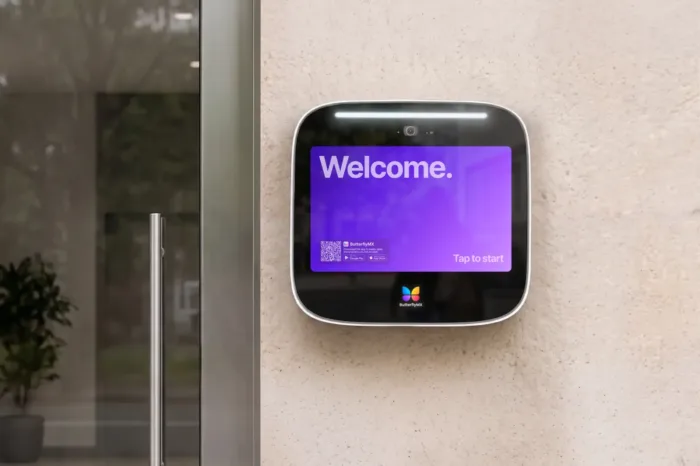
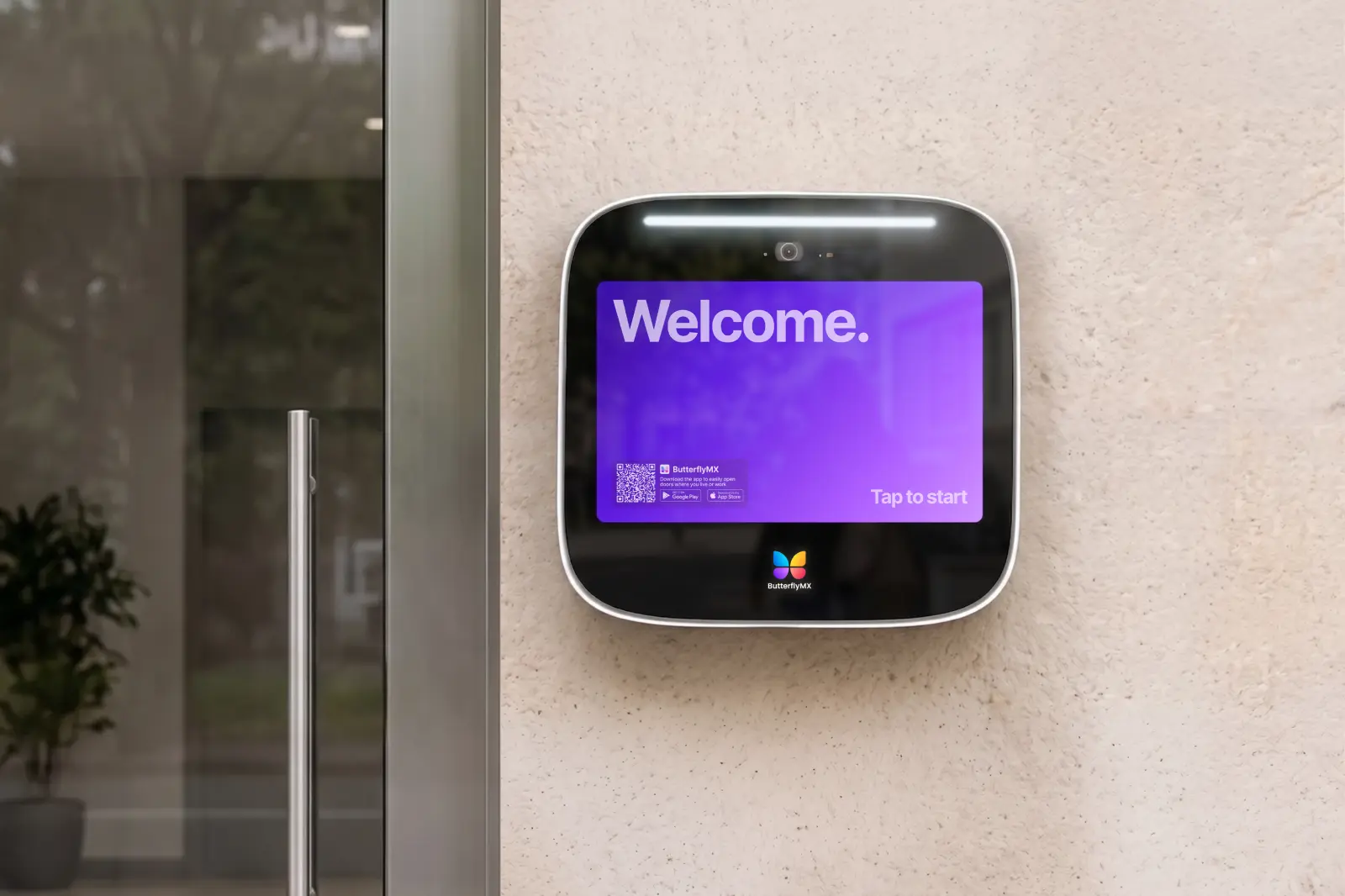
ButterflyMX becomes relevant when the intercom itself is the outdated endpoint. ButterflyMX video intercoms don’t rely on traditional POTS telephone lines for intercom calls. Residents can receive visitor calls on their smartphones, see who’s requesting entry, and grant access remotely when appropriate. Property teams can also manage directories, residents, visitors, credentials, and access through cloud-based tools instead of treating every change as an on-site task.
For properties already reviewing access control systems, mobile access control, smart lock integration, or property management software integration, intercom POTS replacement can become part of a broader access-control modernization project. The important boundary remains clear: intercom modernization should not be treated as a replacement for regulated systems such as fire alarm communicators or elevator emergency phones.
Compare POTS replacement options before you choose
The best option depends on what the POTS line supports, whether the endpoint is regulated, and whether the property wants to preserve the current process or modernize it. Use the comparison below as a decision aid, not as a substitute for review by vendors, installers, carriers, or the local Authority Having Jurisdiction.
- Legacy POTS service: Uses an analog copper telephone line. It’s the existing baseline for many older systems, but it depends on aging infrastructure and typically doesn’t add video verification, mobile access, or remote management.
- Cellular gateway or POTS in a Box: Uses managed cellular or LTE service to emulate dial tone for compatible analog endpoints. It can remove copper-line dependency, but it usually keeps the same device and the same resident or staff process.
- VoIP or analog telephone adapter: Uses an internet protocol connection with an adapter or VoIP service. It may support certain voice-focused devices, but it requires network reliability, configuration, and compatibility checks.
- Cloud phone system: Uses an internet-based communications platform for business calling. It can centralize staff phone administration, but it’s not purpose-built for building entry or access control.
- Cloud-based video intercom: Uses digital connectivity rather than traditional POTS lines for intercom calls. It’s best suited to replacing outdated telephone entry systems when the property also wants video calling, smartphone access, and remote administration.
The practical split is between continuity and modernization. Telecom retrofits make sense when the goal is to keep a compatible legacy endpoint running. A cloud-based video intercom is more relevant when the entrance experience itself needs to change.
How to replace POTS lines without unnecessary downtime
A POTS line migration should start with an infrastructure audit. List every analog line, account number, carrier, endpoint, monthly cost, vendor contact, and physical location. If the bill shows five lines, confirm what each one actually supports before canceling or converting anything.
Then classify systems by risk. Ordinary intercoms, fax machines, office phones, and business devices may follow one path. Fire alarms, elevator emergency phones, and emergency communication systems require separate review by qualified professionals and local authorities. Requirements can vary by property, equipment, jurisdiction, and use case.
Once the audit is clear, compare replacement options by endpoint. A legacy fax machine may need one approach, a fire alarm communicator another, and a POTS-based intercom another. For the intercom, include the access experience in the evaluation. Missed entry calls, on-site directory updates, and lack of video can all point toward replacing the endpoint rather than preserving it.
Plan the cutover in phases when possible. Test calls, visitor entry, door release, gate release, directory updates, alarm transmission, backup power, failover, and monitoring before retiring the old line. Keep documentation for managers, installers, carriers, and service providers so the next troubleshooting call doesn’t depend on someone’s memory.
Discover how ButterflyMX works:
How to choose the right POTS replacement for your property
Choosing the right replacement starts with three questions: What does the line support, is the endpoint worth keeping, and should the replacement improve how people use the building?
For intercoms and telephone entry systems, look past the connection type. Ask whether the system supports video calling, mobile access, remote unlocks, remote directory updates, access credential management, and integration with the property’s broader access control needs. Also consider how residents, staff, vendors, and delivery drivers will use the entrance after the change.
For life-safety systems, prioritize qualified review over speed or convenience. Fire alarm communicators, elevator emergency phones, and emergency communication systems may be governed by standards, listings, carrier requirements, and local approvals. Consult a licensed contractor, equipment manufacturer, and the local Authority Having Jurisdiction before changing those communication paths.
Useful vendor questions include: What connectivity does the system require? What happens during an internet, power, or cellular outage? Which devices are compatible? Who monitors or supports the service? What documentation is provided after installation? What recurring costs remain? The answers will help you separate a short-term telecom workaround from a long-term access-control decision.
FAQs
What is POTS line replacement?
POTS line replacement means moving a device or system away from traditional analog copper phone service to an alternative such as VoIP, cellular, cloud communications, or a modern digital system that doesn’t need a POTS line.
What are the alternatives to POTS lines?
Common alternatives include VoIP, cellular or LTE gateways, analog telephone adapters, cloud-based phone systems, and cloud-based video intercoms for building entry. The right option depends on the device, compliance requirements, connectivity, and whether you want to preserve or replace the old process.
Can I keep my existing intercom with POTS replacement?
In some cases, yes. A compatible legacy intercom may work with a VoIP adapter or cellular gateway. However, that approach often preserves the same phone-based entry experience, so an outdated intercom may be a better candidate for replacement.
Do I need to replace my fire alarm panel when replacing POTS?
Not always, but fire alarm communication is a regulated life-safety use case. Have a qualified fire alarm professional and the local Authority Having Jurisdiction review the system before changing communication paths.
Is a video intercom the same as a POTS replacement device?
No. A video intercom replaces the entry endpoint itself rather than simply emulating dial tone. For intercom calls, it can reduce reliance on traditional POTS lines while adding visitor video calling, mobile access, and remote management where supported.

Get your free quote!
Fill in the form below, and we'll email you right back.
Want a free quote?
Fill in the form below, and we'll email you right back.
You’ll be redirected shortly...