





Key takeaways:
- SIP sets up the call, while separate functions carry audio or video and operate the door release.
- Verify two-way audio, required video, and physical door release with the exact door station, phone system, and answering devices.
- Keeping your existing PBX can make sense when it supports the required workflow and a qualified person or provider owns ongoing maintenance.
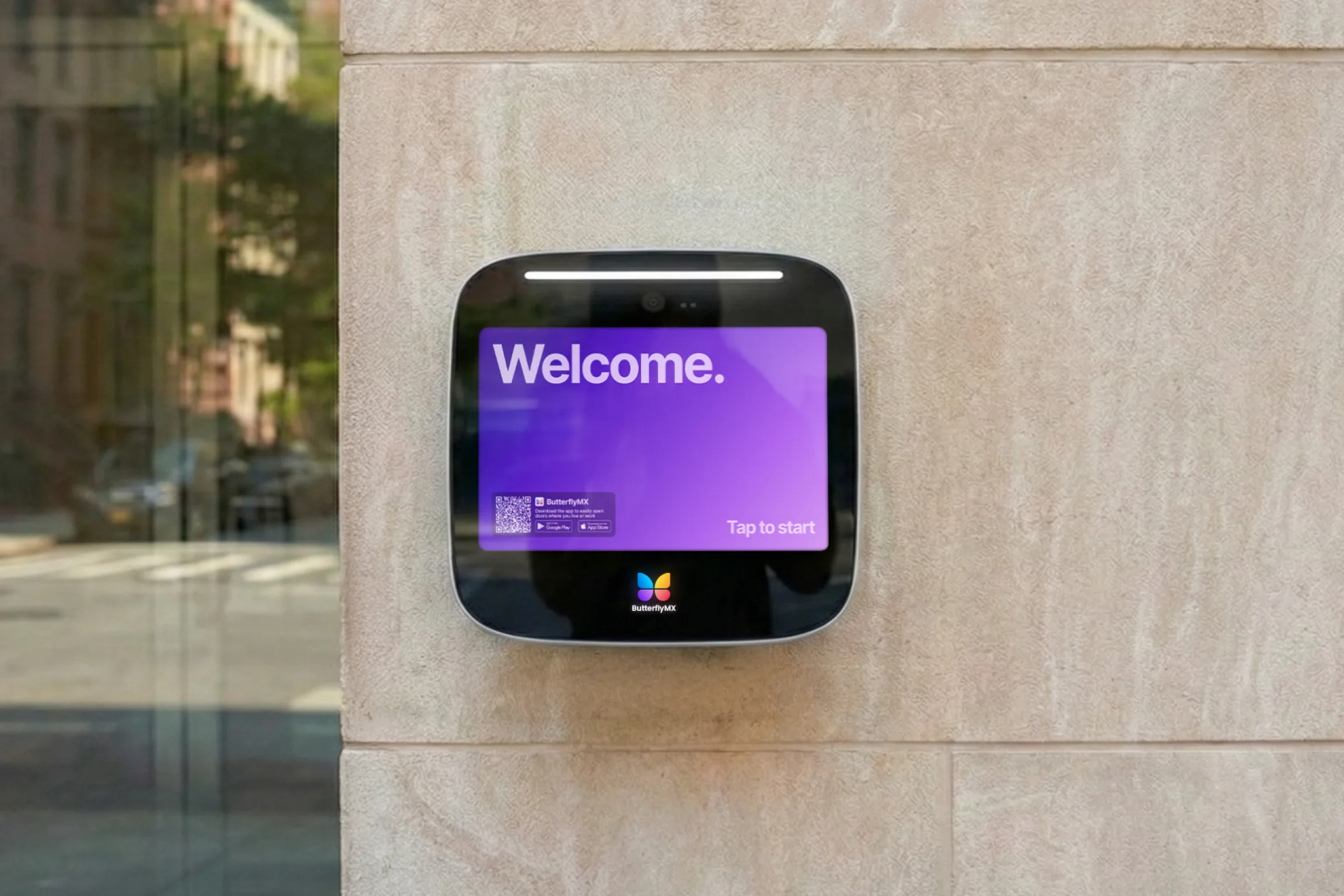
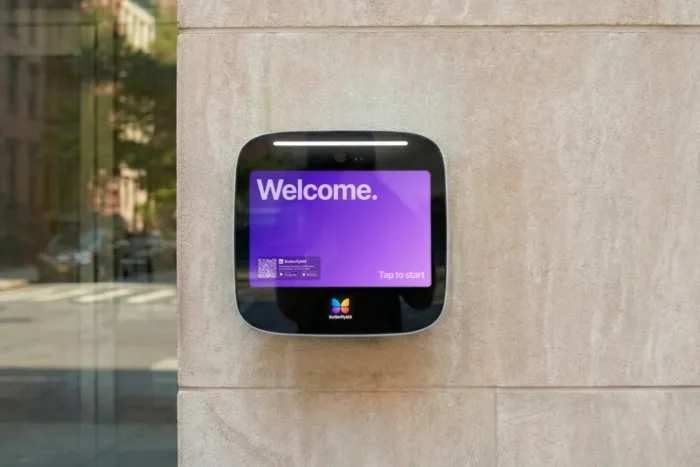
A SIP intercom is an IP-connected door station that uses Session Initiation Protocol to establish calls to compatible phones or supported apps. SIP sets up the call; separate functions carry the conversation and operate the door release.
If you want visitors to ring staff through your existing phone system, a SIP-compatible label is only a starting point. You still need to know whether staff can hear the visitor, see video if needed, and unlock the entrance. Understanding how those functions connect will help you ask your administrator or integrator for the right evidence before you commit.
This guide will answer:
- What is a SIP intercom?
- How a visitor call becomes door access
- Does a SIP intercom need a PBX?
- Verify audio, video and door release separately
- Document the lock, security and power requirements
- Choose who will operate and support the system
Watch how ButterflyMX works:
What is a SIP intercom?
A SIP intercom uses Session Initiation Protocol to create, change, and end calls between an entrance station and compatible answering devices. The base SIP specification, RFC 3261, defines SIP as a signaling protocol, not a complete communications system. In other words, SIP handles the call connection rather than every part of visitor entry.
The door station and each answering phone or supported app are SIP endpoints. In a registered system, a registrar records where those endpoints can be reached. A private branch exchange, or PBX, provides phone-system functions such as extension calling and routing. The registrar and PBX may be part of the same platform. Some supported devices can also call each other directly without a server, as the Axis SIP introduction explains.
Working door access depends on three connected functions. SIP establishes the call. RTP, the Real-time Transport Protocol, or its protected form, SRTP, carries the audio or video. A configured release command operates a separate lock interface. Hearing the visitor shows that audio is working, but it doesn’t show that the door can open.
Related product names can blur these distinctions. IP describes communication over an internet-protocol network, while VoIP means voice over IP. SIP describes the signaling protocol. Sellers may use SIP door station, SIP door phone, and VoIP intercom for overlapping products, so check which device and function they mean. As the IP intercom guide explains, IP networking alone doesn’t promise SIP support, wireless operation, mobile answering, or cross-vendor compatibility.
To see what those labels leave unproven, follow a visitor call from the entrance button to the physical door release.
How a visitor call becomes door access
In a registered system, registration normally happens before a visitor presses the button. A REGISTER request tells the registrar where an endpoint can currently be reached. That record expires unless the device refreshes it, under RFC 3261 registration rules. Registration is an ongoing requirement, not a new step triggered by each visitor. Supported peer-to-peer systems use direct calling instead.
Once the devices are reachable, a basic visitor call follows the sequence below. The message names illustrate the stages; not every installation uses an identical exchange.
- The visitor presses the call button. The station calls its configured destination, such as a staff extension or ring group. Registration tells the system where an endpoint can be reached; the button destination tells it whom to call. These are separate settings, as shown in VoIPstudio’s door-station setup guide.
- The call rings and someone answers. In a simplified SIP exchange, INVITE requests the call, 180 Ringing reports ringing, and 200 OK accepts the call. ACK confirms that acceptance. These signaling messages, described in the Axis call-flow explanation, don’t by themselves prove that audio or video works.
- The devices agree on media formats and carry the conversation. Session Description Protocol, or SDP, supplies descriptions used to agree on formats, including codecs. A codec encodes and decodes audio or video. RTP or SRTP carries that media. The media path is separate from SIP signaling and may pass through system components rather than directly between endpoints. This is why a call can connect while audio is missing or works in only one direction.
- The answering person sends the configured release command. This commonly uses DTMF, the keypad signaling associated with telephone digits. The station or controller must recognize the command and operate the lock interface. Axis describes three methods: tones within the audio, called in-band audio; SIP INFO messages; and RTP telephone events, often labeled RFC 2833 in product settings. The equipment handling release must support the selected method and command. No single digit is a universal SIP unlock command.
- The call ends. A basic SIP session uses BYE and a successful response to end the conversation. Ending the call is separate from operating the lock. The SIP exchange neither supplies lock power nor defines every physical release setting.
Suppose staff can speak with a visitor, but the configured keypad command doesn’t open the door. That demonstrates conversation, not correct DTMF handling or a working physical release path. Either part needs investigation; the symptom alone doesn’t tell you which failed.
Before requesting those demonstrations, define where visitor calls need to go. That will help you judge whether your existing PBX is useful or whether a simpler direct connection could meet your needs.
Does a SIP intercom need a PBX?
Not always. Supported SIP clients on the same network can call peer-to-peer without a SIP server. A registrar/PBX arrangement adds registration, extension-based calling, and routing. As Axis explains in its deployment overview, not every client supports direct calling. The right arrangement depends on device support and how staff need to receive calls.
Match call routing to the staff workflow
Start with which phones must ring, whether several people need a chance to answer, and whether destinations change outside office hours. A direct call may serve one supported answering device. More involved staffing patterns need routing features that your administrator must confirm on the chosen platform.
For example, you might want reception to answer during the day and security to answer after hours. Supported time-based routing could change the destination by schedule. A ring group could offer the call to several staff members, while fallback routing could handle an unanswered call. VoIPstudio documents these routing options, but SIP support alone doesn’t guarantee them on your PBX.
Have your administrator demonstrate the schedules and destinations you need. Your existing PBX is useful only if it supports that workflow and the proposed station can use it.
Connect the door station to the phone system
Your VoIP administrator or integrator handles provisioning, meaning the setup that connects the station to the phone system. The reusable sequence is:
- Create the PBX device or extension and its credentials.
- Enter the documented server or domain and authentication details at the door station.
- Confirm that the station registers.
- Configure the call-button destination.
- Demonstrate the visitor call and release workflow.
Verkada’s SIP integration documentation and the VoIPstudio guide show this two-sided setup. Required authentication identifiers, proxy fields, and device-enrollment steps vary by platform. Your specialist should follow documentation for the actual equipment and service rather than treat one vendor’s console instructions as universal.
A registered indicator is an intermediate result, not final acceptance. It doesn’t prove that the right phones ring or that audio, required video, and physical release work. Those functions need separate evidence.
Verify audio, video and door release separately
Don’t assume that any SIP intercom will work fully with your phones. Record the proposed door-station model, PBX or platform and version, and answering phone or app. Ask for documented pairing information and confirmation of shared codecs, supported DTMF methods, and video support where needed.
DoorBird’s compatibility matrix lists two-way audio, video, and door opening separately. Its results apply to DoorBird equipment and the listed configurations, not every SIP product. The matrix is also undated, so use current documentation for your proposed combination and request a demonstration of each required function.
The table below gives you proposed checks to request from your administrator or integrator. These are not tests performed or certifications issued by ButterflyMX. Each demonstration should use the actual call route and devices staff will use.
These checks apply the separate media and DTMF functions described in the Axis technical primer. Audio-only success doesn’t meet a video requirement, and video with conversation still doesn’t prove unlocking. Record the exact combination demonstrated and assign unresolved results to the responsible specialist before acceptance.
If the station appears offline after a reboot or network interruption, ask the administrator to check registration and renewal. Registrations expire unless refreshed, but recovery behavior varies by device. Registration loss is a possibility to investigate, not a confirmed cause of every post-reboot failure.
Missing or one-way audio needs a media-path check. NAT, or network address translation, maps private network addresses to addresses used on other networks. This can affect the addresses and paths used for media, as Axis explains in its NAT discussion. Your administrator should assess the actual network rather than assume the products are incompatible.
If audio works but release fails, have the administrator check the configured command and DTMF method while the integrator checks the physical release path. Even when all three demonstrations succeed, you still need to know whether the lock, security settings, and power design suit the installation.
Document the lock, security and power requirements
Phone-system compatibility is only part of a working installation. Your integrator also needs to document the lock interface, communication protection, and network and power requirements for the proposed equipment.
Confirm the physical release design
A recognized release command must operate a suitable door relay or controller. Some stations offer an internal relay; others can use a separate controller. For example, Algo documents both options for its 8201 intercom. Controller placement is a physical design decision, not a different meaning of SIP compatibility.
A dry-contact relay switches a circuit rather than supplying lock power. A successful phone call therefore doesn’t establish that the lock has suitable power or a complete release design. Have qualified professionals assess hardware ratings, lock suitability, power, safe exit, and applicable requirements with the relevant authority.
Ask your integrator for a written design naming the hardware, power arrangement, and controller placement. It should also identify who supports the physical release path when a call works but the entrance won’t open.
Verify signaling and media protection
TLS protects SIP signaling, while SRTP protects media. Enabling one doesn’t establish that the other is protected. Verkada recommends enabling both where supported, and Algo lists both for its cited model. Support doesn’t mean either protection is enabled by default.
Ask your integrator to document support, enabled settings, and limitations across the actual station, PBX, and answering equipment. Use current product documentation for those settings, not the foundational SIP specification as a complete security guide.
Check network capacity and backup power
If the station uses Power over Ethernet, or PoE, the installer needs its specific power requirement and the switch power budget: the total power available for connected devices. The network plan also needs to address separation between systems, the installation environment, and backup power. Swiftlane’s vendor evaluation framework includes these areas as practical planning considerations, not universal installation standards.
Leave VLANs, which separate network traffic, and other network design choices to the responsible specialist. Request a plan covering the door station, network equipment, required PBX or services, controller, and lock power. Keeping only the station powered doesn’t show that the complete calling and release path will remain available.
With those dependencies documented, you can compare who will maintain each part and what the property can expect when a service or component fails.
Choose who will operate and support the system
SIP and cloud are not opposites. SIP can be used with a local PBX, a hosted PBX, or a hybrid arrangement that combines local and remote components. As the IP intercom architecture guide explains, the useful comparison is who manages the system and which services your answering workflow depends on.
Match administration to available support
Keeping your PBX can make sense when the exact combination delivers the required audio, video, and release functions, and a qualified person or provider owns ongoing maintenance. That owner needs responsibility for setup, credentials, updates, and phone-system diagnosis. The network and physical release path also need named support owners, even if different specialists handle them.
A provider-managed service may fit when you want service administration handled elsewhere. The property still needs someone responsible for connectivity, access procedures, and door hardware. A hybrid arrangement can preserve useful local components, but it needs clear support boundaries. Record which party investigates each part of the workflow so faults don’t fall between vendors.
Compare proposals covering the same work: equipment, installation, network and power work, PBX service or administration, subscriptions, and ongoing support. Reusing a PBX doesn’t remove integration or maintenance work, while managed service changes your recurring obligations. Neither approach is automatically cheaper or more reliable; assess costs and required functions for your property.
Identify what remains available during an outage
Local calling may continue without internet access only when the necessary local PBX or services, network, and power remain available. A hosted PBX or another remote service changes that dependency. Local, hosted, and hybrid labels alone don’t tell you what will keep working.
Ask your integrator for a test plan that treats internet loss, local-network loss, and power loss separately. For each condition, identify whether the required visitor call and door release remain available and what they depend on. Normal operation doesn’t prove outage operation.
If the proposed combination meets your needs and maintenance has a clear owner, your existing PBX is a reasonable option to pursue. If a required function remains unresolved or no one will support the connection, evaluate another approach. For broader outage, retrofit, and selection planning, see the guide to comparing IP intercom architectures.
Frequently asked questions
Can I answer a SIP intercom on a mobile app?
Yes, when the system supports that mobile app and connection. SIP doesn’t rule out mobile clients or softphones, which are apps used as phones. Have your administrator verify the platform, network conditions, and required audio, video, and release functions. Don’t assume any consumer calling app will work.
Can an intercom ring different phones after office hours?
Yes, when the routing platform supports the required schedule. Time-based routing can change staff destinations, with ring groups or fallback routing where available. Have your administrator demonstrate office-hours and after-hours behavior on the selected platform. SIP alone doesn’t guarantee these features.
Does a SIP intercom need a telephone number?
Not always. Supported same-network peer-to-peer calling and PBX extension dialing can work without a conventional telephone number. External telephone-number service through a SIP trunk is a separate option that can add provider charges. Confirm the routing needs and fees for your system.
Will pressing 9 always unlock a SIP intercom door?
No. The release digit or command and the method used to send it depend on the configuration. The answering device and door station must support the selected DTMF method, and the physical release interface must work. A digit documented for one installation shouldn’t be assumed to work elsewhere.
Your existing phone system gives you a reason to consider a SIP intercom, not proof that a proposed station will deliver working door access. Before committing, request demonstrations of two-way audio, required video, and physical release using the exact devices and routes staff will use.
Keep those results alongside the lock and infrastructure design, outage plan, and named support owners. If the system meets your needs and someone is accountable for maintaining it, keeping PBX-based calling can be a sound choice. If not, use the specific gaps to evaluate a managed or hybrid alternative.

Get your free quote!
Fill in the form below, and we'll email you right back.
Want a free quote?
Fill in the form below, and we'll email you right back.
Redirecting you in 5 seconds.