by Pooja Sharma | Feb 2, 2021 | Product How-To
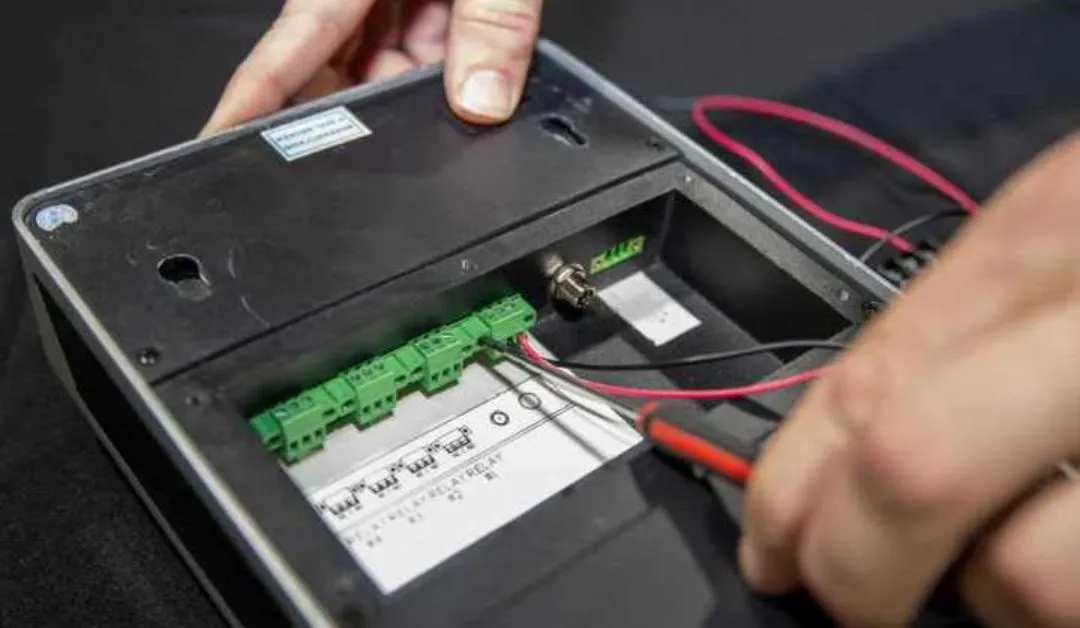
The ButterflyMX video intercom is quick and simple to install, requiring only three connections: internet, power, and door strike. We do, however, require that all installers get ButterflyMX certified before installing any of our products. So, whether you’re preparing... Read More
by Katie Kistler | Jan 26, 2021 | Commercial Intercom System
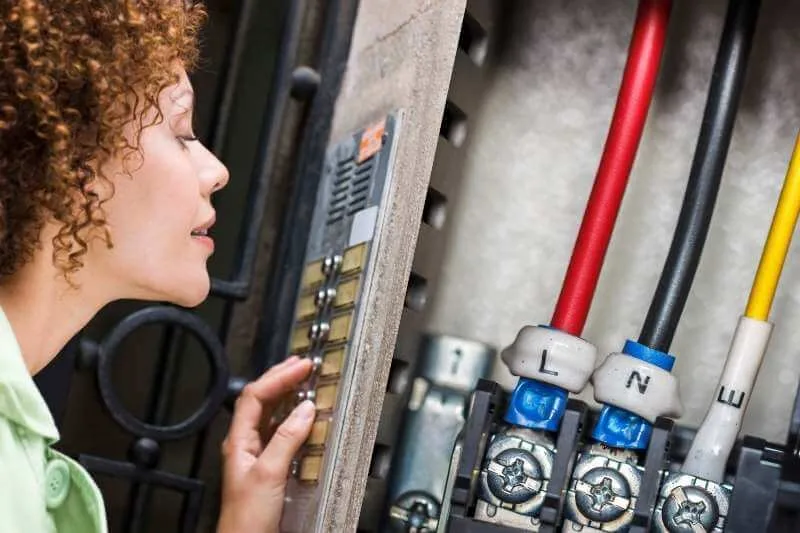
Key takeaways Wireless commercial intercom systems enable communication and property access without extensive wiring, reducing installation costs and complexity. These systems allow tenants to manage access remotely via smartphones, enhancing convenience and security.... Read More
by Emily Kubec | Jan 11, 2021 | Dashboard Features, Integrations, Product How-To
If you own or manage a commercial property with a ButterflyMX video intercom, your intercom should have our commercial directory. The commercial directory allows your ButterflyMX intercom to show a list of both companies and individual tenants. If you don’t have... Read More
by Emily Kubec | Jan 10, 2021 | Dashboard Features, Product How-To
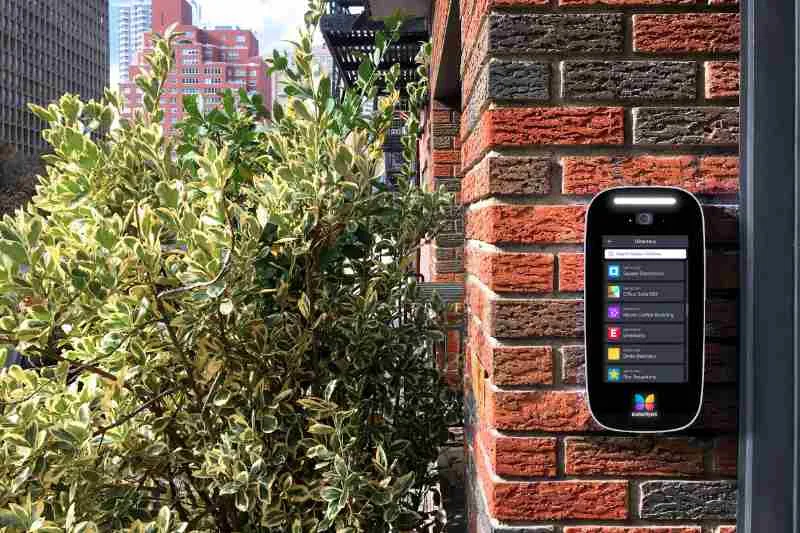
Key takeaways: ButterflyMX’s commercial directory simplifies access in multi-tenant buildings by enabling visitors to easily contact the right company or employee. Visitors can search the directory by name or company and directly call the front desk or a specific... Read More
by Emily Kubec | Jan 9, 2021 | Dashboard Features, Product How-To
If you have a commercial property, it’s important that your ButterflyMX video intercom has a commercial directory. Our commercial directory differs from our residential directory because it displays both company names and individual tenants’ names. This way, a... Read More