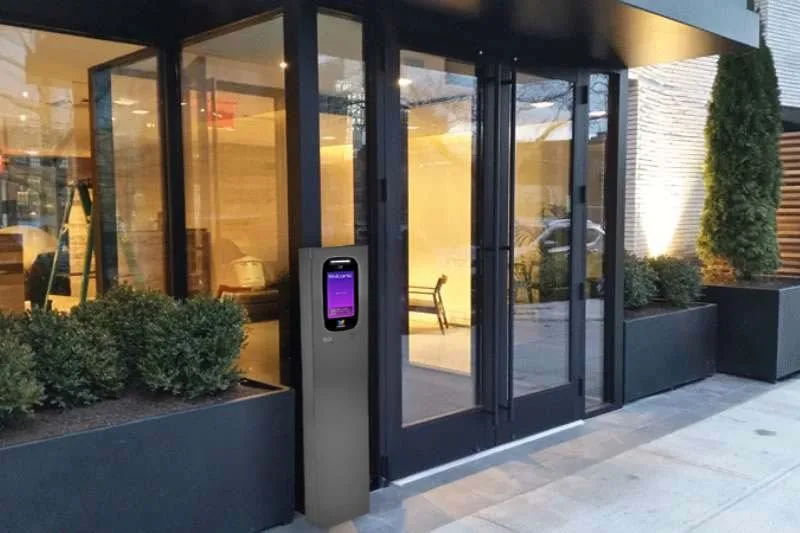
Key takeaways: A vestibule is an enclosed space between a building’s exterior and interior, designed for climate control and security screening. Managing vestibule doors requires considering door count, unlock timing, and security restrictions. Connect relays to... Read More
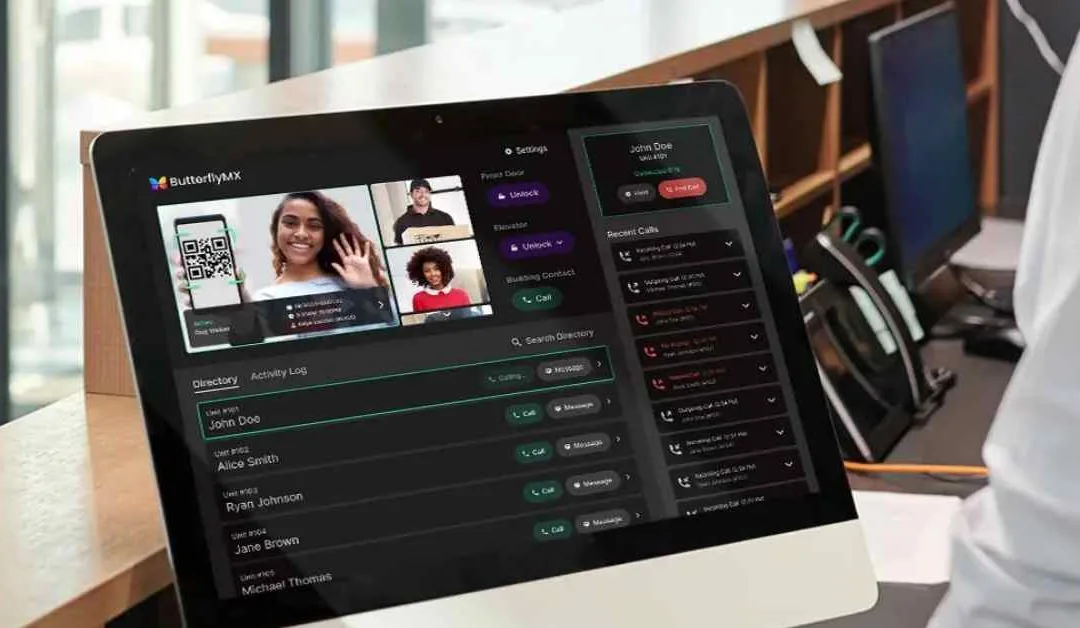
Key takeaways ButterflyMX OS allows property admins to view, add, remove, or update administrators. Admins can log into the ButterflyMX OS, select the building, and navigate to the ‘Administrators’ tab to manage admin roles and view details by zones or units. To... Read More
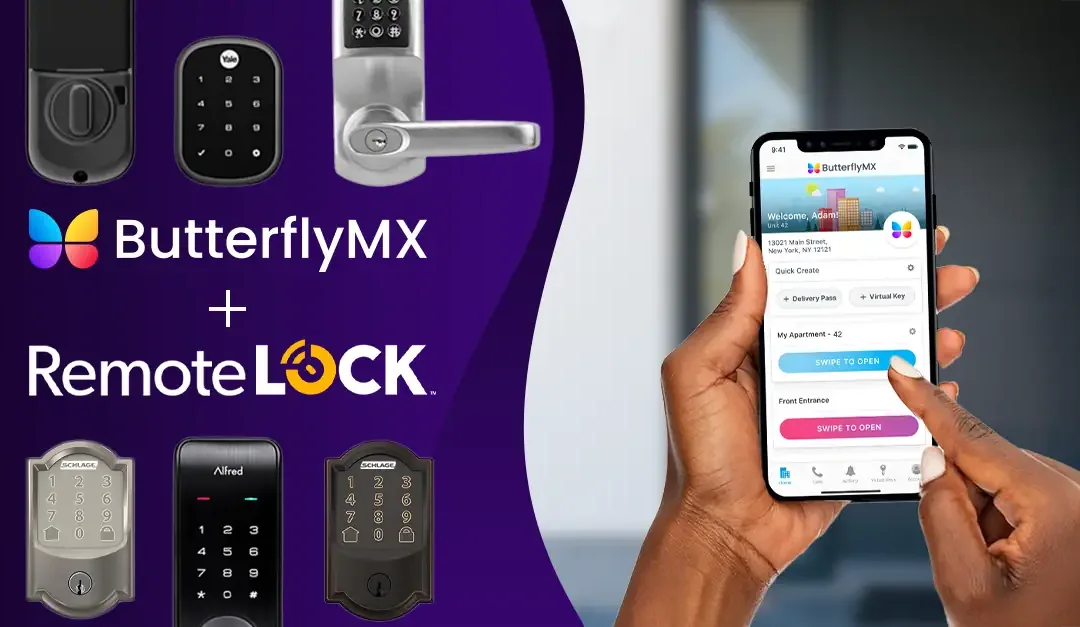
ButterflyMX allows your residents to open and manage doors and gates from their smartphones. This creates convenience and safety for you, your residents, and your building staff. Through ButterflyMX’s integration with RemoteLock, you can now connect ButterflyMX... Read More
A common misconception about the ButterflyMX video intercom is that it’s only accessible to those with a smartphone. You do not need a smartphone to use ButterflyMX. We have many ways non-smartphone residents & tenants can use ButterflyMX to open the door... Read More
People love ButterflyMX’s video intercom system because it lets them see who’s at the door or gate before letting them into the property. If you’re not expecting a visitor and someone suddenly appears at your door or gate, it’s natural to want to see them... Read More
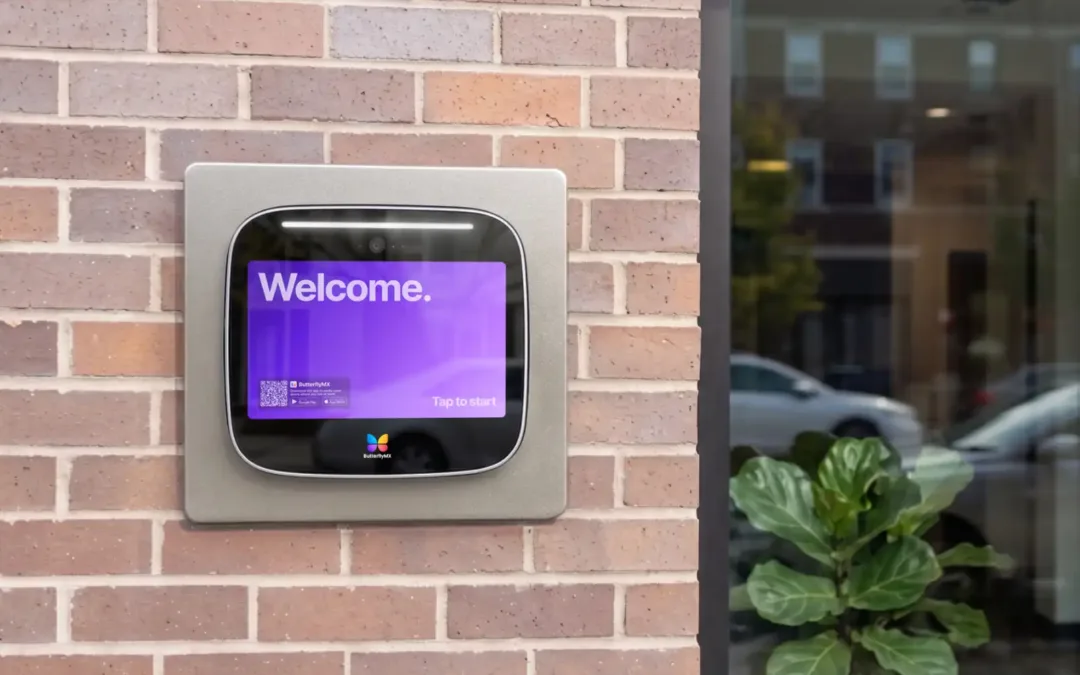
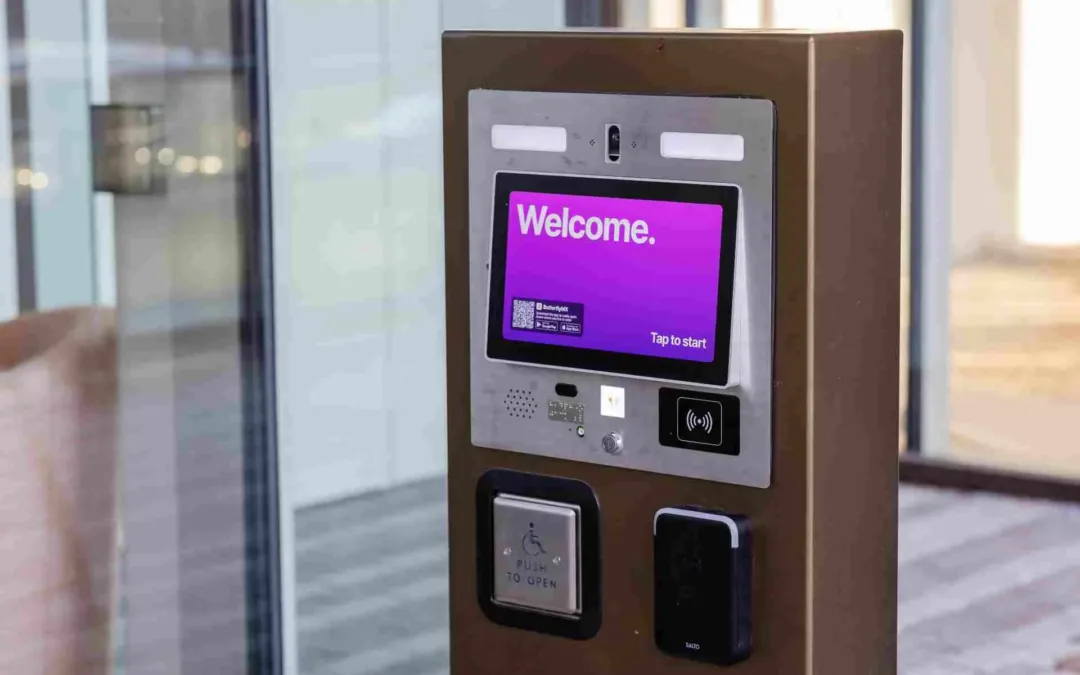
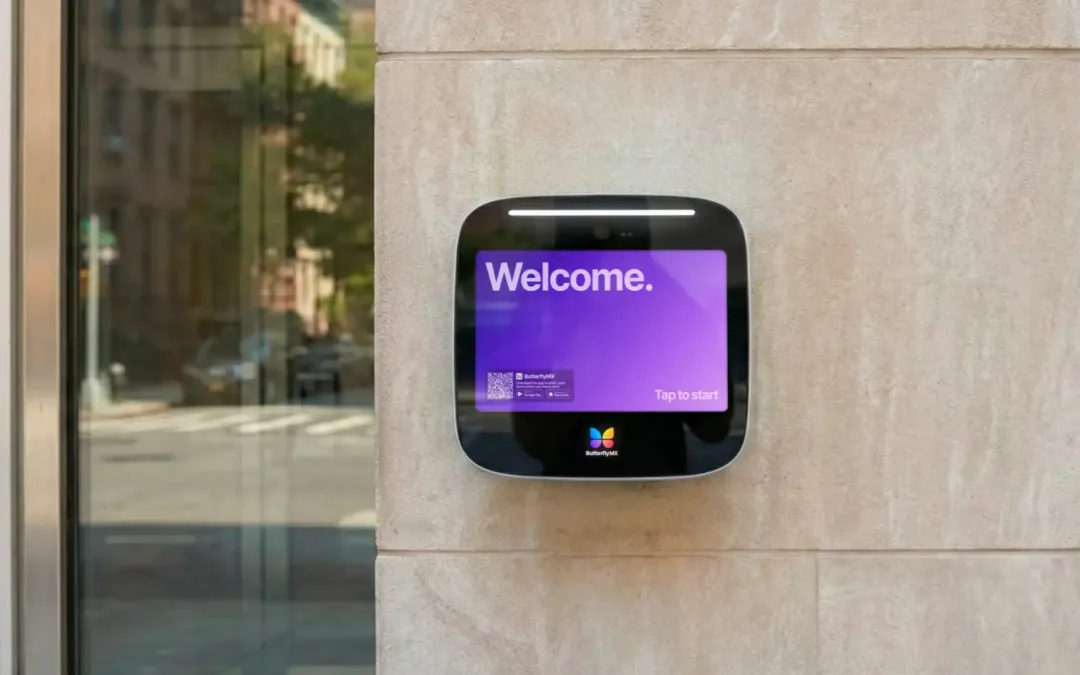
Your ButterflyMX video intercom is often the very first thing a resident, visitor, or delivery person sees when arriving at your property. This provides a unique opportunity to digitally greet guests and provide a warm welcome home to your residents after a... Read More