Meredith Murray covers the systems and strategies shaping today’s multifamily and commercial properties. Meredith’s articles provide practical insights for real estate professionals seeking to improve security, streamline day-to-day operations, and create more seamless experiences for residents, staff, and guests.
Takeaways A delivery management system is important because it allows residents to easily access their packages and reduces the time spent sorting deliveries. Parcel delivery management software must be scalable, secure, and easy to control. When choosing a delivery... Read More
Key takeaways: AlphaTouch combines cloud-managed video intercoms, mobile answering, QR guest access, telephone calling, PINs, and proximity credentials on a wired PoE network. Alpha Communications uses quote-based pricing, while third-party sellers list the AT700AS... Read More
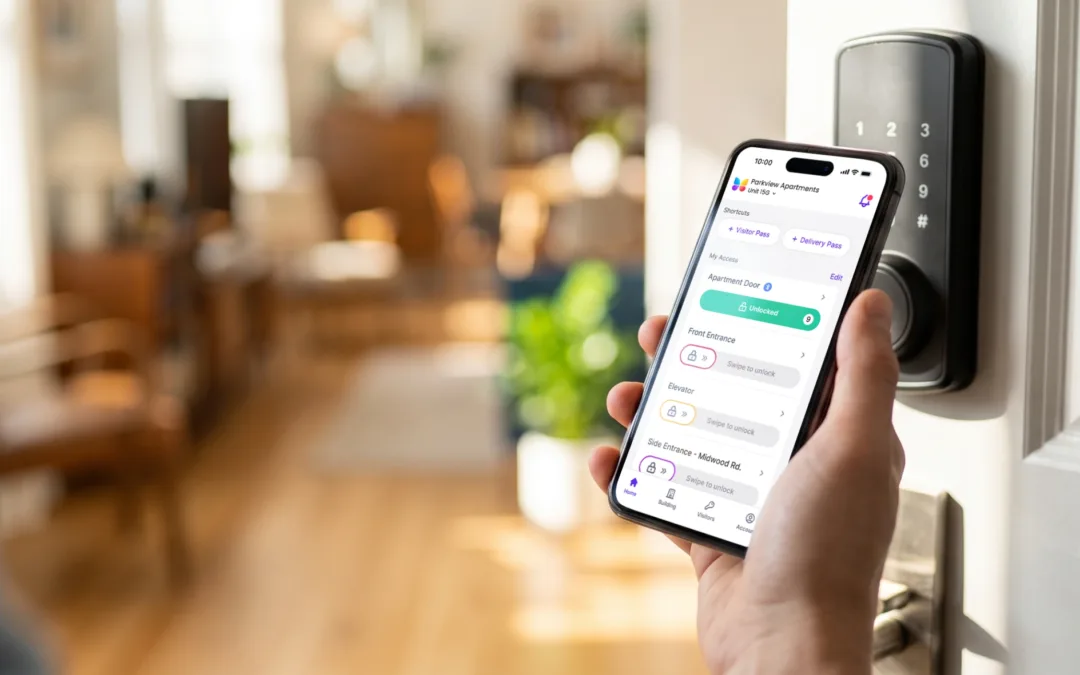
ButterflyMX allows your residents and tenants to open and manage building doors and gates from their smartphones. This creates convenience and safety for you, your tenants, and your building staff. Our SALTO KS integration extends this simplified access experience to... Read More
At ButterflyMX, we know that you want to get into your apartment as quickly and easily as possible. If your property enables our SALTO KS integration, you can do just that. You love that ButterflyMX allows you to open and manage building doors from your... Read More
When wiring a ButterflyMX Video Intercom directly to an electric lock, there is an inductive voltage kickback. Inductive kickback occurs when the current across an inductor is interrupted, resulting in an electromagnetic interference that can cause component... Read More