





Key takeaways:
- Property management automation uses rules, schedules, integrations, and sometimes AI to coordinate recurring work across software systems and physical access operations.
- The best automation candidates have high volume, reliable data, clear permissions, measurable goals, and a named person responsible for exceptions.
- Automation should support property teams, not replace human judgment in disputes, emergencies, fair-housing-sensitive decisions, safety issues, or unclear situations.
Most property teams do not need automation for its own sake. They need fewer missed handoffs, cleaner records, faster follow-up, and a safer way to manage routine access, payments, maintenance, and communication. Property management automation is the use of rules, schedules, integrations, and sometimes AI to complete or coordinate that recurring work.
The category is broader than rent reminders or maintenance routing. It also includes physical operations such as entry permissions, visitor access, vehicle access, elevators, and package rooms. Those two layers often meet in everyday situations: a resident record changes, a lease event triggers a task, a credential needs to expire, or a team member needs to review an exception.
The right question is not which property management software tool can automate the most. It is which tasks are repeatable enough to automate safely, which systems need to connect, and where a person still needs to make the final call.
This guide will answer:
- What property management automation means
- What property management tasks can be automated
- How automation approaches and layers differ
- How software and access systems connect
- Priorities by property type and portfolio size
- Benefits, costs, and platform fit
- AI and human oversight
- What should remain under human control
- Launching and measuring an automation pilot
- FAQs
Watch how ButterflyMX works:
What property management automation means
Property management automation uses defined rules, schedules, integrations, and assisted decision tools to handle recurring work across a property operation. An automated property management system might send rent reminders, route maintenance requests, start an onboarding checklist, notify a team when a task is overdue, or update an access permission after a move-in or move-out event.
It helps to divide automation into two connected layers. The software layer includes leasing, accounting, payments, maintenance, communication, inspections, documents, and reporting. The physical and access layer includes doors, gates, mobile credentials, visitor entry, vehicle access, elevator permissions, package rooms, and the notifications tied to those events.
A property can automate one layer without fully connecting it to the other. But the operating experience is usually stronger when records, permissions, notifications, and exception paths line up. If a resident record changes in property management software, the access system should not depend on a separate manual update that someone may forget. At the same time, teams should not assume every platform supports the same integration, timing, or data behavior.
Most automated processes share a few building blocks: a trigger, a schedule or condition, permissions, a system of record, notifications, and an escalation path. A completed move-out record, for example, might start a checklist, revoke a credential at a set time, and alert the team responsible for final review.
Does automation replace property managers? No. It can reduce repetitive administrative work and make handoffs easier to track, but disputes, complex maintenance issues, emergencies, compliance-sensitive decisions, and important relationships still need accountable people.
What property management tasks can be automated
Property management workflow automation works best when the task is frequent, repeatable, and based on dependable information. Good candidates usually fall into a few categories:
- Leasing and onboarding: listing distribution, inquiry routing, document collection, electronic signatures, onboarding checklists, renewals, and routine reminders.
- Payments and finance: online rent collection, autopay, receipts, late-payment notices, owner statements, and recurring accounting steps.
- Maintenance and inspections: request intake, work-order routing, vendor updates, inspection reminders, and escalation of unresolved issues.
- Resident communication: recurring notices, message templates, task updates, and communications tied to known events.
- Administration and reporting: document requests, task assignments, utility-billing steps, compliance records, and scheduled reports.
- Access operations: entry permissions, mobile credentials, visitor access, vehicle access, elevator permissions, package-room access, and related alerts.
This list is a starting point, not a mandate to automate every step. A reminder is different from a decision. A routed work order is different from a diagnosis. A credential update is different from a safety judgment.
Leasing and onboarding
Leasing automation often handles the repeated handoffs around inquiries, documents, signatures, move-in instructions, renewals, and routine follow-up. In its 2025 Renters Housing Trends Report, Zillow Research reported that 40% of recent renters signed electronically in 2025, after electronic signing reached 43% in 2024.
Electronic signing can make one defined step easier to complete, but it does not remove the need for staff review. Incomplete records, special circumstances, and decisions that affect an applicant or resident should still move through a clear human process. For a deeper look at those handoffs, see ButterflyMX guidance on automated leasing.
Payments, accounting, and routine finance
Online rent collection, autopay enrollment, receipts, scheduled reminders, late-payment notices, owner statements, and recurring accounting tasks are common automation candidates because they happen often and can be measured. Zillow Research found that 61% of recent renters typically paid rent online in 2025, while 73% said they would ideally pay online.
Still, digital payment adoption does not make every collections decision automatic or appropriate. Payment disputes, hardship requests, late-fee questions, and policy exceptions need a documented process and a person with authority to review them.
Maintenance, inspections, and vendors
Maintenance automation can accept a request, collect basic details, create a work order, route it by category or location, schedule status updates, and escalate unresolved issues. Inspection reminders, vendor task assignments, and routine completion notices can follow the same pattern.
The limit is important. Automation can move information quickly, but it should not be left to resolve emergencies or diagnostically complex problems on its own. A burst pipe, safety concern, repeated complaint, or unclear repair history needs trained human judgment.
Communications and administration
Recurring notices, document requests, utility-billing steps, reporting schedules, and task assignments are often good fits because the message or action is known in advance. These processes work best when the recipient list comes from a reliable source and the team knows who reviews exceptions.
Sensitive communications deserve more care. Complaints, conflicting facts, resident disputes, and messages with legal or financial consequences should be reviewed before they are sent.
Property access operations
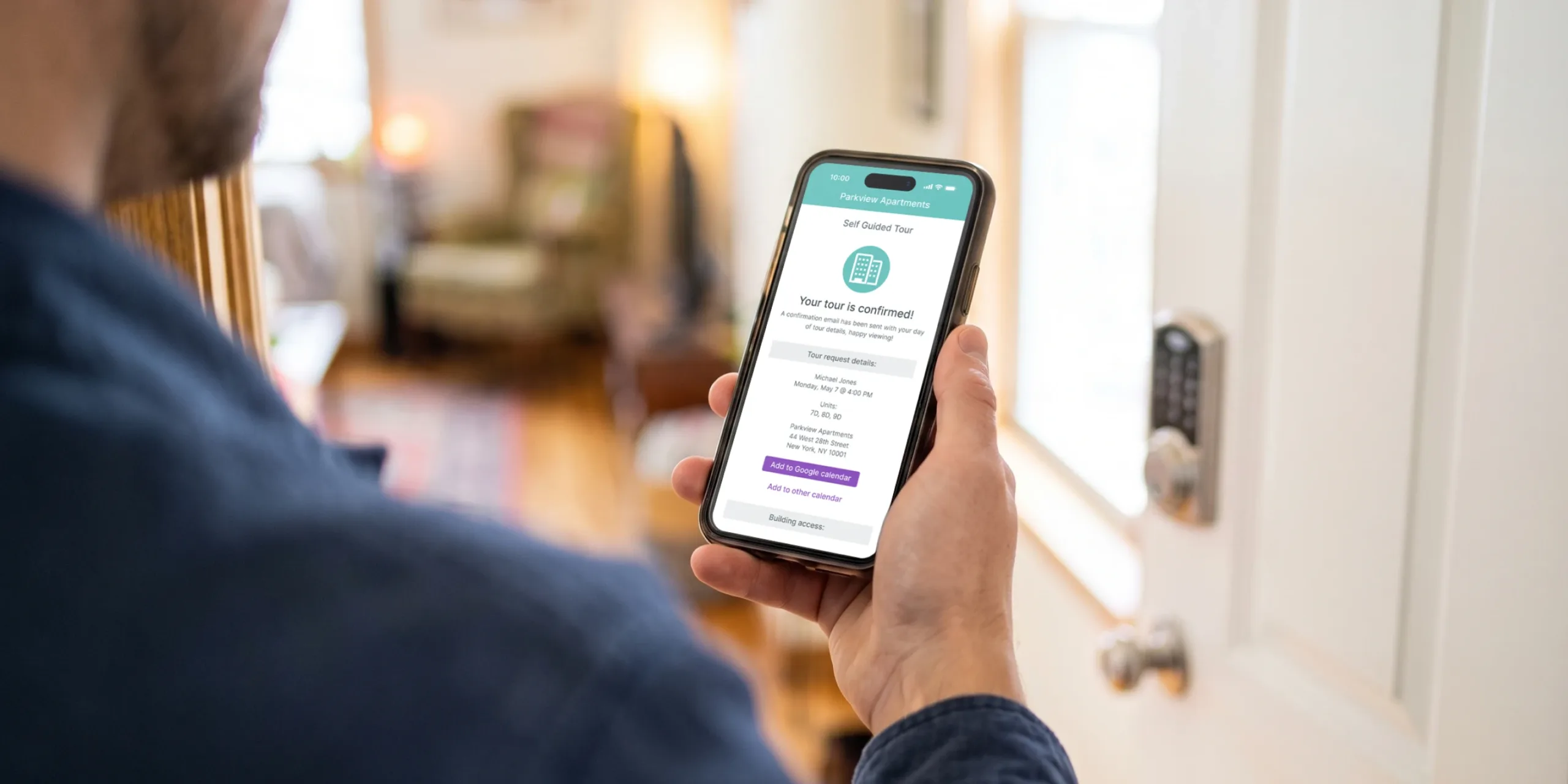
Access automation is a core operating category, not just an amenity. It can coordinate entry permissions, mobile credentials, visitor access, vehicle access, elevator permissions, package-room access, and notifications tied to those events.
ButterflyMX is one possible access automation layer for managed properties. Residents can receive visitor calls and grant entry from their smartphones, while property teams can remotely manage residents, visitors, credentials, and access. That role is complementary. ButterflyMX does not replace core accounting, leasing, payment, or maintenance software.
Teams that want more examples of recurring digital processes can also explore property management workflow automation. The practical test is simple: choose a repetitive task with reliable data, a measurable problem, and a safe route for exceptions.
How automation approaches and layers differ
Not every automated process works the same way. Rule-based automation, robotic process automation, and AI-assisted automation describe methods for doing work. Physical and access automation is different: it is an operating layer that may use rules, integrations, RPA, or AI depending on the task.
Rule-based automation is often the easiest to understand. If a lease reaches a certain status, a checklist starts. If a payment is late, a reminder is scheduled. RPA is more useful when a team repeats the same digital steps across systems that do not share a direct integration.
AI assistance is different because the output can change based on the data and context. It can help sort, summarize, draft, forecast, or triage, but it should not be treated as a synonym for automation or a substitute for review. Automating a defined task is not the same as letting a system make an unreviewed decision.
In practice, one process may combine several approaches. A verified resident record could trigger a rule-based notification, pass through a supported integration, update an access permission, and create a review task if the data does not match. The safest approach is usually the simplest one that fits the task, risk, and oversight requirements.
How software and access systems connect
Connected automation starts with a clear system of record. In a move-in process, for example, an authorized record in property management software may reach the right status and pass shared identifiers through a supported integration or API. An access system may then create or update a permission, notify the right person, and record the action.
That example shows the concept, not a universal promise. Properties should verify which systems can connect, what data moves between them, how often updates happen, and what happens when data does not match.
Before connecting property management software, access control, and other IoT systems, define which platform owns each field. Then decide how records are matched, when updates occur, who can change permissions, and who resolves conflicts. Shared identifiers, data mapping, synchronization timing, credential expiration, role-based access, audit trails, and notification rules are operational decisions as much as technical ones.
A connected dashboard can improve visibility only if the records behind it are accurate. ButterflyMX offers additional context on using a property management app to bring property operations into a more connected experience.
Ask prospective vendors how they handle duplicate records, delayed updates, disconnected services, revoked permissions, onboarding, security responsibilities, logs, and manual fallback procedures. The failure mode matters. A process with no named owner for exceptions can create more risk than the manual process it was meant to improve.
For properties assessing the access layer, ButterflyMX can be evaluated as a complement to the existing property-management stack. The right fit depends on the property, current equipment, supported integrations, security responsibilities, and day-to-day operating requirements. Explore ButterflyMX property management features when evaluating access operations alongside the broader software stack.
Priorities by property type and portfolio size
Portfolio size changes the volume of work and the cost of a repeated mistake. It does not, by itself, decide which product is right. A better starting point is to ask where delay, manual entry, unclear ownership, or access complexity creates the most friction.
Multifamily properties
Multifamily teams often look first at recurring payments, maintenance routing, resident communications, visitor entry, package operations, and credential administration. At higher unit counts, a small process flaw can repeat many times, so permissions, audit trails, and exception ownership become especially important.
Single-family and scattered-site portfolios
Single-family and scattered-site portfolios may prioritize remote access, self-touring controls, distributed maintenance coordination, rent collection, and renewals. The issue is not only convenience. Teams also need a responsible local response when a remote event fails or does not fit the normal process.
HOA and condo communities
HOA and condo communities may need dependable resident records, guest and amenity permissions, community communications, approvals, and documented exceptions. Because governance and ownership structures can be more complex, roles and auditability matter.
Student and senior housing
Student and senior housing should balance turnover, authorized access, support needs, and safety. Maximum automation is not the goal. Reliable escalation and accessible support may matter more than removing every manual touch.
Commercial and mixed-use properties
Commercial and mixed-use properties often coordinate tenants, residents, vendors, visitors, vehicles, staffed entry, elevators, and different access schedules within the same site. Teams should map who needs access, when that access expires, which system records the change, and how unusual requests are handled.
These are prioritization prompts, not universal prescriptions. Each property should validate its starting point against real workflow data, resident needs, staffing, risk, and the systems already in place.
Benefits, costs, and platform fit
Automation can reduce repetitive work, manual handoffs, and inconsistent follow-through when it is matched to the right process. It can also make routine service easier to track. Those are potential benefits, not guaranteed outcomes. A useful business case starts with a baseline: cycle time, manual touches, errors, support volume, exception rate, resident impact, and total cost.
The market context shows why many teams are paying attention. Fortune Business Insights valued the global property-management-software market at $24.18 billion in 2024 and forecast $52.21 billion by 2032, a projected 10.1% compound annual growth rate. That forecast is useful context, not proof that any specific automation will pay off for a given property. See the property management market forecast for the underlying estimate.
There is no reliable universal price for property management automation. Total cost may include subscription or per-unit fees, selected modules, payment processing, hardware, installation, integrations, implementation, training, support, ongoing administration, and the internal time needed to govern the process. Current vendor pricing matters more than a generic range.
The all-in-one versus best-of-breed decision is a tradeoff. An all-in-one platform may reduce vendor coordination and simplify some data flows. A best-of-breed stack may offer deeper capability in a priority area such as payments, maintenance, or access. The tradeoff is integration effort, data consistency, feature depth, vendor management, control, and switching risk. Neither approach wins by default.
When comparing options, evaluate them together rather than in isolation:
- Which workflow or access operation is the priority?
- Does the system fit the property type and portfolio size?
- Can it connect to the property management software, access control, or IoT systems that matter?
- How are permissions, audit trails, and credential changes handled?
- What training, onboarding, support, and manual fallback will the team need?
- How will success be measured before expanding the rollout?
Broader digital transformation in property management should be treated as an operating change, not simply a software purchase.
AI and human oversight
AI in property management is best understood as an assistance layer. It can help with classification, summarization, response drafting, forecasting, and triage. It is not the same as rule-based automation, and it is not the same as autonomous decision-making.
That distinction matters most when the output affects a person. A rule that sends a notice after a defined event has one risk profile. A model that helps evaluate a message, classify a request, or support a screening-related process has another.
Is AI tenant screening fair-housing compliant? Using AI or an algorithm does not remove a housing provider’s Fair Housing Act obligations or responsibility. HUD stated in its 2024 guidance that the Fair Housing Act applies to housing-related decisions made with algorithmic tools, including tenant screening and housing advertising. Review HUD guidance on AI and algorithmic tenant screening as part of a legal and compliance review; this article is not legal advice.
For decisions with a material effect on a resident or applicant, teams should use documented criteria, meaningful human review, audit trails, correction or appeal paths where appropriate, vendor due diligence, and ongoing monitoring. Meaningful review is more than a person clicking approve after an automated recommendation. The reviewer needs enough authority, information, and time to change an improper outcome.
The National Multifamily Housing Council, National Apartment Association, and Real Estate Technology and Transformation Center have engaged on responsible AI in rental housing, reflecting the need for governance as use cases expand. Readers seeking a deeper category discussion can review ButterflyMX coverage of AI in property management.
What should remain under human control
Automation should route, prepare, remind, document, and escalate routine work. It should stop short of final judgment when the facts are unclear, the decision is sensitive, or the outcome could materially affect a person.
- Resident disputes, nuanced owner or resident relationships, and sensitive communications need accountable human judgment.
- Emergencies, diagnostically complex maintenance, and unusual safety or security incidents should go to trained people.
- Screening, advertising, and other compliance-sensitive decisions require meaningful oversight and documented processes.
- Processes should not run unattended when the data is unreliable, the system of record is unclear, or nobody owns the exception path.
- Access incidents that do not fit the normal rule set should be escalated rather than resolved through an automatic permission change.
Human-in-the-loop design does not mean staff must complete every routine action. It means a person can recognize a meaningful exception, make a decision, and document why the normal path did not apply.
Launching and measuring an automation pilot
A bounded pilot is usually safer than a sweeping rollout. Rent collection is often suggested as a first automation because it is frequent and measurable, but it is not the right starting point for every property. The best pilot is specific enough to measure and important enough to matter.
- Audit recurring work using actual operational data. Look for high-volume, high-friction, error-prone, or delayed steps.
- Choose one process with a clear boundary, baseline metrics, and an accountable owner.
- Map inputs, system-of-record responsibilities, permissions, integrations, notifications, exceptions, audit needs, escalation owners, and a manual fallback.
- Pilot with a limited property, team, or process. Train affected staff, communicate what is changing, and test common failure scenarios before expansion.
- Measure cycle time, manual touches, errors, exceptions, adoption, support burden, resident-experience indicators, security issues, and total cost against the baseline.
- Review staff feedback and the exceptions themselves before scaling. Revise the process when the pilot reveals unclear ownership, bad data, delayed updates, or unintended outcomes.
Access automation can be a strong pilot category when a property has a specific entry, credential, visitor, vehicle, elevator, or package-room problem. The test should evaluate operational fit and exception handling, not just whether a door can be opened remotely. For teams ready to assess that layer, ButterflyMX can be explored as a complementary property-access solution.
Frequently asked questions
Is property management automation worthwhile for a small portfolio?
It can be worthwhile when a recurring task consumes owner time, creates errors, or affects residents. Start with one bottleneck whose frequency, manual effort, and implementation burden justify the change rather than adopting a large technology stack because of portfolio size alone.
Can access automation integrate with existing property management software?
Supported integrations or APIs may coordinate records, credentials, permissions, and notifications, but compatibility depends on the specific systems and configuration. Confirm data ownership, synchronization timing, security responsibilities, and manual fallback behavior with each vendor.
Should a property team choose an all-in-one platform or a best-of-breed stack?
The right choice depends on the priority workflow, feature depth, integration capacity, data consistency, vendor coordination, support needs, and switching risk. An all-in-one platform may simplify some operations, while a best-of-breed stack may provide more specialized capability.
Which metrics show whether an automation pilot is working?
Compare pre-pilot and post-pilot cycle time, manual touches, exception rates, errors, adoption, support volume, resident-experience indicators, and total cost. Include unintended outcomes, such as delayed escalations or incorrect permissions, rather than measuring time savings alone.
Property management automation works best when it is treated as an operating design problem, not a tool-buying exercise. Start with a specific task, reliable data, defined permissions, a person responsible for exceptions, and metrics that show whether the change helped.
Software automation and physical access automation can reinforce one another when the records, permissions, and escalation paths are clear. When access is the problem to solve, explore ButterflyMX property management access features to see how an access layer can fit alongside your existing property-management software.

Get your free quote!
Fill in the form below, and we'll email you right back.
Want a free quote?
Fill in the form below, and we'll email you right back.
You’ll be redirected shortly...