by ButterflyMX | Nov 10, 2020 | Mobile App Features, Product How-To
Key takeaways Download the ButterflyMX app on iOS or Android and log in with the email and password associated with your account to access all its features. You can reset your password by using the email linked to your account, or contact your property manager if you... Read More

by Pooja Sharma | Nov 8, 2020 | Dashboard Features, Product How-To
Key takeaways You can easily add, remove, or update tenant information manually or through integration with your property management software. Admins can adjust tenant display names, set activation dates, and control directory visibility to meet resident preferences.... Read More
by Aaron Rudenstine | Nov 3, 2020 | Access Control System
Key takeaways The biggest benefits of cloud-based access control systems include off-site hosting centers, data protection, flexibility, saved cost, customization, safety, remote support, and integrations. A cloud-based access system is a security solution that... Read More

by Aaron Rudenstine | Oct 26, 2020 | Future of Work
If you own or manage a commercial building, delivering an exceptional tenant experience is more important than ever before. In 2020 and 2021, much of the U.S. workforce worked from home. Now, as workers return to the office, owners and property managers are tasked... Read More
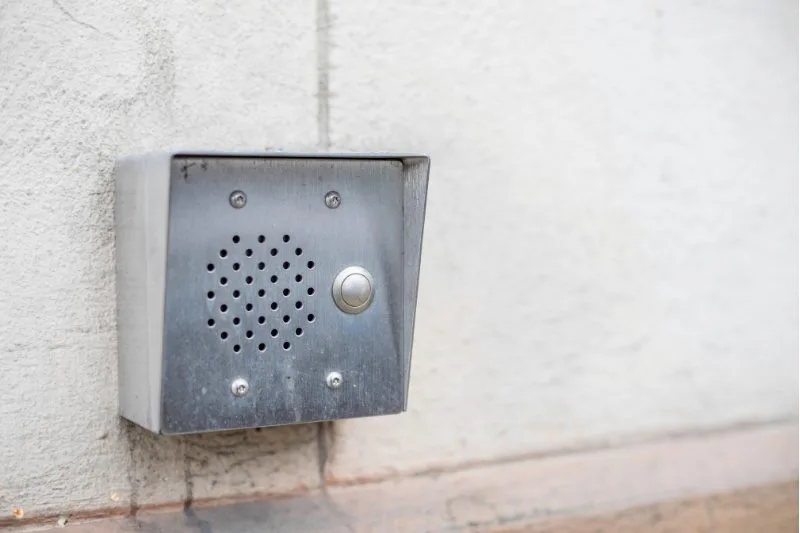
by Meredith Murray | Oct 3, 2020 | Product How-To
When you install a ButterflyMX Video Intercom, it’s possible that you will be replacing an older intercom. If that is the case, you will first need to remove the existing intercom. Read this post to learn how to remove an existing intercom from a door or... Read More