Key takeaways Use voice commands with Alexa-enabled devices to open your doors and gates. To connect ButterflyMX with Alexa, you need an Alexa-enabled device and the ButterflyMX mobile app. Use commands like “Alexa, unlock the front door” for seamless... Read More
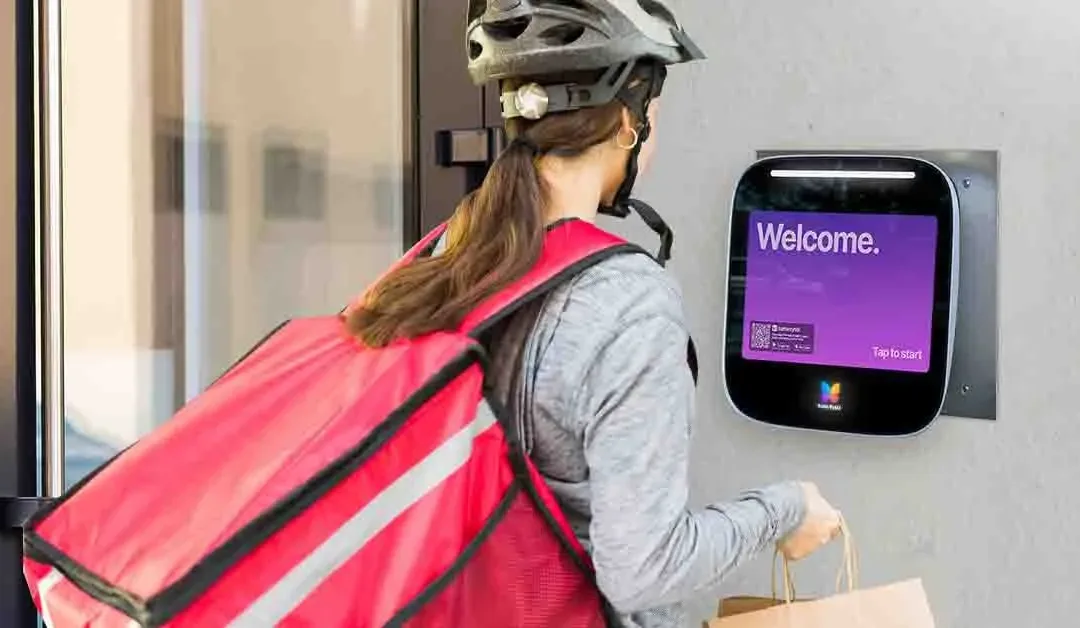
Key takeaways Property admins can create unique 5-digit Delivery PINs for regular delivery carriers. You can add descriptions, edit, or delete PINs anytime via the ButterflyMX OS. For less frequent carriers or one-time deliveries, residents can generate a temporary... Read More
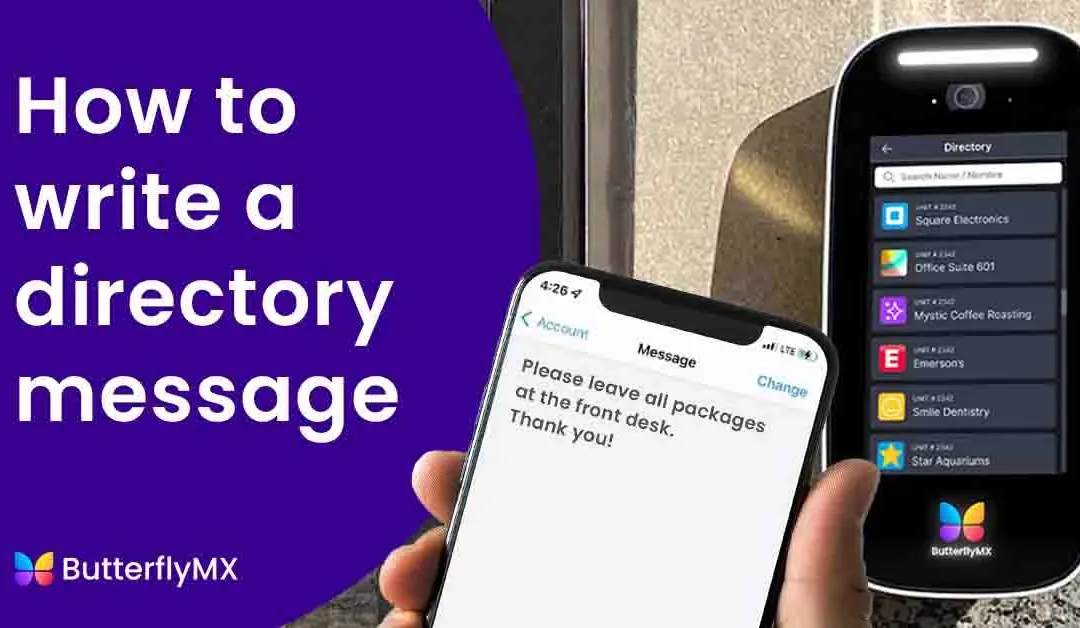
Key takeaways Create a personalized message to display on the Video Intercom for your visitors. Setting up a directory message involves four simple steps in the ButterflyMX mobile app. The message can be changed at any time. Features Write a customized message for... Read More
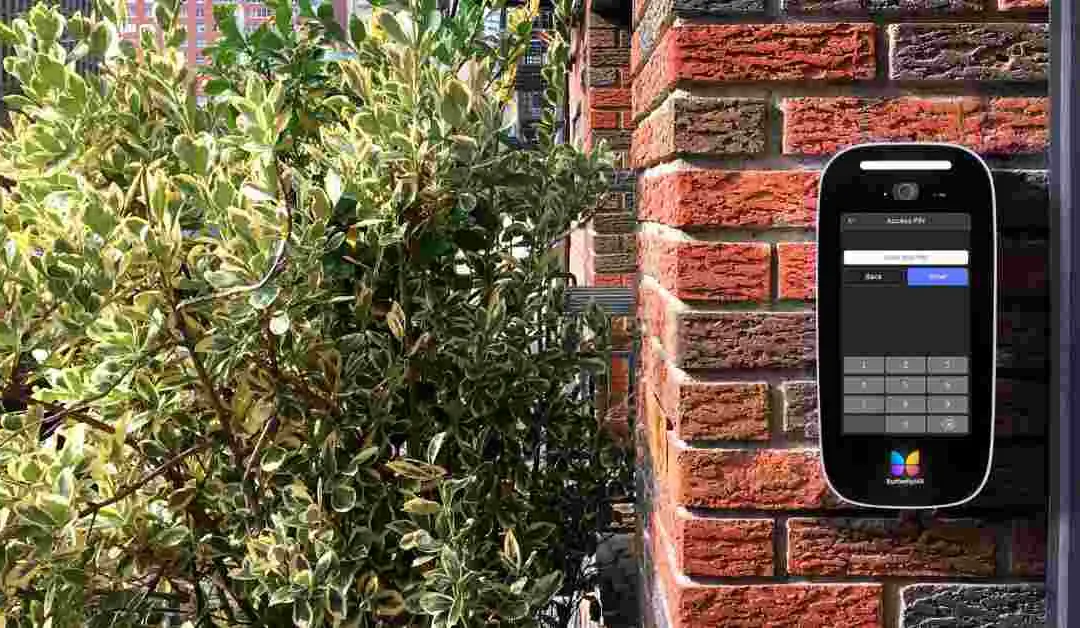
Key takeaways Create and use a customizable Door PIN to open your door or gate if your phone or keys are unavailable. Set up your PIN in the ButterflyMX mobile app under ‘Account’ > ‘PIN’. Use your PIN on both ButterflyMX Video Intercoms and... Read More
Key takeaways Use Siri voice commands or shortcuts to remotely open ButterflyMX-controlled doors or gates. A ButterflyMX account, an iOS device running version 12 or later, the latest ButterflyMX iOS app (1.76+), and Apple’s Shortcuts app are required. Open the... Read More
We live in a world of convenience where access to anything is just a tap away. Unfortunately, that’s not always the case for building access. At ButterflyMX, we’re changing that. Our goal is to provide secure, convenient, and affordable property access — all... Read More