





Key takeaways:
- A door entry phone lets visitors call someone who can authorize entry. Separate hardware unlocks the door.
- How the entrance connects, which devices receive calls, and whether the system supports video are three separate choices.
- Repair isolated faults, retrofit a working panel if its connection needs to change, and consider replacement if the system is unreliable or lacks essential features.
A door entry phone lets a visitor call a resident or staff member to request access to your building. Whether you’re choosing a new system or troubleshooting one you already have, look at the entire entrance. The call connection, answering device, power supply, and door-release hardware all affect whether a visitor can get in.
This guide explains how door entry telephones work, how to choose a connection and answering setup, and what equipment prices cover. You’ll also learn when to repair, retrofit, or replace a system and what to tell installers so you can compare proposals.
This guide will answer:
- What is a door entry phone?
- How does a door entry phone work?
- Which connection and answering setup fits your building?
- How much does a door entry phone cost?
- Should you repair, retrofit, or replace the system?
- Compare three door entry approaches
- Prepare an entrance brief before requesting proposals
Watch how ButterflyMX works:
What is a door entry phone?
A door entry phone is a device at an entrance that lets visitors speak with someone who can grant access remotely. Apartment and condo systems often let visitors choose a resident from a directory. At an office, the panel might route every call to reception. Once the person answering approves entry, separate door-release hardware unlocks the entrance.
Entry phone, door phone, call box, and buzzer are common terms with overlapping meanings. A telephone entry system connects visitors by phone, while a video intercom adds a live image. Check the features of the specific model to see what it supports.
The entry phone is only part of the system
A complete door entry phone system needs an entrance panel with a directory or call buttons, a connection to carry the call, a device to answer it, door-release hardware, and power. If you’re replacing a panel, ask the installer to specify whether the proposal includes new wiring, a power supply, or a lock.
How does a door entry phone work?
A door entry phone connects a visitor with someone who can grant access and relays that person’s unlock command to the entrance hardware. Because calling and unlocking are separate functions, telling the installer which one failed can help narrow down the problem.
From a visitor call to a door release
Here’s how a guest typically gets into a condo lobby through a door entry phone.
- The visitor selects a resident from the directory or presses a call button on the entrance panel.
- The panel places the call over the system’s communication connection.
- The resident answers on a compatible handset, phone, or app and identifies the visitor.
- The resident authorizes entry using the system’s keypad command, door-open button, or app control.
- A controller or relay signals the separate door-release hardware so the visitor can enter. A relay is an electrically controlled switch.
Depending on the system, the call travels over dedicated building wiring, telephone service, cellular service, or an Internet Protocol (IP) network. The panel, controller, and powered release hardware each need a suitable power supply for the entrance to work.
On some telephone entry systems, pressing 9 sends the unlock command. Check which command your system uses. If you can speak with the visitor but the entrance stays locked, check the release circuit separately. At a gate, the intercom sends a command to the gate operator, which moves the gate and has its own safety controls.
Which connection and answering setup fits your building?
Specify how the call travels from the entrance, which device receives it, and whether it includes video. For example, a panel can call a resident’s cell phone over a different type of connection, and that call can be audio-only.
Phone line, cellular, or IP calling
Some older intercoms connect the entrance directly to indoor handsets through dedicated building wiring and work without a public telephone subscription. Others use analog telephone service, cellular service, or an IP network to place calls.
POTS stands for plain old telephone service, the traditional analog telephone connection. Cellular and IP systems can operate without a landline. Voice over Internet Protocol (VoIP) carries voice over an IP network, which can be wired or use Wi-Fi.
Use the table to compare the connections that serve the entrance panel.
Swipe to compare →
A cellular system can operate independently of the property’s internet connection if it has power and reliable signal at the entrance. If you’re changing the connection on an older system, check whether a compatible gateway or adapter will let you keep the panel. The telephone entry system guide covers these options in more detail.
Two other terms often appear in equipment proposals. Power over Ethernet (PoE) delivers power through a network cable when the equipment supports it. Session Initiation Protocol (SIP) governs how compatible IP equipment handles calls over a network. If entry calls need to go through your building’s phone system, check whether it works with the proposed SIP door phone.
In-unit handset, cell phone, or app answering
With a fixed indoor handset, a resident has to be there to answer a visitor. Compatible telephone entry systems can place a regular call to a resident’s cell phone, and app-based systems let residents answer remotely through an intercom app.
Ask installers to explain both how residents will answer visitor calls and how they’ll enter the building themselves. A fob, for example, lets a resident unlock the entrance without an app. They’ll still need a handset, phone, or app to answer visitors.
Audio versus video verification
With one-way video, residents can see who’s at the entrance. Two-way video lets the visitor see the resident too and requires compatible equipment, including an entrance display. When comparing video door phone systems, check where the live image appears and which devices residents need to view it.
Video can help residents identify visitors, though impersonation and tailgating remain possible. Tailgating happens when someone follows an authorized person inside. If you’re upgrading an audio panel, a gateway changes how it connects. Adding video requires a camera and compatible equipment and services.
How much does a door entry phone cost?
The Viking door entry phones below were listed at $139.98 to $484.49 per unit in US retail listings on November 23, 2026. These figures cover individual devices. To budget for a complete installation, account for the other equipment, labor, and services your entrance needs.
Equipment-only price examples
Viking Telecom Solutions listed the following prices. Compare each model’s connection requirements and features to see what else you’d need to install it.
Swipe to compare →
Prices can change and exclude installation, wiring, a power supply, release hardware, any separately required controller, and service. A lower-priced analog unit may require additional work if your building lacks a compatible telephone connection.
Budget for four separate cost categories
Ask installers to itemize upfront and ongoing costs in four categories.
- For equipment, list the panel, controller, answering stations, mounting hardware, and any components needed to connect to the door-release hardware.
- For installation, include mounting the panel, running wiring, and any other site work or work on the door opening.
- For recurring service, identify required telephone, cellular, VoIP, or cloud services. Ask how each service is billed, what it includes, and whether it carries an activation fee.
- For ongoing upkeep, budget for repairs, replacement parts, and staff time to update directories and access permissions.
The number of entrances, existing wiring, release hardware, and service requirements all affect the scope. Give each installer the same entrance brief describing your current equipment and needs so you can compare bids for the same work.
Should you repair, retrofit, or replace the system?
Have the installer identify what needs to change before you decide. A failed call, a door that won’t unlock, and a directory that’s hard to update can each call for a different fix.
Repair a serviceable system with an isolated fault
Repair makes sense when the system is otherwise dependable, parts are available, and its calling and management features still meet your needs. For example, replacing a failed call button may be all you need to restore a functioning condo entrance. Compare the cost of the repair with the cost of replacing the system before you decide.
Retrofit a working panel with a different connection
A retrofit updates part of the existing system. A cellular gateway or VoIP adapter can let you keep a working panel if its current connection becomes costly, unreliable, or unavailable. Compatibility can depend on the exact panel model and circuit-board version, so have the installer check the equipment on site.
Changing the connection can restore reliable calls. If you also want video, guest passes, or remote directory management, verify that the proposed equipment supports each feature.
Replace when the system is unreliable or lacks essential features
Consider replacement if the system fails repeatedly, parts are hard to find, residents struggle to verify visitors, or directory updates take too much staff time. Define what residents and staff need to do before choosing equipment. A property with frequent turnover may need remote directory management, while basic audio calling may still serve a smaller building where residents rarely move.
Check carrier notices before canceling a landline
Landline retirement timelines vary by service address, and service can continue after a carrier retires copper wiring. In the copper-to-fiber replacement cases described by the FCC, incumbent carriers must give at least 180 days’ notice to non-residential customers and 90 days to residential customers. Check the notice for your service address to confirm which category applies to your account.
Before canceling an analog line, list everything that uses it. Fire alarm communicators and elevator emergency phones need separate review by their vendors and the relevant local authorities. The guide to planning for POTS lines going away explains how property teams can prepare.
Plan for power loss as well. Traditional copper telephone service may remain available during an outage, even if the entrance panel or lock loses the power it needs to operate.
Compare three door entry approaches
The table compares Viking and Comelit product families with the Video Intercom from ButterflyMX, the publisher of this guide.
Swipe to compare →
Viking may suit a property that needs basic audio calling or already has compatible SIP infrastructure. Comelit offers video and app options and may be able to use existing cabling. ButterflyMX lets residents answer video calls on their phones and staff update access permissions remotely. Once you’ve identified which features matter at your property, check the proposed configuration against your unit count, entrances, and existing equipment.
Viking entry phones for traditional and SIP calling
Viking Electronics offers E-series entry phones with separately selected C-series controllers and directories. Its catalog lists the C-3000 controller for 12 apartments, expandable to 96, and the C-4000 controller for 250 units with four entry points. Use the selected controller’s capacity to plan how many units and entrances it needs to serve.
The family includes VoIP/SIP phones and models with enhanced weather protection rated IP66 for outdoor use. Check the specific model for its weather rating, where it can send calls, how it’s programmed, and which credentials it supports.
Comelit for video entry and retrofits
Comelit USA offers video intercom and access control systems for multifamily properties, with resident apps and professional management tools. These options can let residents answer remotely and help staff update the directory when residents move in or out.
Comelit advertises existing-cabling reuse and integrations such as Livly. Whether you can keep the wiring depends on the selected system and what the installer finds on site. Ask the installer to specify which cables can stay and which app and integration features the proposal includes.
ButterflyMX for smartphone video and remote administration
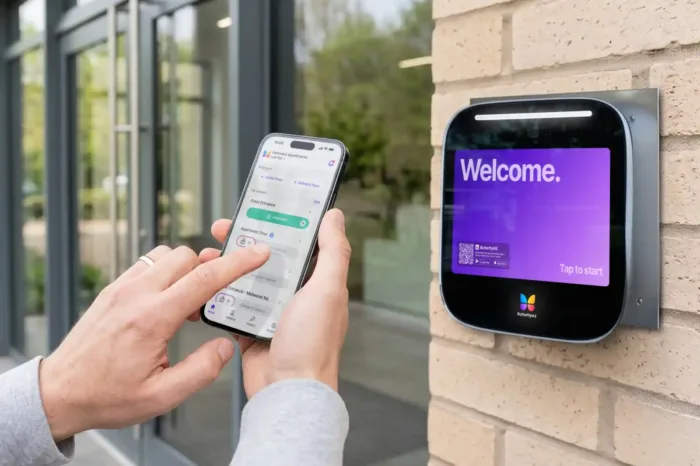
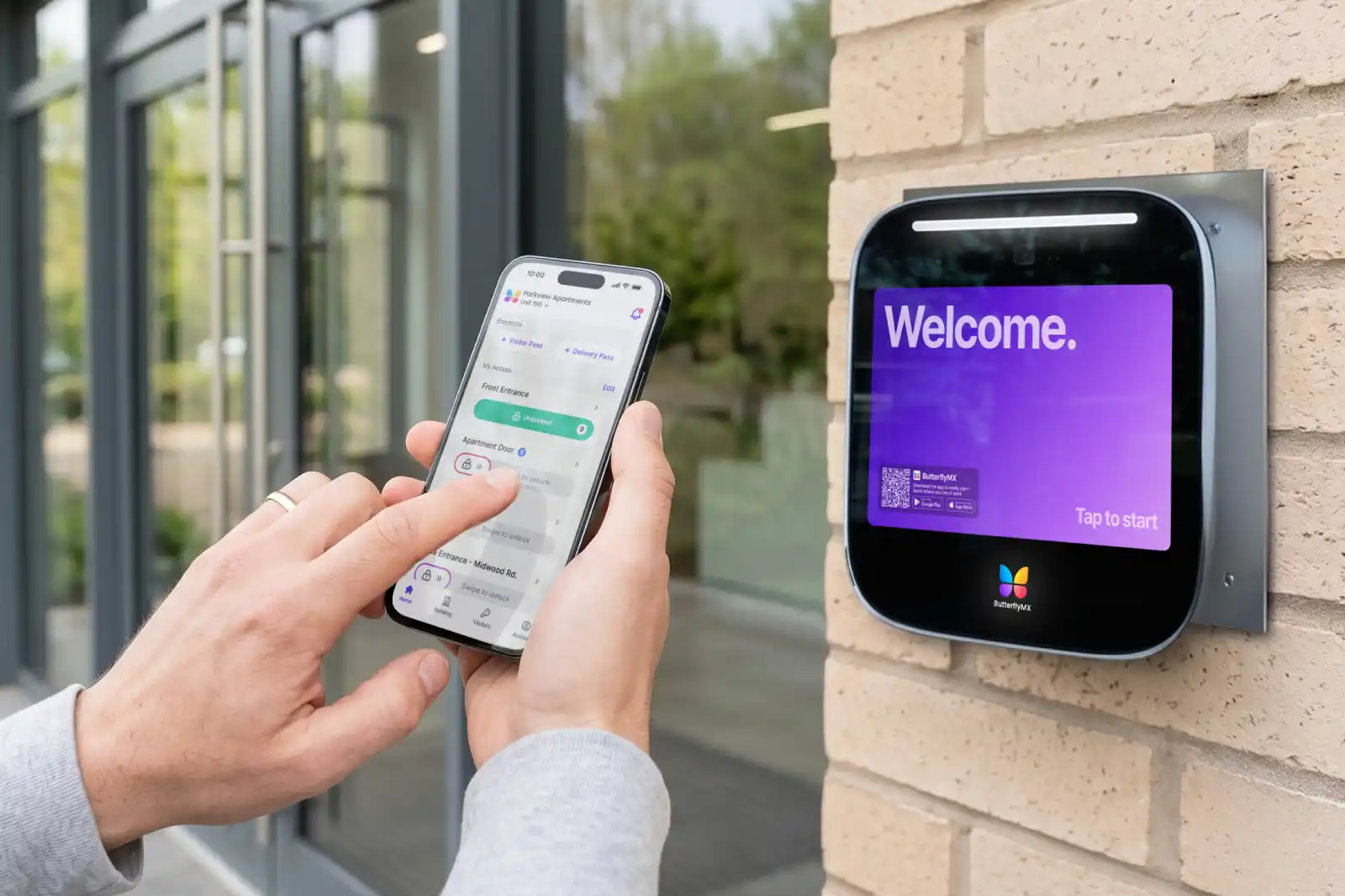
The ButterflyMX Video Intercom starts visitor calls with one-way video so residents can see who’s at the entrance on their smartphones. Residents can also manage guest entry with Visitor Passes and supported PINs. Remote permissions and supported property management system integrations help staff update access when residents move in or out.
ButterflyMX keeps date- and time-stamped audit photos for 365 days, giving staff a record of individual events. Depending on the configuration, residents can use fobs, keycards, the app, or other supported credentials to enter. Answering a visitor call is a separate function.
Installation requires internet, power, and a connection to the door-release hardware. Ask your local low-voltage installer which wiring each connection needs and how the entrance will operate during an outage. If you’re deciding between indoor answering hardware and smartphones, see the comparison of IP video door phones and smartphone alternatives.
Prepare an entrance brief before requesting proposals
Give each installer the same written description of your entrances, current equipment, and required features. When everyone bids on the same work, it’s easier to spot gaps in equipment or service. Cover the following details in your brief.
- The entrance location, weather exposure, number of units, and number of entrances.
- The directory size, where visitor calls should go, and the devices residents or staff will use to answer.
- Existing panel and controller models, along with any known faults.
- Available power, wiring, telephone service, cellular coverage, and network connections.
- Door-release hardware, required credentials such as fobs or PINs, and desired integrations.
- Who will administer the system and how people should enter during an outage.
Document connectivity, wiring, and release hardware
If you’re considering cellular, have the installer test the signal where the panel will go. For an IP system, identify the network connection and power supplies the equipment will use. Before the installer includes any existing components in the proposal, have them check cable lengths and confirm whether the equipment supports the wiring, PoE, or adapter you plan to use.
The installer also needs to assess the door opening and the entire release circuit. Fail-safe hardware unlocks if it loses power, while fail-secure hardware stays locked from the secured side. The installer and the authority having jurisdiction must evaluate the full opening to determine whether it meets applicable exit requirements.
Assign responsibility for the directory and test for outages
Decide who will update the directory and access permissions when residents move in or out, and who will show residents how to use the system.
Before accepting the installation, have the installer test what happens if the power, internet connection, cellular service, controller, or release hardware fails. Record which functions still work in each scenario, which equipment needs backup power, and how residents and visitors can enter using the approved alternative. Keep that information available to staff so they can respond during an outage.
Use your entrance brief to compare the full installed cost and ongoing service for each proposal. Check that the proposed system works with your door-release hardware, supports how residents want to answer visitors, and gives staff a clear plan for outages. If smartphone video calls and remote access management fit your property, explore the ButterflyMX Video Intercom or request a demonstration.

Get your free quote!
Fill in the form below, and we'll email you right back.
Want a free quote?
Fill in the form below, and we'll email you right back.
Redirecting you in 5 seconds.