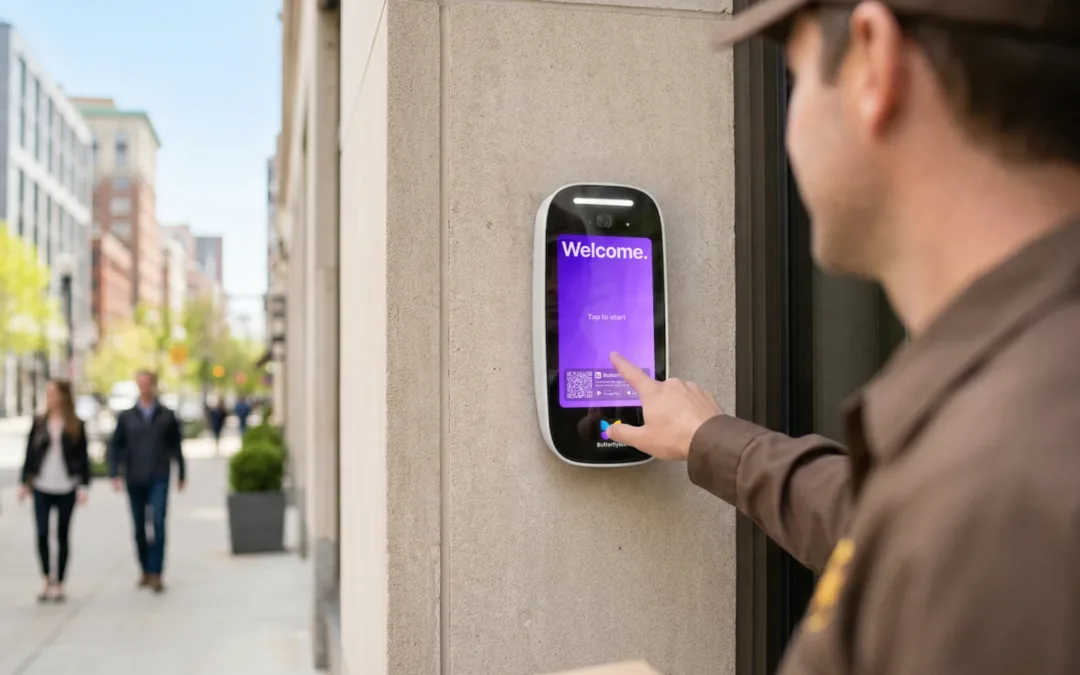
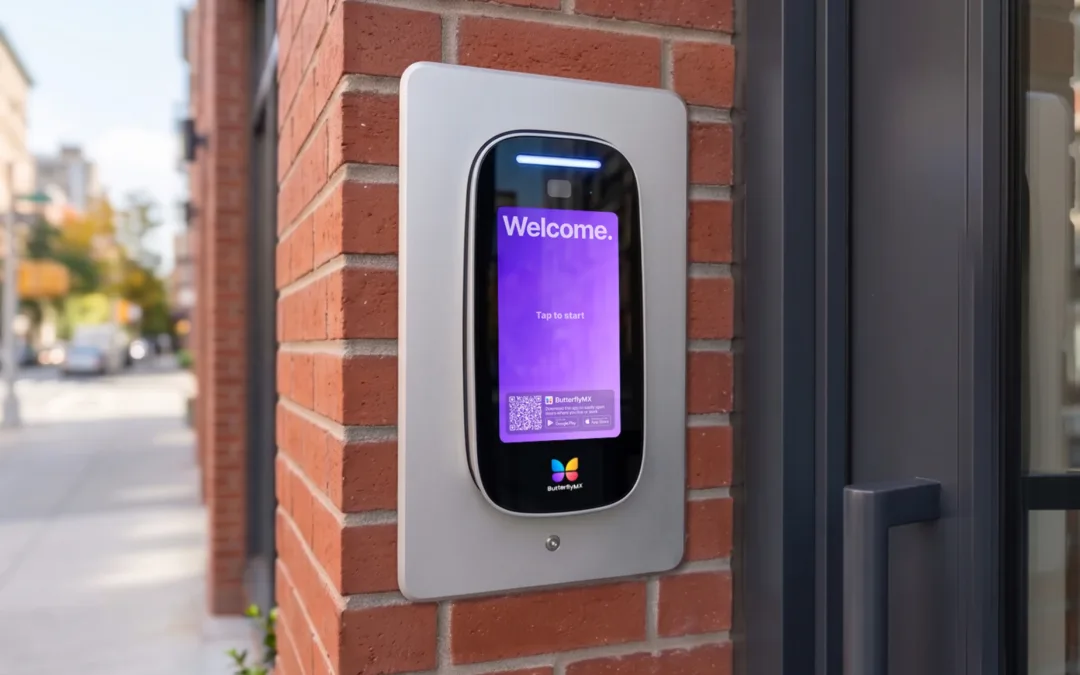
When you install a ButterflyMX Video Intercom, it’s possible that you will be replacing an older intercom. If that is the case, you will first need to remove the existing intercom. Read this post to learn how to remove an existing intercom from a door or... Read More
Residents love ButterflyMX’s video calling because it allows them to see who’s at the door or gate before letting them into the property. And if you’re not expecting a visitor and someone is suddenly at the door or gate, it’s natural to want to see... Read More
Important note: You must be certified to install ButterflyMX video intercoms. If you are not certified, you risk voiding our two-year hardware warranty. Register for our free, 30-minute online course to get certified. Once certified, you may also be eligible to... Read More
One of the benefits of having a ButterflyMX video intercom at your building is the added security. Every time a resident or visitor uses ButterflyMX to enter the building, the intercom takes a time-and date-stamped photo of the person entering. As a ButterflyMX... Read More
If you are installing a ButterflyMX video intercom, you may need to extend the power cables. If this is the case, you’ll have to splice the appropriate gauge cable into the 24-volt transformer that comes with each smart intercom. Before you continue, we... Read More
(Last updated: 1/5/21) As a Property Admin in the ButterflyMX system, you have the ability to manage your tenant list. You can add, remove, or update your tenant data at any time. If you use Property Management Software such as Entrata, RealPage, Yardi, or... Read More